

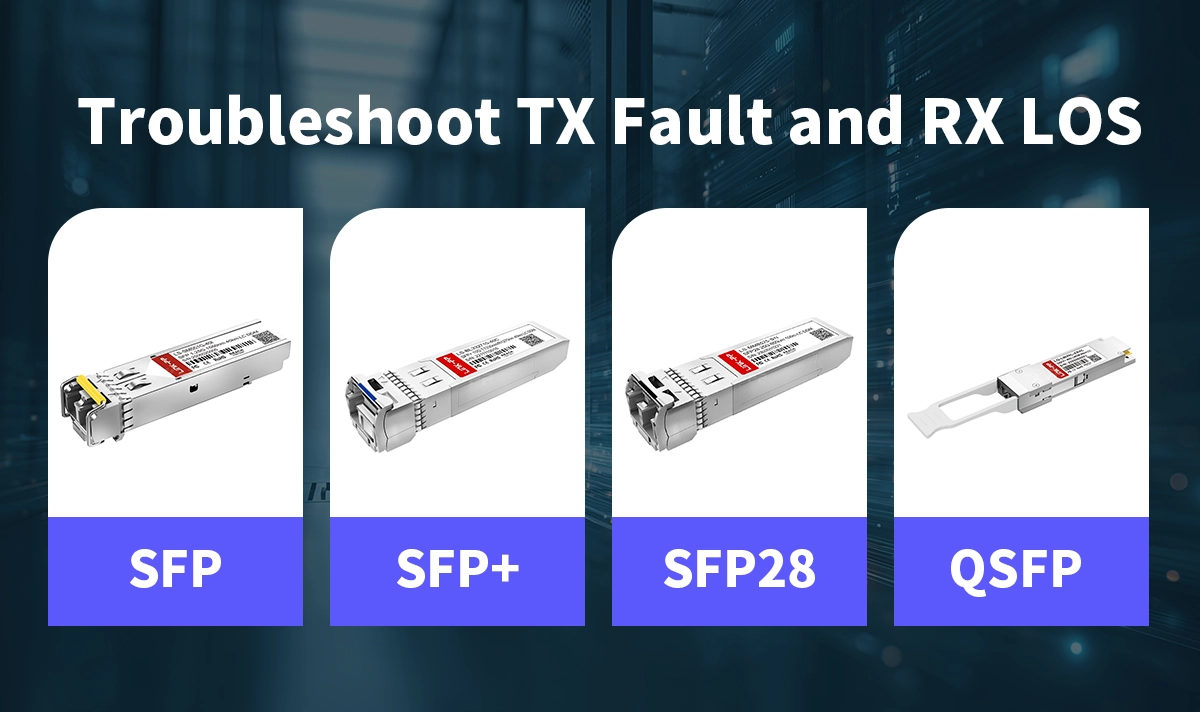
Optical transceivers are essential components in modern fiber-optic networks, enabling high-speed data transmission across data centers, telecom systems, industrial automation, and enterprise switching environments.
To maintain stability, most SFP, SFP+, SFP28, and QSFP modules provide two key diagnostic indicators: TX Fault and RX LOS.
These signals help engineers quickly identify optical issues, prevent link failures, and maintain reliable network uptime. This article explains what they mean, how they work, and how to troubleshoot them effectively.
✅ TX Fault: What It Means and Why It Appears
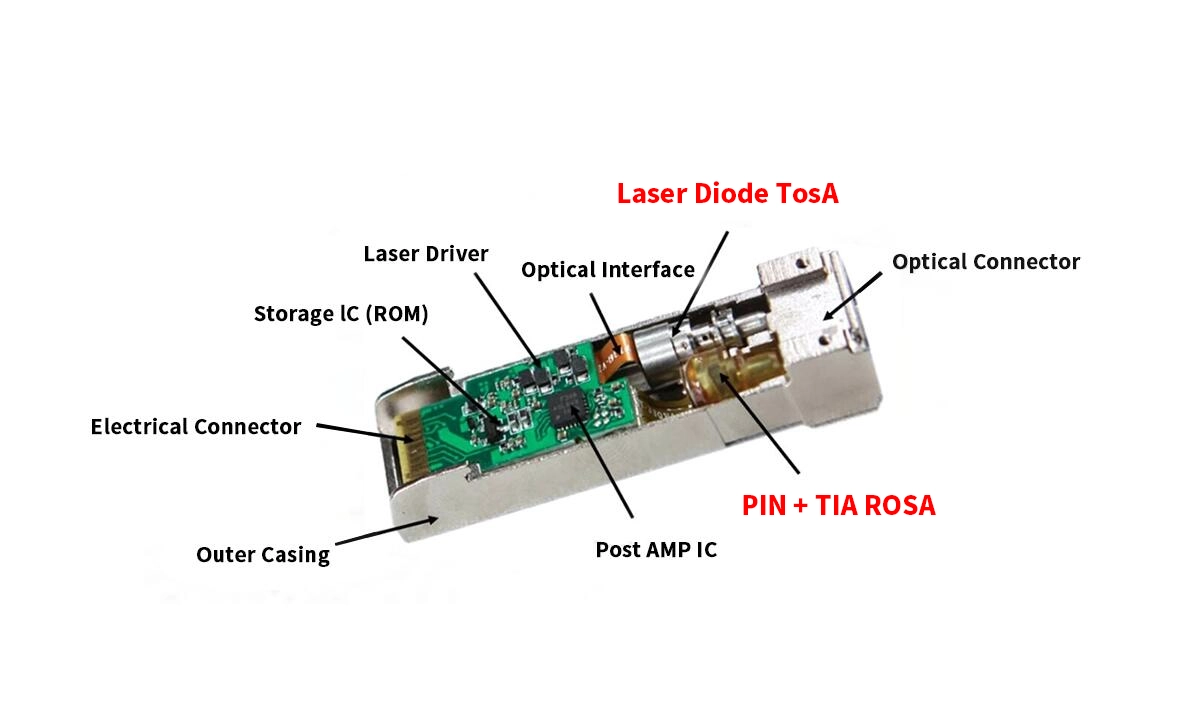
TX Fault (Transmit Fault) is a hardware signal used by optical transceivers to indicate a problem with the transmitter (TX) laser.
When TX Fault is asserted (usually “HIGH”), it means the transmitter cannot operate within its normal specifications.
▷ Common Reasons for TX Fault
Laser bias current out of range
The module detects abnormal laser drive conditions and shuts down transmission for protection.TX optical power too low or too high
Internal monitoring (DOM/ DDM) triggers a fault if output power deviates beyond limits.Over-temperature condition
Excessive temperature can impact laser performance, causing auto-shutdown.Faulty or damaged TOSA (Transmitter Optical Sub-Assembly)
Physical damage or aging components can lead to unstable laser output.Incorrect or unsupported host equipment
Some switches trigger TX Fault when the module coding or compatibility is mismatched.
▷ What Happens During a TX Fault Event
The module disables the laser for safety.
TX output power drops to zero.
The host system receives the fault indication and logs an alarm.
The module attempts recovery or remains shut down depending on the design.
✅ RX LOS: What It Means and Why It Appears
RX LOS (Receiver Loss of Signal) indicates the module’s receiver (RX) is not detecting sufficient optical power to establish a valid link.
Simply put:
RX LOS = No light or insufficient light entering the receiver.
▷ Common Causes of RX LOS
Fiber is unplugged or incorrectly connected
One of the most common reasons for LOS alarms.Insufficient input optical power
If the received power level is below the sensitivity threshold, the module declares LOS.Dirty, scratched, or contaminated fiber connectors
Even slight contamination can reduce optical power significantly.Incorrect wavelength pairing (e.g., 1310nm connected to 1550nm)
Mismatched optics will not communicate.Faulty fiber cables or excessive link loss
Bending, breaks, or long-distance attenuation trigger LOS.Upstream transmitter failure
The opposite end may not be transmitting light at all.
▷ What Happens When RX LOS Is Active
The receiver output becomes invalid.
The host device may shut the port or mark the link as down.
Higher-layer protocols (e.g., Ethernet or CPRI) fail to establish a connection.
✅ TX Fault vs. RX LOS — Key Differences
Feature | TX Fault | RX LOS |
|---|---|---|
Function | Indicates transmitter (laser) issues | Indicates insufficient received optical power |
Triggered by | Laser malfunction, over-temp, power deviation | Fiber disconnection, low power, dirty connectors |
Direction | Outgoing signal | Incoming signal |
Effect on the link | TX laser shuts down | The receiver cannot detect light |
Type of issue | Module-internal | Link-internal or external |
Understanding both signals helps pinpoint whether the problem is due to the Fiber transceiver, the fiber link, or the remote device.
✅ How to Troubleshoot TX Fault
Follow these steps:
Check module temperature
Ensure it’s within operating range (e.g., –40°C to +85°C for industrial grade).Inspect DOM/ DDM values
Look for abnormal laser bias current or TX output power.Clean fiber connectors
Contamination can cause power fluctuations affecting the transmitter.Verify switch compatibility
Some switches block third-party modules or require “allow-unsupported” settings.Swap the transceiver
A persistent TX Fault often indicates a failing laser or TOSA.
✅ How to Troubleshoot RX LOS
Check if the fiber is plugged in firmly
LC connectors must fully seat into the transceiver.Clean both ends of the fiber
Use appropriate fiber cleaning tools—never wipe with clothing or paper.Verify wavelength compatibility
Both sides must use matched optics (e.g., 1310nm ↔ 1310nm).Measure link loss
Excessive attenuation may require replacing the fiber or adjusting the patching.Check the remote transmitter
The far-end TX may be faulty or turned off.Swap transceivers and cables
Helps isolate whether the issue is with the module or the physical link.
✅ How LINK-PP Transceivers Help Prevent TX Fault and RX LOS Issues
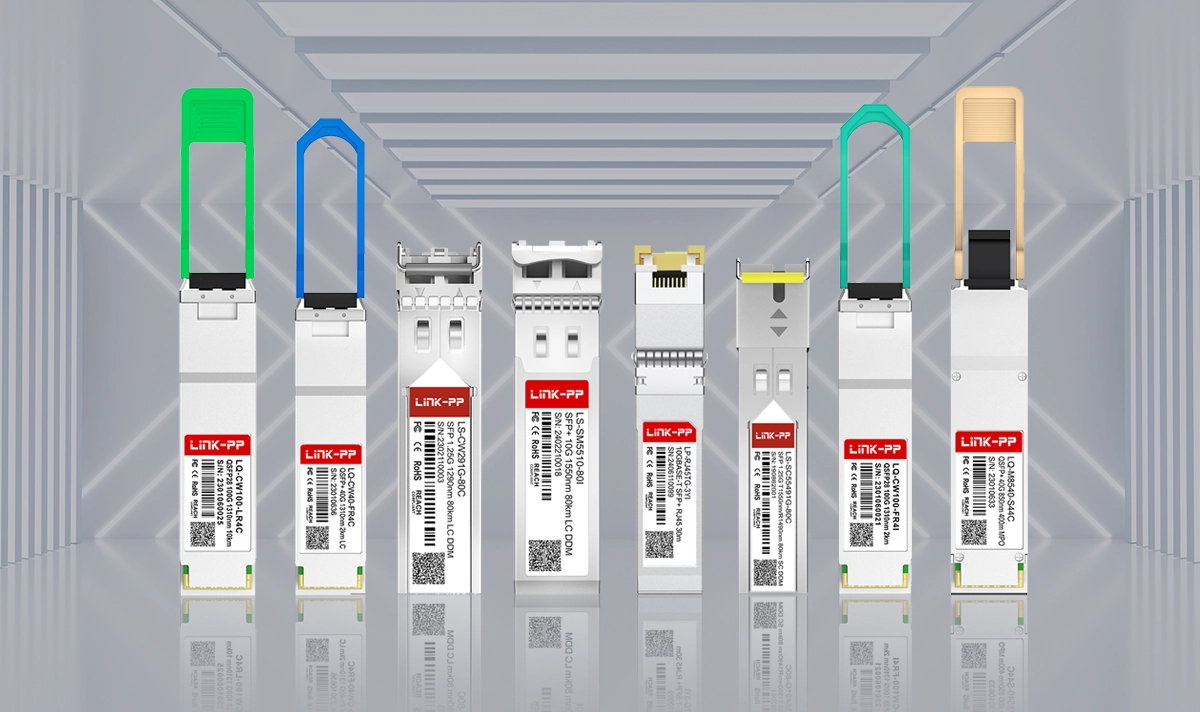
LINK-PP’s industrial-grade SFP Modules are engineered for stable optical performance in demanding environments.
Key design features include:
Precision laser control to minimize TX Fault occurrences
High-sensitivity receivers for better LOS robustness
Industrial and extended-temperature options for harsh applications
Full DDM/DOM support for easy diagnostics
Low jitter and stable optical power for telecom and data center deployments
These characteristics help integrators maintain higher network uptime and reduce troubleshooting time in optical networks.
✅ Conclusion
TX Fault and RX LOS are essential diagnostic mechanisms in modern optical transceivers.
TX Fault points to transmitter problems.
RX LOS indicates insufficient or missing optical input power.
Understanding their causes, behaviors, and troubleshooting methods allows network engineers to quickly identify issues and maintain reliable fiber-optic communication.
For stable performance, long-term reliability, and strong optical signal integrity, LINK-PP provides a full range of SFP, SFP+, and industrial-grade optical transceivers tailored for global networking applications.



