

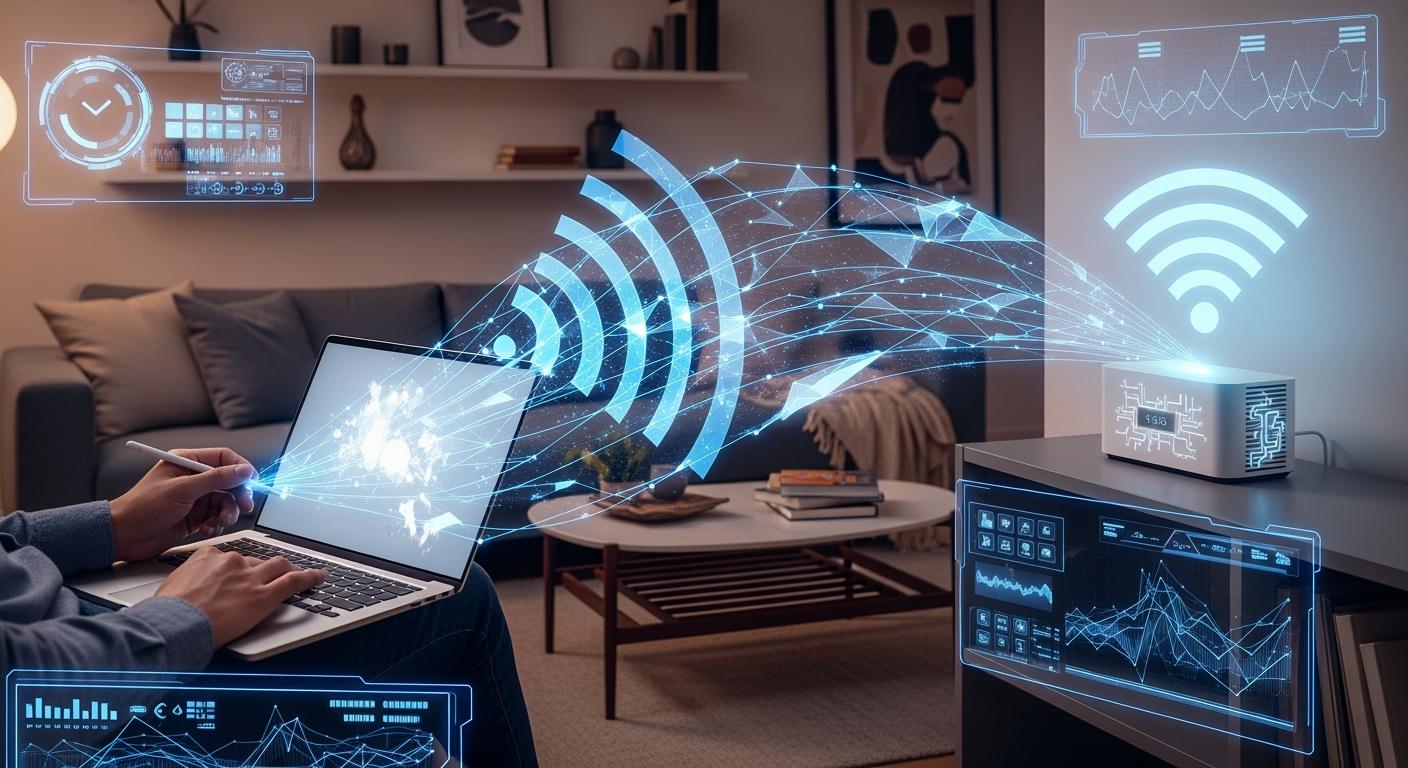
Imagine a day without Wi-Fi. No streaming your favorite shows, no video calls with colleagues, no smart home devices adjusting your thermostat. Wi-Fi has become the invisible utility powering our modern digital lives, as essential as electricity. But what exactly is this technology that lets us connect without wires?
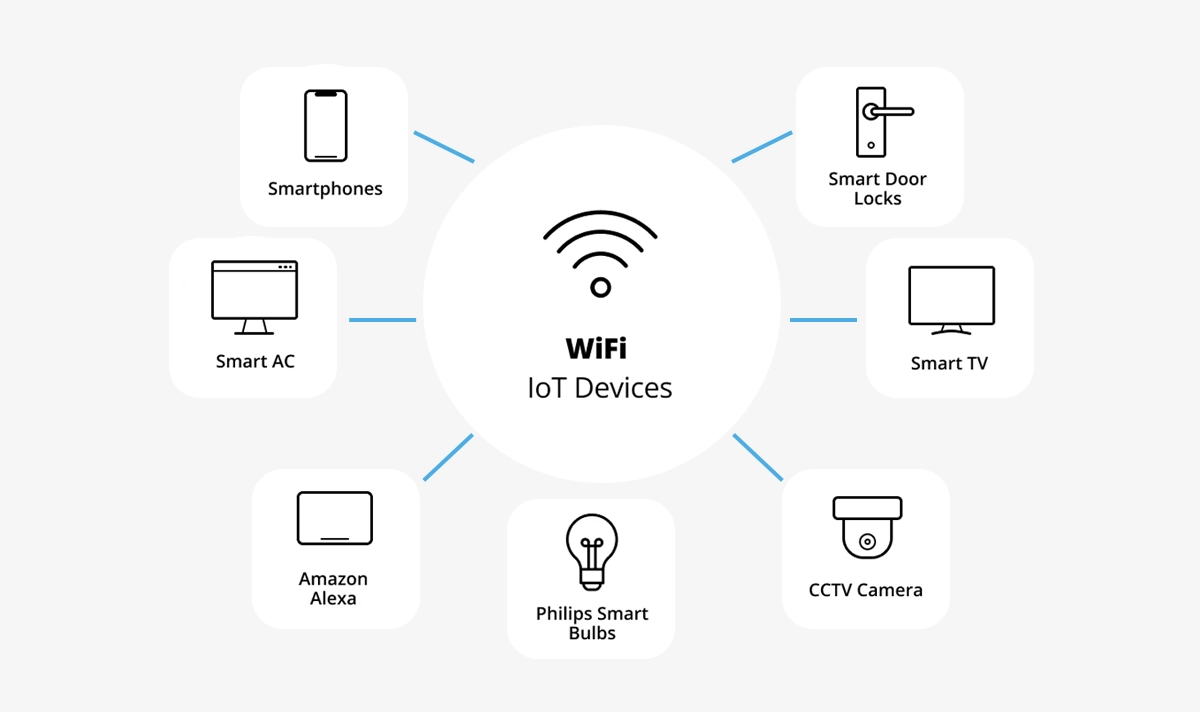
In simple terms, Wi-Fi is a wireless networking technology that uses radio waves to provide high-speed internet and network connections to devices like smartphones, laptops, smart TVs, and IoT gadgets. From checking email at a coffee shop to controlling your home security system remotely, Wi-Fi enables the cord-free convenience we often take for granted.
This comprehensive guide will demystify how Wi-Fi works, explore its evolution, and provide practical tips for optimizing your home network setup—including how advanced components like optical modules form the backbone of our wireless world.
📡 Key Takeaways
Wi-Fi lets you use the internet without any wires. This makes going online easy and quick.
Wi-Fi sends data with radio waves. Routers help your devices connect to the internet.
New Wi-Fi generations are faster and work better. Use newer devices for the best results.
Setting up Wi-Fi at home is easy. Put the router in the middle of your home. Connect it to the modem. Join the network on your devices.
To stay safe on Wi-Fi, use strong passwords. Turn on encryption. Do not share personal information on public networks.
📡 What Is Wi-Fi? Definition & Core Standards
Wi-Fi isn't an acronym, despite popular myths about "Wireless Fidelity." It's a brand name created by the Wi-Fi Alliance for marketing wireless local area network (WLAN) technology based on IEEE 802.11 standards. At its heart, Wi-Fi allows devices to communicate by transmitting data over specific radio frequency bands.
Key Wi-Fi Generations & Evolution
Wi-Fi has evolved dramatically since its inception. Here's a brief timeline of major standards:
Wi-Fi Standard | Year Introduced | Max Speed (Theoretical) | Frequency Band | Key Advancement |
|---|---|---|---|---|
802.11b | 1999 | 11Mbps | 2.4GHz | First widely adopted standard |
802.11a | 1999 | 54Mbps | 5GHz | Introduced 5 GHz band |
802.11g | 2003 | 54Mbps | 2.4GHz | Brought 5 GHz speed to 2.4 GHz |
802.11n (Wi-Fi 4) | 2009 | 600Mbps | 2.4/5GHz | MIMO technology, wider channels |
802.11ac (Wi-Fi 5) | 2014 | 3.5Gbps | 5GHz | Faster speeds, beamforming |
802.11ax (Wi-Fi 6) | 2019 | 9.6Gbps | 2.4/5/6GHz | Efficiency in crowded networks |
802.11be (Wi-Fi 7) | 2024 (est.) | 40Gbps+ | 2.4/5/6GHz | Extremely high throughput |
Understanding these standards helps when selecting routers or troubleshooting Wi-Fi connection problems. The latest Wi-Fi 7 speed capabilities are revolutionizing applications like 8K streaming and augmented reality.
📡 How Does Wi-Fi Actually Work? The Radio Wave Magic
The Basic Transmission Process
Data Conversion: Your device converts digital data (websites, videos) into radio waves
Signal Transmission: Your router's antenna broadcasts these waves
Signal Reception: The receiving device's antenna captures the waves
Data Reconstruction: Waves are converted back into digital data
This happens millions of times per second using two primary frequency bands:
2.4GHz band: Longer range, better wall penetration, but more congested
5GHz band: Faster speeds, less interference, but shorter range
6GHz band (new): Available for Wi-Fi 6E/7, massive bandwidth, minimal congestion
Critical Components
Access Point (AP)/Router: The central hub that creates the wireless network
Wireless Adapter: Built into your devices to send/receive signals
Channels: Subdivisions within bands to reduce interference
SSID: The network name you see when connecting
For those experiencing slow Wi-Fi speeds, understanding channel selection and band allocation can significantly improve performance. Dual-band or tri-band routers help distribute devices efficiently across available frequencies.
📡 Wi-Fi Security: Protecting Your Wireless Network
Wireless security has evolved alongside the technology:
WEP (Wired Equivalent Privacy): Easily cracked, obsolete
WPA (Wi-Fi Protected Access): Temporary improvement
WPA2: Became mandatory in 2006, widely adopted
WPA3: Current standard with enhanced encryption
Essential Security Practices
✓ Change default router admin credentials
✓ Use WPA3 encryption when available
✓ Create a strong, unique network password
✓ Keep router firmware updated
✓ Enable network firewall
✓ Consider a separate guest network
Businesses requiring enterprise Wi-Fi solutions should implement additional measures like RADIUS authentication and network segmentation. Regular Wi-Fi network troubleshooting should include security audits to detect unauthorized access points.
📡 Optimizing Your Wi-Fi Performance
Practical Enhancement Tips
Router Placement Best Practices:
Central location in your home/office
Elevated position, away from floors
Distance from thick walls, metal objects
Away from other electronics (microwaves, baby monitors)
Technical Optimizations:
Select least congested channels (use analyzer apps)
Update to Wi-Fi 6/6E compatible devices
Implement Quality of Service (QoS) settings
Consider mesh networks for large spaces
Advanced Solutions:
For demanding applications like 4K/8K media streaming, competitive gaming, or home office network requirements, investing in quality equipment matters. This is where LINK-PP's networking solutions demonstrate their value, offering reliable components that maintain stable connections even during peak usage.
📡 The Backbone: Where Optical Modules Power Wi-Fi
The Wired Foundation of Wireless
Here's a surprising fact: Every wireless network ultimately connects to a wired one. The fiber optic backhaul that brings internet to your neighborhood, the Ethernet cables connecting your router—these form the essential infrastructure that Wi-Fi depends on. This is where optical modules play a critical role.
Optical modules (or transceivers) are compact devices that convert electrical signals from networking equipment into light pulses for transmission over fiber optic cables, then back to electrical signals at the destination. They're the unsung heroes in data centers, internet exchange points, and the broadband networks that feed your local Wi-Fi.
How Optical Modules Support Wi-Fi Networks
Backhaul Connectivity: Cell towers and business access points often use fiber with optical modules to connect to the core network
Data Center Links: The cloud services you access via Wi-Fi live in data centers connected by thousands of optical modules
FTTH (Fiber to the Home): Many homes now receive internet via fiber optics with an optical network terminal (ONT)
For high-performance scenarios like stadium Wi-Fi, corporate campuses, or smart city wireless infrastructure, the capacity and reliability of these optical connections become paramount. Advanced modules enable the multi-gigabit speeds that power next-generation wireless experiences.
LINK-PP Optical Module Solutions
Professional installations requiring maximum reliability often specify quality components like LINK-PP's 800G QSFP-DD optical transceivers. These high-density modules support the enormous data throughput needed for modern Wi-Fi 6E and Wi-Fi 7 deployments, particularly in enterprise and service provider environments where hundreds of users connect simultaneously.
The LINK-PP 800G series offers exceptional performance for data center interconnects and 5G backhaul—the very infrastructure that enables your high-speed Wi-Fi experience. When planning future-proof network infrastructure, incorporating such advanced optical components ensures your wireless network won't be bottlenecked by its wired foundation.
📡 Future Trends & Wi-Fi's Next Evolution
Wi-Fi 7 (802.11be) represents the near future with:
320MHz channel bandwidth (vs. 160 MHz in Wi-Fi 6)
Multi-Link Operation (MLO) for simultaneous band use
4K-QAM for 20% faster data encoding
Potential for sub-1ms latency
Emerging Applications:
Wi-Fi for IoT devices will expand with lower-power standards
Seamless roaming between cellular and Wi-Fi networks
Advanced location services with centimeter accuracy
Wireless VR/AR with minimal latency
As bandwidth demands grow—especially for 4K video streaming requirements and cloud gaming—both wireless and wired technologies must advance in tandem. The synergy between cutting-edge Wi-Fi access points and high-capacity optical networks will define our connectivity experience.
📡 Conclusion: Connecting Forward
Wi-Fi has transformed from a convenience to a critical infrastructure component. Understanding its workings—from the radio waves in your living room to the optical fibers spanning cities—empowers you to make better decisions about your connectivity.
Whether you're troubleshooting a weak Wi-Fi signal, planning a smart home automation system, or deploying enterprise infrastructure, remember that robust wireless performance depends on both your local setup and the broader network ecosystem. By investing in quality equipment from reputable providers and staying informed about evolving standards, you can ensure seamless connectivity for all your digital endeavors.
The invisible waves connecting our world continue to evolve, promising faster speeds, lower latency, and more reliable connections—bridging distances and enabling possibilities we're just beginning to imagine.
📡 FAQ
What is a wireless network?
A wireless network lets you link devices without using cables. It uses radio waves to send data between your router and wi-fi enabled devices. You get wireless internet at home, school, or in public places.
What risks do you face on public wi-fi?
You can face risks like hackers stealing your data or watching what you do online. Public wi-fi networks often do not have strong security. You should not share private information when you use these networks.
What devices are wi-fi compatible devices?
Wi-fi compatible devices are phones, tablets, laptops, smart TVs, and game consoles. These wi-fi enabled devices join a wireless network for internet access. You see them in homes, schools, and offices.
What do you need for wireless internet access?
You need internet service, a router, and wi-fi enabled devices. The router makes a wireless network. Your devices join this network for internet access. Wireless networking gives you fast connections.
What should you check before joining a public wi-fi network?
You should look at the network name and ask staff for help. Make sure you join the right wireless network. You lower risks by using trusted networks and staying away from unknown ones.
Tip: Always use a VPN for extra safety on public wi-fi.



