


If you’re upgrading your network or trying to reuse existing hardware, one question comes up again and again: can you use 1Gb SFP in 10Gb port setups without issues?
The short answer is yes—but only under specific conditions. While a 1G SFP module will physically fit into a 10G SFP+ port, actual compatibility depends on whether the port supports backward (1G) operation, and whether it is properly configured. In many real-world deployments, engineers find that the link works instantly—or doesn’t work at all—based on factors like switch chipset, firmware, and configuration settings.
This topic is especially important for:
Network engineers managing mixed-speed environments (1G + 10G)
IT buyers looking to reduce costs by reusing 1G optics
System integrators troubleshooting link failures or speed mismatches
By reading this guide, you will learn:
When a 1G SFP will and won’t work in a 10G port
How to configure your switch correctly for compatibility
The key differences between SFP and SFP+ modules
How to choose the right module for reliable performance
Whether you’re planning a network upgrade or fixing a compatibility issue, this article will give you clear, practical answers—not just theory—so you can make the right decision with confidence.
⭐ Can You Use a 1Gb SFP in a 10Gb Port? (Quick Answer)
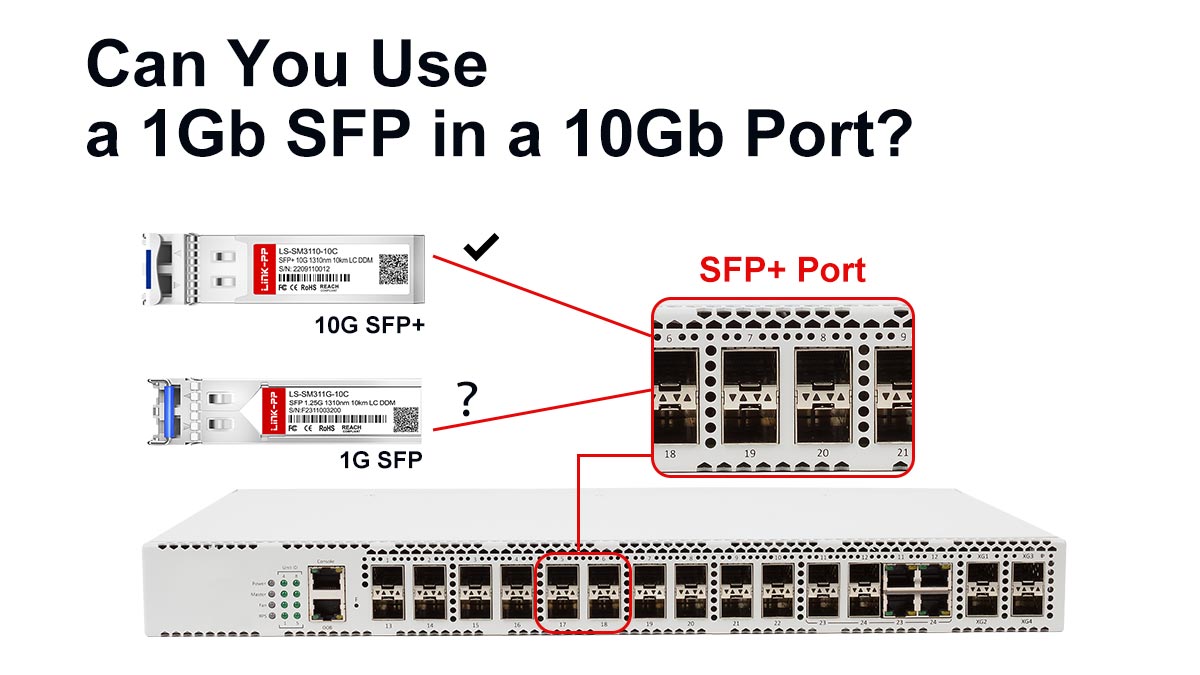
Yes, you can use a 1Gb SFP in a 10Gb SFP+ port—but only if the port supports 1G fallback or is configured to run at 1Gbps.
Here’s the key point:
Although SFP and SFP+ share the same physical form factor, compatibility is not guaranteed at the electrical and firmware level. A 10G port must explicitly support backward compatibility (1G mode) to recognize and operate with a 1G module.
When it works:
The SFP+ port supports dual-rate (1G/10G) operation
The switch allows manual speed configuration to 1Gbps
The module is vendor-compatible or properly coded
When it doesn’t work:
The port is 10G-only (no fallback support)
Auto-negotiation fails and speed is locked at 10G
The device enforces strict vendor restrictions
What is “1G fallback”?
Fallback capability means the 10G port can downshift its operating speed to 1Gbps when a 1G SFP module is inserted. This is common in enterprise switches, but not universal, especially in lower-cost or older hardware.
Bottom line:
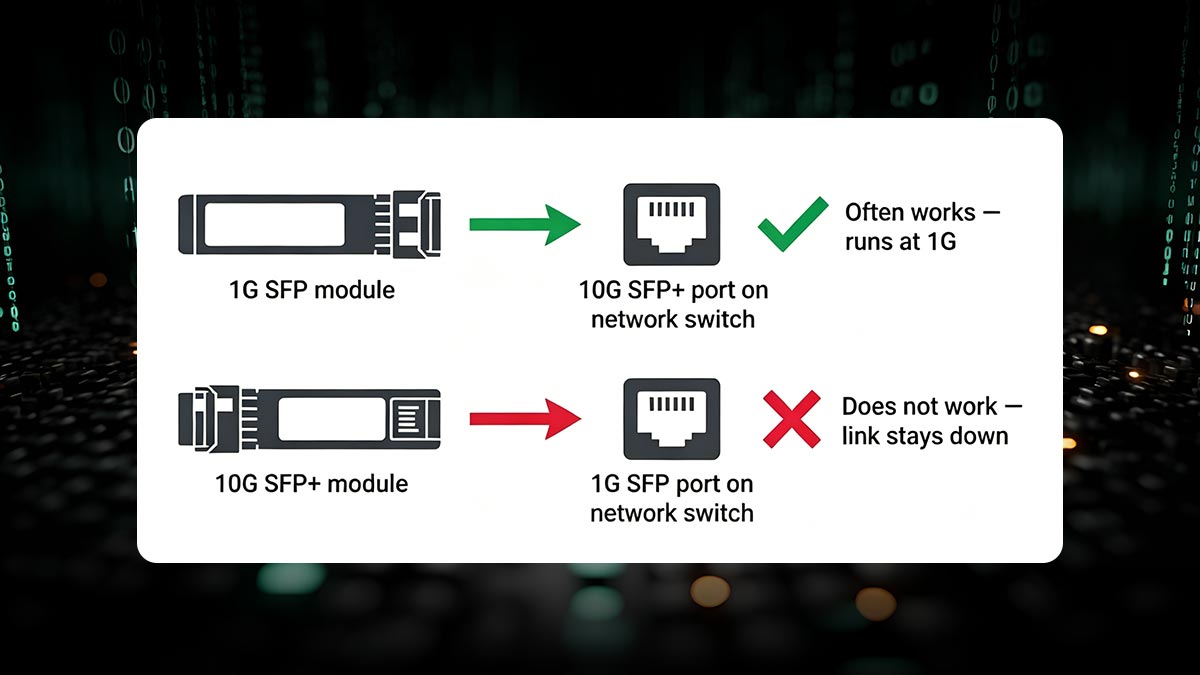
A 1G SFP can work in a 10G port, but you should always verify your switch specifications or configure the port manually to ensure reliable operation.
⭐ How SFP and SFP+ Compatibility Actually Works
At first glance, SFP (1G) and SFP+ (10G) modules look identical—and that’s intentional. They share the same physical cage design, which allows engineers to insert either type of module into many modern network switches. However, physical fit does not guarantee functional compatibility.
To understand whether a 1Gb SFP can work in a 10Gb SFP+ port, you need to look beyond the shape and focus on how the hardware and signaling layers behave.
Physical Compatibility (Same Form Factor)
Both SFP and SFP+ modules use the same hot-pluggable, LC-based form factor, which means:
A 1G SFP will physically fit into an SFP+ port
The port does not prevent insertion based on size
The cage and connector design are intentionally standardized
This physical interchangeability is why many users assume full compatibility—but it only covers the mechanical layer, not electrical or protocol support.
Electrical and Protocol Differences
Despite the identical shape, SFP and SFP+ differ significantly in how they transmit data:
1G SFP modules use Gigabit Ethernet signaling (1.25 Gbps line rate)
10G SFP+ ports are designed for 10.3125 Gbps high-speed serial transmission
This creates a key challenge:
The port must support downshifting its electrical interface to match the 1G module
Otherwise, the link will fail even though the module is physically inserted correctly
In addition, protocol behavior differs:
SFP relies on simpler encoding schemes
SFP+ uses more advanced high-speed encoding for 10G performance
Why Backward Compatibility Exists
Many modern SFP+ ports are designed with multi-rate PHY (physical layer) support, which allows them to operate at multiple speeds, such as:
1G (SFP mode)
10G (SFP+ mode)
This backward compatibility exists for practical reasons:
💰 Cost efficiency: reuse existing 1G infrastructure
🔧 Network flexibility: support mixed-speed environments
📈 Upgrade paths: gradual migration from 1G → 10G
🧩 Inventory simplification: fewer module types to manage
However, this capability is not guaranteed across all vendors or models. Some switches are strictly designed for 10G operation only and will reject or fail to initialize 1G optics.
Key takeaway:
While SFP and SFP+ modules share the same physical design, true compatibility depends on whether the SFP+ port supports multi-rate operation at the electrical and firmware level, not just physical insertion.
⭐ When Does a 1G SFP Work in a 10G Port?
A 1Gb SFP module will only function correctly in a 10Gb SFP+ port when the underlying hardware and software support multi-rate operation. In real networking environments, this compatibility is not accidental—it depends on specific switch capabilities and configuration behavior.
Dual-Rate / Multi-Rate Ports
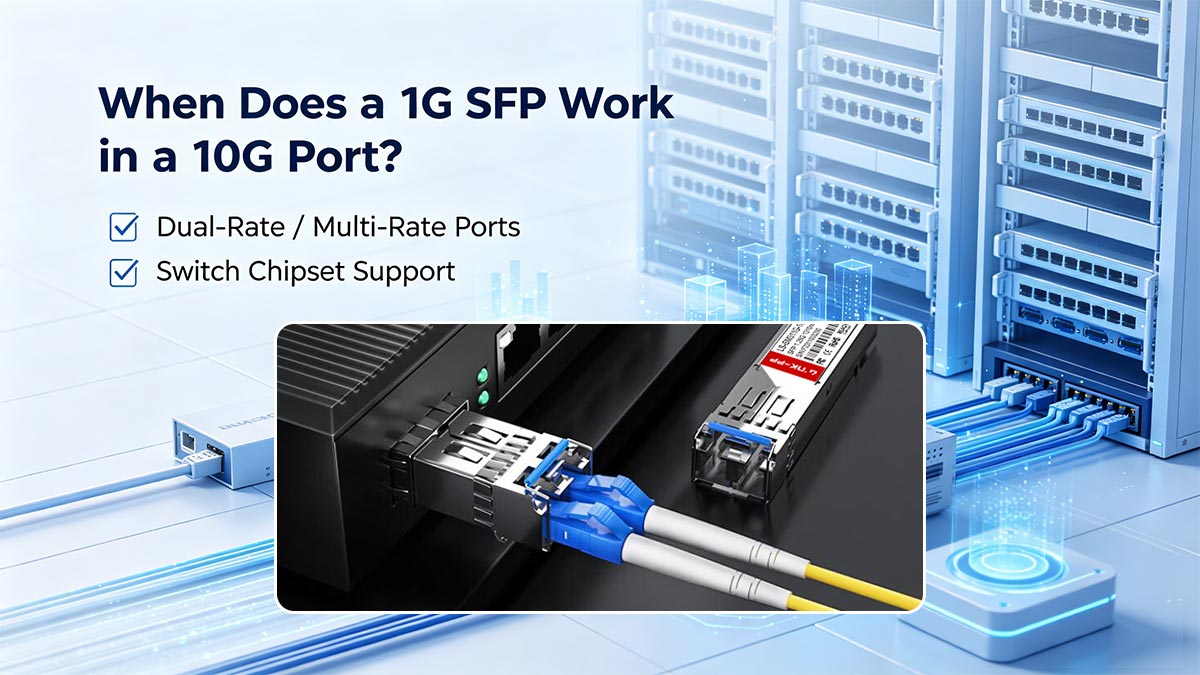
The most important requirement is a dual-rate (or multi-rate) SFP+ port.
These ports are designed to support more than one speed, typically:
1Gbps (SFP mode)
10Gbps (SFP+ mode)
When a 1G SFP is inserted:
The port can automatically switch down to 1G operation
Or it may require manual configuration to force 1G speed
This type of flexibility is common in enterprise-grade switches but less common in entry-level or cost-optimized hardware.
Switch Chipset Support
Compatibility is heavily dependent on the switch ASIC (chipset) and firmware design.
Key factors include:
PHY support for multi-rate operation
The physical layer chip must support both 1G and 10G signaling.EEPROM/module validation logic
Some switches actively check module coding and may block unsupported SFPs.Vendor firmware restrictions
Certain vendors enforce strict compatibility lists, rejecting third-party or non-10G modules even if the hardware could technically support them.
This is why two identical-looking switches may behave differently with the same 1G SFP module.
Real-World Deployment Scenarios
In practice, network engineers commonly encounter successful 1G SFP usage in 10G ports in the following situations:
✔ Mixed-speed enterprise networks
Access layer runs at 1G
Uplink ports are 10G SFP+
Switches support automatic speed negotiation or manual configuration
✔ Gradual network upgrades
Existing 1G fiber links reused during migration to 10G backbone
Temporary use of 1G optics in 10G infrastructure
✔ Lab and testing environments
Engineers use 1G SFPs in 10G ports for compatibility testing or segmentation
✔ Multi-rate supported switches
Data center switches explicitly designed for 1G/10G flexibility
Common in higher-end enterprise and carrier-grade equipment
Key takeaway:
A 1G SFP works in a 10G port only when the system is designed for multi-rate operation at both hardware (chipset) and firmware level, and the deployment environment allows either automatic or manual speed negotiation.
⭐ Why a 1G SFP May NOT Work in a 10G Port
Although many SFP+ ports support backward compatibility, there are also plenty of real-world cases where a 1Gb SFP will not function in a 10Gb port. This usually surprises users because the module fits physically, but the link still fails to come up.
Understanding these limitations is essential for avoiding deployment failures.
10G-Only Ports (No Fallback Support)
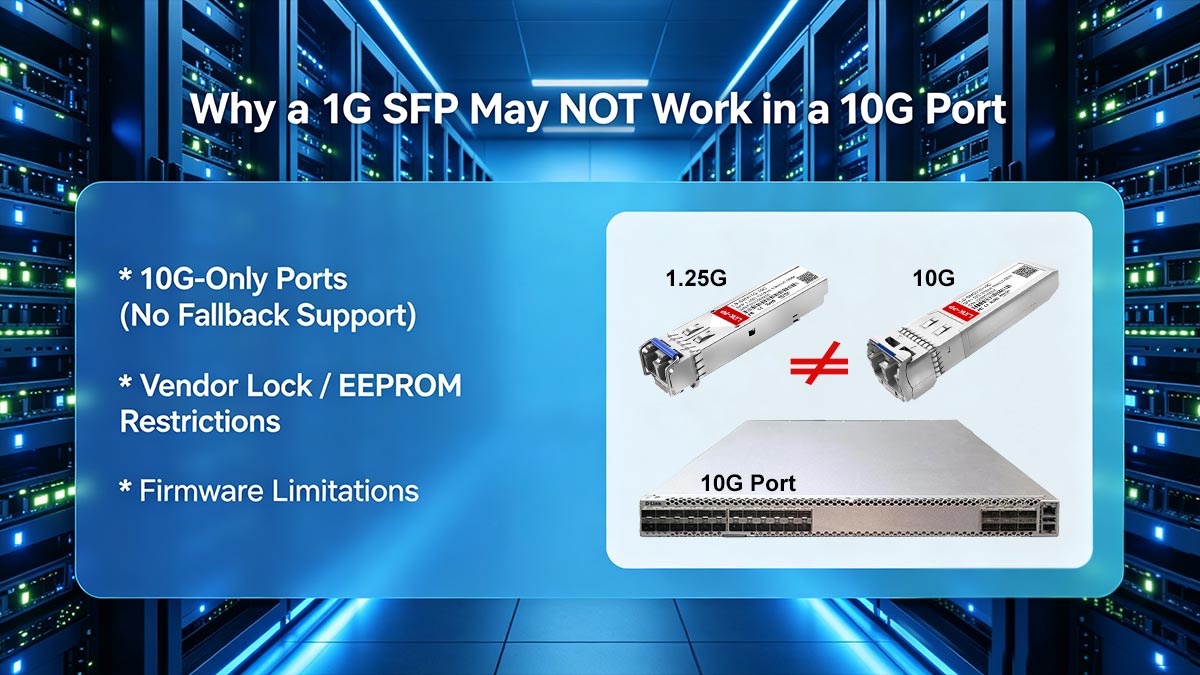
Some SFP+ ports are strictly designed for 10Gbps operation only. In these cases:
The port does not support 1G electrical signaling
The hardware PHY is locked to 10G line rate
Inserting a 1G SFP results in:
No link light
“unsupported speed” behavior
or complete module rejection
This is common in:
Cost-optimized switches
Certain data center switches designed only for 10G uplinks
Fixed-speed networking hardware
In these environments, the port simply cannot “downshift” to 1G.
Vendor Lock / EEPROM Restrictions
Many enterprise vendors implement strict module authentication systems.
This means:
The switch reads the SFP’s EEPROM coding
It checks against an approved compatibility list
Non-matching modules may be:
Blocked entirely
Forced into error state
Or accepted but not allowed to pass traffic
Common symptoms include:
“Unsupported transceiver” warning
Port remains disabled even though hardware is correct
Link never initializes
Even if the hardware could support 1G, vendor policies may prevent it.
Firmware Limitations
Firmware plays a critical role in SFP compatibility.
Even when hardware supports multi-rate operation, limitations may include:
No option to manually set port speed to 1G
Auto-negotiation disabled or restricted
Incomplete support for older 1G SFP standards
Updates that remove legacy compatibility over time
This leads to inconsistent behavior across:
Different firmware versions
Different switch models from the same vendor
As a result, two identical SFP+ ports may behave differently depending on firmware configuration.
Key Takeaway
A 1G SFP may fail in a 10G port not because of physical incompatibility, but due to:
Hardware being locked to 10G only
Vendor-level module restrictions
Firmware limitations or missing multi-rate support
This is why checking the switch’s official compatibility matrix is always critical before deployment.
⭐ Do You Need to Configure the Port Manually?
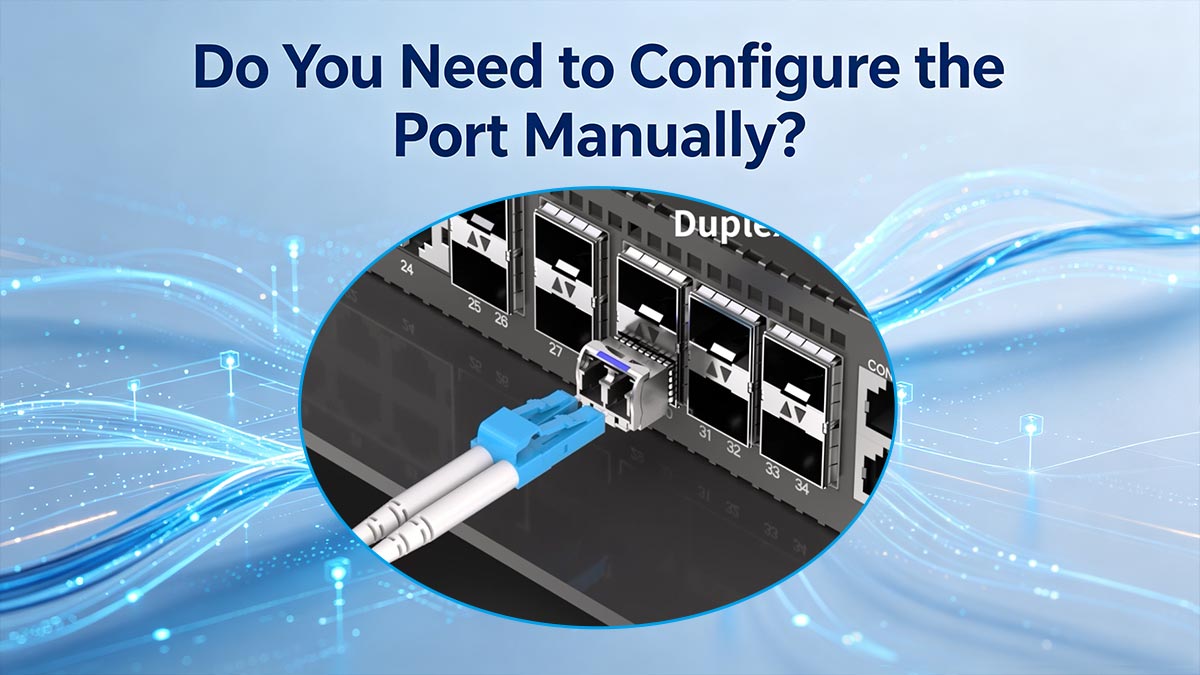
In many real-world deployments, simply inserting a 1Gb SFP into a 10Gb SFP+ port is not enough. Even when the hardware supports backward compatibility, the link may not come up unless the port is explicitly configured to operate at 1Gbps.
This is one of the most common reasons users experience “no link” issues.
Auto-Negotiation Limitations
A frequent misconception is that SFP+ ports will automatically detect and adjust to any inserted module. In reality:
Auto-negotiation is often limited or disabled on fiber SFP+ links
Many switches do not reliably detect 1G vs. 10G mode automatically
The port may remain locked in 10G operation mode
As a result:
The 1G SFP is detected physically
But the link does not initialize electrically
This is why “plug-and-play” does not always apply in mixed-speed environments.
Forcing Speed to 1Gbps
To ensure compatibility, network engineers often need to manually set the port speed.
Typical configuration steps include:
Setting interface speed to 1G (1000 Mbps)
Disabling forced 10G mode
Restarting the interface to apply changes
Once configured correctly:
The port can properly communicate with the 1G SFP
Link stability is significantly improved
Compatibility issues are often resolved immediately
This step is especially critical in enterprise switches where default settings assume 10G operation.
CLI vs. GUI Configuration
Port configuration can usually be done in two ways:
CLI (Command Line Interface)
Preferred by network engineers
Provides precise control over interface settings
Common commands include setting speed, duplex, and interface mode
GUI (Web Interface)
Easier for basic users or IT administrators
Often includes dropdown options like:
1000 Mbps
10 Gbps
Auto
However:
Some advanced settings may only be available via CLI
Not all GUI interfaces expose multi-rate configuration options
Key Takeaway
Even if a 1G SFP is technically compatible with a 10G SFP+ port, manual configuration is often required to ensure stable operation. Without setting the correct speed, the port may fail to establish a link despite being physically and electrically capable.
⭐ 1G SFP vs. 10G SFP+: What’s the Real Difference?
Although 1G SFP and 10G SFP+ modules look almost identical, they are designed for very different network roles. Understanding these differences is essential when deciding whether a 1Gb SFP can be used in a 10Gb SFP+ port, or when planning a network upgrade.
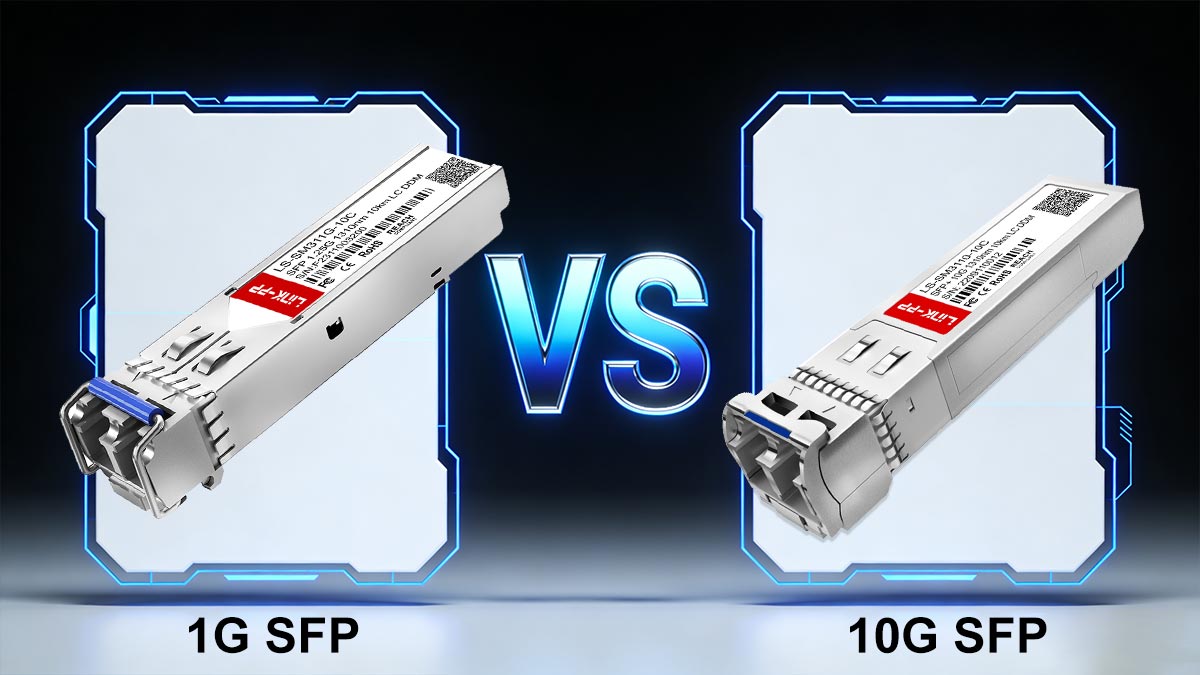
1G SFP vs. 10G SFP+ Comparison Table
Feature | 1G SFP | 10G SFP+ |
|---|---|---|
Maximum Speed | 1Gbps (1.25G line rate) | 10Gbps (10.3125G line rate) |
Form Factor | SFP+ (Enhanced SFP) | |
Typical Use Case | Access layer, edge devices | Aggregation, core, data centers |
Power Consumption | Lower | Higher |
Heat Generation | Low | Medium to High |
Backward Compatibility | N/A | Sometimes supports 1G (depends on switch) |
Forward Compatibility | No | No (cannot run 10G SFP+ in 1G port) |
Configuration Requirement | Usually plug-and-play | May require manual speed setting |
Cost | Lower | Higher |
Speed Comparison
The most obvious difference is speed:
1G SFP (Gigabit SFP):
Supports up to 1.25 Gbps line rate10G SFP+ (Enhanced SFP):
Supports up to 10.3125 Gbps line rate
This means SFP+ provides 10x higher bandwidth, making it suitable for high-throughput uplinks and data center aggregation.
Power Consumption
Power usage is another important distinction:
1G SFP modules
Lower power consumption
Typically simpler internal circuitry
Higher power demand due to faster signal processing
More advanced DSP and encoding logic
In large-scale deployments, this difference can significantly impact thermal design and energy efficiency planning.
Use Cases: Access vs Aggregation
These modules are typically used in different layers of a network:
1G SFP (Access Layer)
End-device connectivity
Office switches
IP cameras, AP uplinks
Cost-sensitive deployments
10G SFP+ (Aggregation/Core Layer)
Data center backbone links
Server uplinks
High-performance storage networks
Aggregating multiple 1G links into 10G uplinks
In short:
1G = edge / access layer
10G = backbone / aggregation layer
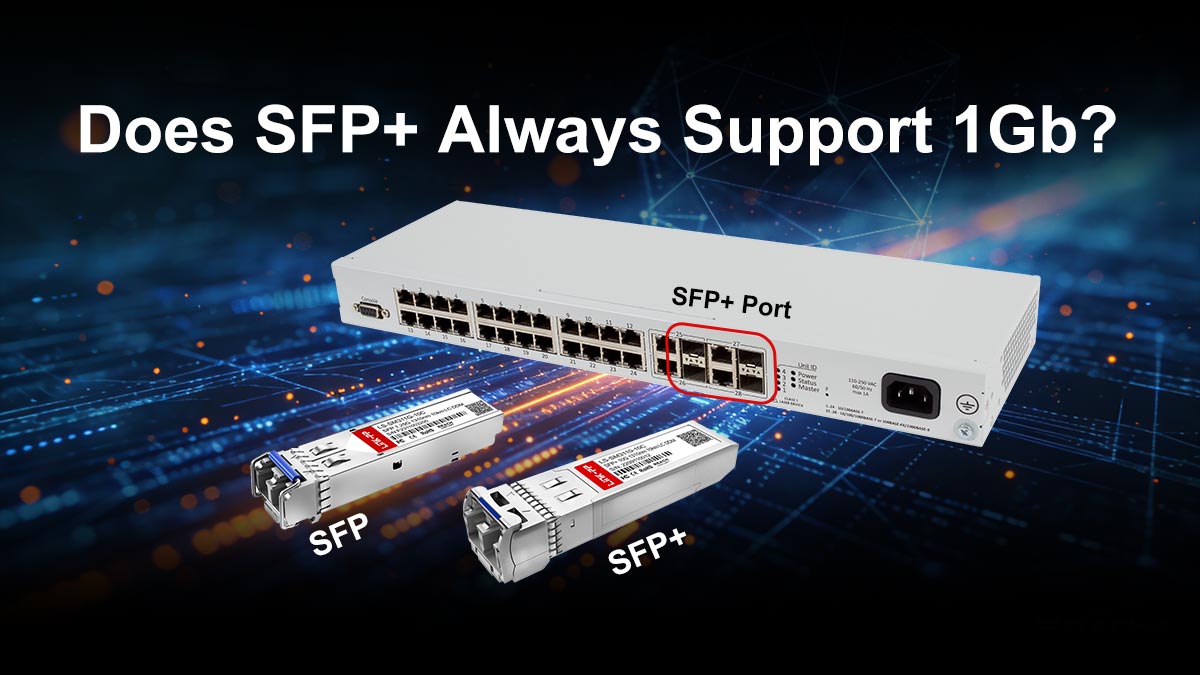
⭐ Does SFP+ Always Support 1Gb?
This is one of the most frequently misunderstood questions in networking—and a key reason why users search “can you use 1gb sfp in 10gb port”.
Common Misconception
Many users assume:
“If it’s SFP+, it must automatically support 1G, 10G, and everything in between.”
This is not true.
While some SFP+ ports are multi-rate, many are designed for 10G-only operation and do not support 1G modules at all.
Port vs. Module Capability
Compatibility depends on two separate layers:
1. Port Capability (Switch Side)
Some ports are dual-rate (1G/10G)
Others are fixed 10G-only
2. Module Capability (SFP Side)
1G SFP = fixed 1G operation
10G SFP+ = fixed 10G operation (in most cases)
The key rule: The port must support 1G mode—modules alone cannot enable compatibility.
Clear Answer to PAA Intent
Does SFP+ always support 1Gb?
👉 No.
Some SFP+ ports support 1G backward compatibility
Many SFP+ ports are strictly 10G-only
Support depends on switch hardware, chipset, and firmware configuration
Key Takeaway
SFP+ is a port standard, not a guarantee of multi-speed support. Whether a 1G SFP works depends entirely on whether the port is designed for multi-rate operation or fixed 10G performance.
⭐ Troubleshooting: 1G SFP Not Working in 10G Port
Even though a 1Gb SFP can often work in a 10Gb SFP+ port, real-world deployments frequently run into issues where the link does not come up. In most cases, the problem is not the physical module, but configuration, compatibility, or firmware limitations.
Below are the most common failure scenarios and how to fix them.
▶ No Link Light
Symptom:
SFP is inserted correctly
No LED activity on the port
No network connectivity
Common causes:
Port is locked at 10Gbps only
Switch does not support 1G fallback mode
Fiber polarity or cabling issue (less common)
Fix:
Check if the SFP+ port supports 1G/10G multi-rate mode
Verify switch documentation for 1G compatibility
Try a known-supported 1G module
▶ Unsupported Module Error
Symptom:
Switch logs show “unsupported transceiver”
Port may be administratively disabled
Common causes:
Fix:
Use vendor-approved or coded compatible SFP modules
Check switch compatibility matrix
Update firmware if vendor added new support
In enterprise environments, this is one of the most common blockers.
▶ Speed Mismatch
Symptom:
Link light appears but no traffic passes
Interface stays down or unstable
Flapping connection
Common causes:
Port forced to 10G mode
1G SFP inserted without manual configuration
Auto-negotiation failure on fiber links
Fix:
Manually set interface speed to 1000 Mbps
Disable forced 10G mode if applicable
Restart the interface after configuration changes
▶ Step-by-Step Fix Guide
If your 1G SFP is not working in a 10G port, follow this checklist:
Step 1: Verify Hardware Compatibility
Check if the switch supports dual-rate SFP+ ports
Confirm 1G SFP support in datasheet
Step 2: Inspect Module Type
Ensure the module is 1G SFP (not SFP+)
Check vendor coding compatibility
Step 3: Configure Port Speed
Set interface speed to 1Gbps
Disable forced 10G mode if enabled
Step 4: Reinsert Module
Remove and reinsert SFP
Wait for re-detection
Step 5: Test Alternative Port or Module
Try another SFP+ port
Use a known-good 1G module for validation
Key Takeaway
When a 1G SFP fails in a 10G port, the issue is almost always due to:
❌ Lack of multi-rate support
❌ Vendor restrictions
❌ Incorrect speed configuration
With proper verification and configuration, most compatibility issues can be resolved without replacing hardware.
⭐ How to Choose the Right SFP Module (OEM vs. Alternative)
Choosing the right SFP module is just as important as understanding whether a 1G SFP can work in a 10G SFP+ port. In real deployments, compatibility issues are often caused not by the port itself, but by module selection, coding, and vendor restrictions.
To ensure stable performance and avoid costly downtime, it’s important to evaluate both OEM and third-party options, as well as technical compatibility factors.
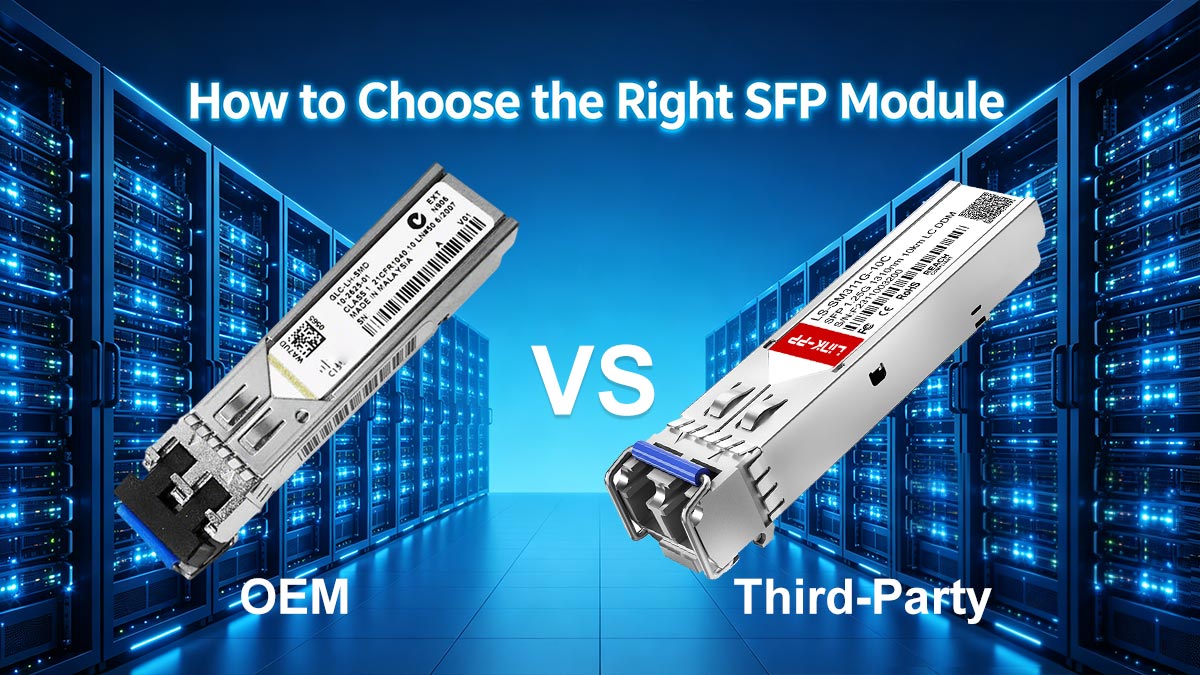
OEM vs. Third-Party Modules
🔷 OEM (Original Equipment Manufacturer) Modules
OEM modules are produced or certified by the switch vendor (e.g., Cisco, Juniper).
Advantages:
Highest compatibility assurance
Fully supported by vendor firmware
Minimal risk of “unsupported transceiver” errors
Limitations:
Higher cost
Limited flexibility across multi-vendor environments
🔶 Third-Party (Compatible) Modules
These are manufactured by independent vendors and designed to match OEM specifications.
Advantages:
Lower cost
Wide compatibility across brands
Flexible deployment for mixed networks
Limitations:
May require compatibility coding (EEPROM programming)
Some switches may still block them depending on firmware policies
Compatibility Coding Matters
One of the most critical factors in SFP selection is module coding.
Switches often read the module’s EEPROM to determine:
Vendor identity
Supported speed (1G / 10G)
Protocol compatibility
If the coding does not match expected values:
The port may reject the module
Or display an “unsupported transceiver” warning
Properly coded compatible modules are essential for ensuring smooth operation in both 1G and 10G environments.
Cost vs. Performance Trade-off
When selecting SFP modules, consider:
OEM modules: higher cost, maximum reliability
Compatible modules: cost-effective, scalable for large deployments
In many enterprise networks, compatible optics are widely used for:
Access layer expansion
Large-scale fiber deployments
Budget optimization without sacrificing performance
The key is balancing cost efficiency with tested compatibility.
Multi-Rate Modules Recommendation
For networks where you frequently ask “can you use 1gb sfp in 10gb port”, the most flexible solution is often a multi-rate or dual-rate SFP module.
These modules may support:
1G operation in access networks
Seamless integration into 10G SFP+ infrastructure (where supported)
Simplified inventory management
They are especially useful in:
Mixed-speed enterprise networks
Gradual network upgrades (1G → 10G migration)
Data center edge deployments
Conclusion
Understanding whether a 1G SFP works in a 10G SFP+ port ultimately depends on more than just physical compatibility—it requires evaluating port capabilities, firmware restrictions, and module selection.
In most cases, success comes down to choosing:
The right compatible or OEM module
A switch that supports multi-rate operation
Correct port configuration
👉 If you're looking for reliable, fully compatible SFP modules, explore the LINK-PP Oficial Store for tested solutions supporting both 1G and 10G deployments.



