


If you are researching an FC SFP module, you are probably trying to answer one practical question: Will this transceiver work with my switch, HBA, storage array, or SAN network?
That is exactly where many engineers, IT teams, and data center buyers get confused.
At first glance, Fibre Channel (FC) SFP modules often look identical to standard Ethernet SFP or SFP+ transceivers. They may use the same LC connector, fit into the same physical port size, and even share similar optical specifications. But in real deployments, compatibility depends on far more than the connector itself. Protocol support, switch firmware, port configuration, wavelength, fiber type, and vendor coding all play a critical role.
This is why searches such as “Can FC SFP work in Ethernet ports?”, “What is the difference between FC SFP and Ethernet SFP?”, and “Which FC SFP module should I buy?” continue to grow across Google, Reddit, and technical forums.
In enterprise storage networks, FC SFP modules are widely used for:
Storage Area Networks (SANs)
Fibre Channel switches
Server HBAs (Host Bus Adapters)
Storage arrays
High-speed data center interconnects
Mission-critical low-latency storage environments
Modern Fibre Channel optics are available in multiple speed generations, including 8G FC, 16G FC, 32G FC, and 64G FC, with both multimode and single-mode options. Choosing the wrong module can result in link failures, unstable connections, unsupported transceiver errors, or unnecessary infrastructure costs.
This guide explains everything you need to know about FC SFP modules in a clear, deployment-focused way. You will learn:
What an FC SFP module actually does
How Fibre Channel SFPs differ from Ethernet optics
Which speeds, wavelengths, and fiber types are available
How to verify compatibility before purchasing
Whether FC optics can work in Ethernet equipment
Common mistakes users make when deploying FC transceivers
How to select the correct FC SFP for your SAN environment
Whether you are upgrading a Fibre Channel SAN, replacing an older transceiver, troubleshooting a compatibility issue, or comparing FC and Ethernet networking options, this article will help you make the right decision with confidence.
🔵 What Is an FC SFP Module?
An FC SFP module (Fibre Channel Small Form-factor Pluggable module) is a hot-swappable optical transceiver used to transmit Fibre Channel data across fiber optic cabling in Storage Area Networks (SANs).
Its primary role is simple but critical: it converts electrical signals from a switch, storage array, or server HBA into optical signals that can travel through fiber optic cables at high speed and low latency.
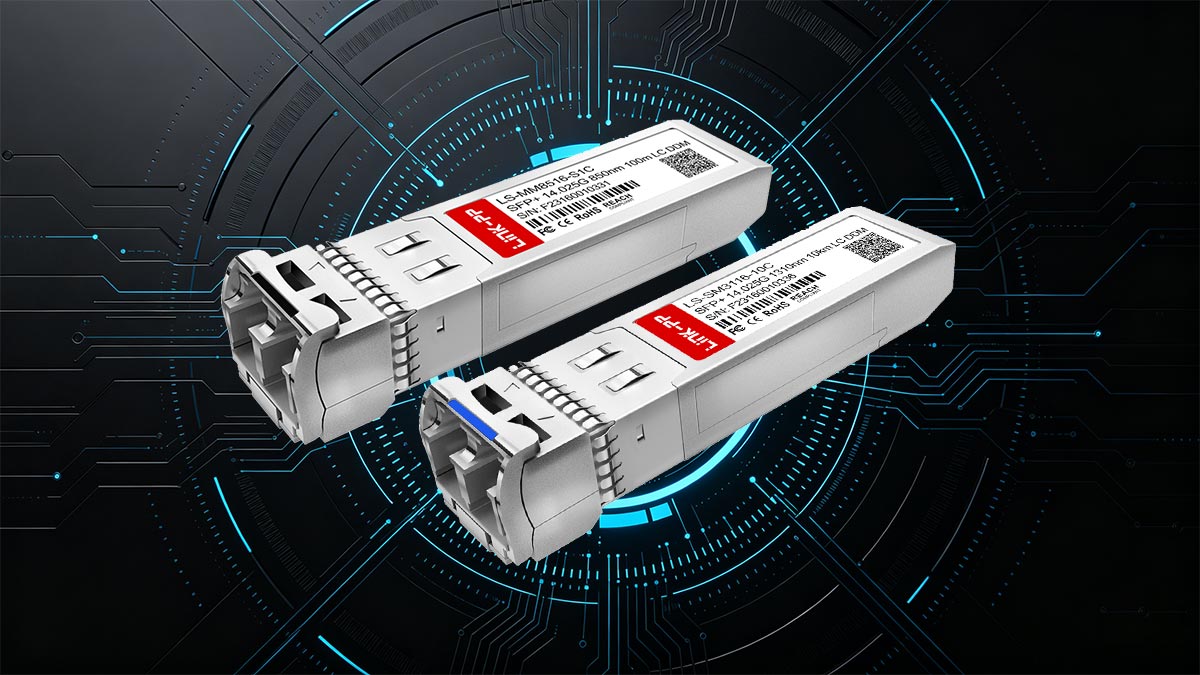
Unlike standard Ethernet transceivers designed for IP networking, Fibre Channel SFP modules are optimized specifically for storage traffic. Fibre Channel networks prioritize predictable latency, high reliability, and loss-sensitive storage communication, which is why FC technology remains widely used in enterprise SAN deployments.
Why Fibre Channel Still Matters
Although Ethernet-based storage technologies such as iSCSI and NVMe/TCP continue to grow, Fibre Channel remains popular in environments where stable performance and consistent storage access are critical.
FC SANs are commonly deployed in:
Enterprise databases
Financial systems
Healthcare storage environments
Virtualization clusters
High-performance storage arrays
Mission-critical applications requiring low latency
Because storage traffic is highly sensitive to packet loss and congestion, many organizations still prefer dedicated Fibre Channel networks over shared Ethernet infrastructure.
How an FC SFP Module Works
An FC SFP module sits inside an SFP or SFP+ port and creates the physical optical connection between two Fibre Channel devices.
A typical connection may look like this:
Server HBA → FC SFP Module → Fiber Cable → SAN Switch → Storage Array
The module handles optical transmission while the Fibre Channel protocol manages storage communication between devices.
Most FC SFP modules use:
Multimode fiber (MMF) for shorter distances
Single-mode fiber (SMF) for long-range links
Depending on the deployment, administrators may choose short-wave (SW) or long-wave (LW) optics based on transmission distance and fiber type.
Common FC SFP Speed Generations
Fibre Channel optics evolved across multiple speed generations. The most common include:
FC Generation | Typical Name | Common Usage |
|---|---|---|
8G Fibre Channel | 8G FC SFP+ | Legacy SAN upgrades |
16G Fibre Channel | 16G FC SFP+ | Enterprise storage networks |
32G Fibre Channel | 32G FC SFP28 | Modern data centers |
64G Fibre Channel | 64G FC SFP56 | High-performance SAN infrastructure |
Higher-speed modules generally require compatible switches, HBAs, and supported firmware versions.
FC SFP Module vs Ethernet SFP
One of the biggest sources of confusion is that FC SFP modules may physically resemble Ethernet SFP or SFP+ transceivers.
However, the physical connector does not guarantee compatibility.
Even when two modules fit into the same port size, Fibre Channel and Ethernet use different protocols, signaling methods, and device support requirements. Some platforms support both protocols, while others only support one.
This is why many users search for questions such as:
“Can I use an FC SFP in an Ethernet switch?”
“Will Fibre Channel optics work in SFP+ ports?”
“Are FC and Ethernet transceivers interchangeable?”
The answer depends entirely on the hardware platform and protocol support, which we will explain later in this guide.
What You Should Know Before Deployment
Before selecting an FC SFP module, always verify:
Supported Fibre Channel speed
Fiber type (MMF or SMF)
Transmission distance
Wavelength compatibility
Switch or HBA vendor compatibility
Whether the port supports Fibre Channel protocol
Even small mismatches can prevent links from coming online properly.
Understanding these basics helps avoid one of the most common SAN deployment problems: buying an optical module that physically fits but does not actually function in the target system.
🔵 FC SFP vs. Ethernet SFP: What Is the Difference?
One of the biggest misconceptions in networking is that all SFP modules are interchangeable simply because they share the same physical form factor.
In reality, the main difference between an FC SFP module and an Ethernet SFP is the protocol they are designed to support.
FC SFP modules are built for Fibre Channel storage networking used in SAN environments.
Ethernet SFPs are designed for standard Ethernet/IP networking.
Although both may use the same LC fiber connector and fit into similar SFP or SFP+ ports, that does not guarantee compatibility.
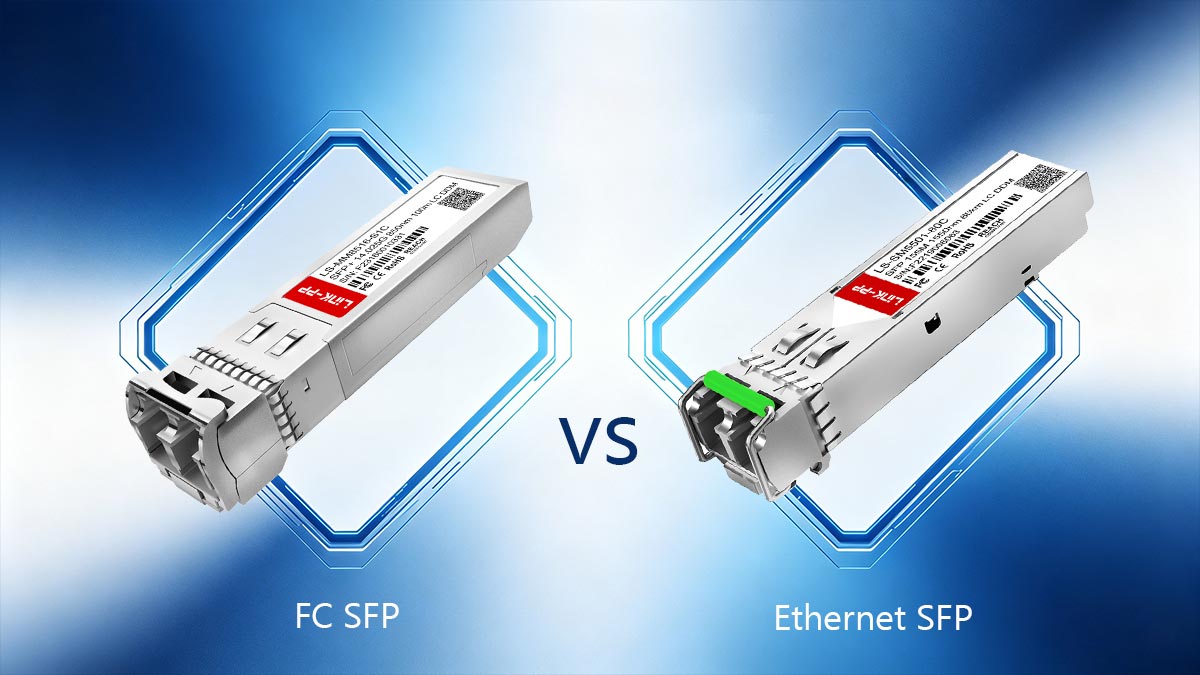
FC vs. Ethernet: Different Purposes
Technology | Main Use | Common Environment |
|---|---|---|
FC SFP | Storage traffic | SANs and storage arrays |
Ethernet SFP | Data networking | LANs and data centers |
Fibre Channel prioritizes low latency, stable storage communication, and predictable performance, while Ethernet is designed for broader network traffic and IP communication.
Can an FC SFP Work in an Ethernet Port?
Sometimes, but not always.
Compatibility depends on whether the hardware supports Fibre Channel protocols, not just whether the module physically fits.
In many cases:
Ethernet-only switches will not support FC optics
Multi-protocol enterprise switches may support both
Unsupported transceivers may cause link failures or warning messages
This is why two modules that look identical can behave completely differently in real deployments.
Quick Summary: FC SFP vs. Ethernet SFP
Here is the simplest way to understand the difference:
Feature | FC SFP Module | Ethernet SFP |
|---|---|---|
Primary Use | Storage networking | Data networking |
Protocol | Fibre Channel | Ethernet/IP |
Typical Deployment | SAN | |
Main Priority | Low-latency storage traffic | General network communication |
Interchangeable? | Sometimes | Sometimes |
Compatibility Depends On | Hardware protocol support | Hardware protocol support |
The most important takeaway is this:
An SFP module’s physical shape does not determine compatibility.
Protocol support inside the switch, HBA, or network device is what really matters.
Understanding this distinction helps avoid one of the most common and expensive deployment mistakes in storage networking: assuming that all SFP or SFP+ modules are interchangeable simply because they physically fit into the same port.
🔵 FC SFP Speeds, Wavelengths, and Fiber Types
Choosing the correct FC SFP module involves more than matching connector types. Speed generation, transmission wavelength, and fiber type all affect compatibility, distance, and SAN performance.
Modern Fibre Channel networks commonly use 8G, 16G, 32G, and 64G FC optics, each designed for different storage environments and hardware platforms.
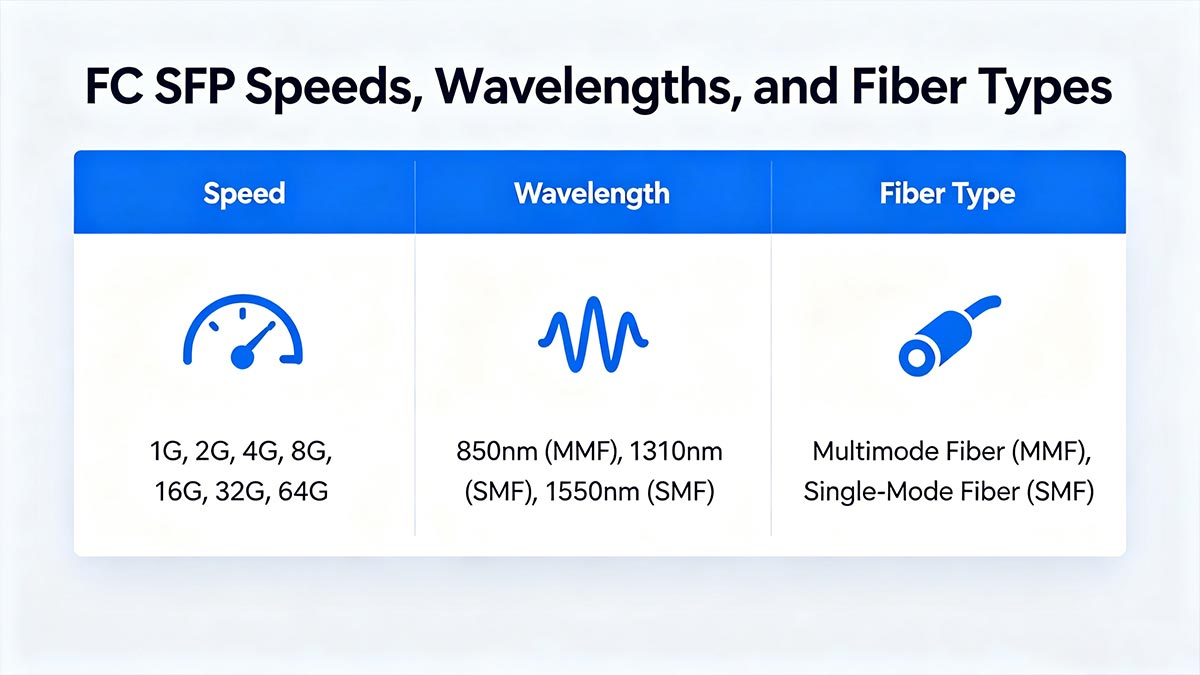
Common FC SFP Speed Generations
FC Speed | Typical Module Type | Common Use Case |
|---|---|---|
8G FC | SFP+ | Legacy SAN infrastructure |
16G FC | SFP+ | Enterprise storage networks |
32G FC | SFP28 | Modern high-speed SANs |
64G FC | SFP56 | Advanced data center storage |
Higher-speed FC modules generally require compatible switches, HBAs, and firmware support. While some Fibre Channel environments support backward speed negotiation, mixing generations does not always guarantee optimal stability or performance.
Multimode vs. Single-Mode FC SFP Modules
FC optics are typically available in two fiber types:
Fiber Type | Typical Distance | Common Use |
|---|---|---|
Multimode Fiber (MMF) | Short distance | Data centers and rack-to-rack links |
Single-Mode Fiber (SMF) | Long distance | Campus or long-range SAN connections |
Multimode FC SFP
Multimode FC optics are usually the most common option inside enterprise data centers.
Typical characteristics include:
Lower deployment cost
Short-distance transmission
Commonly used with OM3 or OM4 fiber
Frequently paired with short-wave optics
Single-Mode FC SFP
Single-mode FC modules are designed for much longer transmission distances.
They are commonly used when SAN equipment must connect across:
Large facilities
Multiple buildings
Metro or campus environments
Single-mode deployments typically use long-wave optics operating at longer wavelengths.
Short-Wave vs. Long-Wave FC Optics
FC SFP modules are often categorized by optical wavelength.
Optic Type | Typical Wavelength | Fiber Type |
|---|---|---|
Short-Wave (SW) | 850 nm | Multimode fiber |
Long-Wave (LW) | 1310 nm | Single-mode fiber |
Short-Wave (SW) FC SFP
Short-wave optics are commonly used for:
Short SAN links
In-rack deployments
Data center interconnects
They are typically more cost-effective for shorter distances.
Long-Wave (LW) FC SFP
Long-wave optics are designed for:
Extended transmission distances
Building-to-building SAN links
Long-range storage infrastructure
These modules generally operate over single-mode fiber.
Why Matching Fiber Type Matters
One of the most common deployment mistakes is mixing incompatible fiber and optics.
For example:
An SW multimode optic may not function correctly on single-mode fiber
An LW single-mode module may exceed the design requirements of short MMF links
Incorrect fiber selection can reduce signal quality or prevent link establishment entirely
Before purchasing an FC SFP module, always confirm:
Supported FC speed
Fiber type (MMF or SMF)
Required transmission distance
Optical wavelength
Device compatibility
Selecting the correct combination helps ensure stable SAN performance, reliable storage communication, and fewer interoperability issues in enterprise Fibre Channel environments.
🔵 FC SFP Compatibility Checklist Before You Deploy
One of the most common SAN deployment mistakes is purchasing an FC SFP module that physically fits into a port but does not actually work with the device.
Before buying a Fibre Channel transceiver, you should verify several compatibility factors to avoid link failures, unsupported optic warnings, or unstable performance.
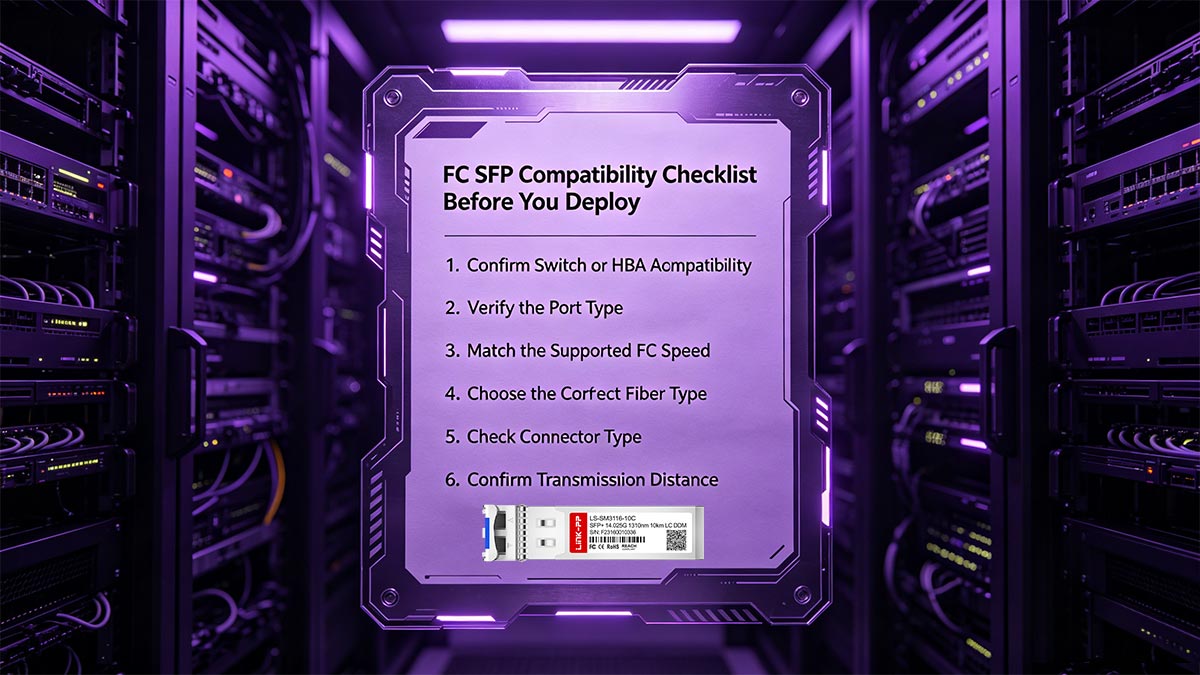
1. Confirm Switch or HBA Compatibility
The first step is checking whether your switch, storage array, or HBA officially supports the FC SFP module you plan to use.
Common Fibre Channel platforms include:
Cisco MDS switches
Brocade SAN switches
Dell EMC storage systems
HPE storage networking
IBM SAN infrastructure
Some vendors restrict unsupported optics through firmware validation, meaning the device may reject third-party modules even if the hardware itself is technically compatible.
Always verify:
Supported transceiver models
Compatible FC generation
Firmware requirements
Approved vendor coding
2. Verify the Port Type
Not every SFP or SFP+ port supports Fibre Channel.
Some ports are:
Ethernet-only
Fibre Channel-only
Multi-protocol capable
This is one of the biggest causes of confusion in storage networking.
Even if the optic physically inserts into the port, the device still needs to support Fibre Channel signaling and protocol handling.
Before buying, confirm whether the target device supports:
Fibre Channel protocol
FC mode configuration
SAN switching features
Required FC speeds
3. Match the Supported FC Speed
FC SFP modules are designed for specific speed generations.
Common options include:
FC Speed | Typical Deployment |
|---|---|
8G FC | Legacy SANs |
16G FC | Enterprise storage |
32G FC | Modern SAN fabrics |
64G FC | High-performance storage |
Using mismatched speeds may result in:
Link negotiation failures
Reduced performance
Unsupported module errors
Unstable SAN connections
Some devices support backward compatibility, but this should never be assumed without verification.
4. Choose the Correct Fiber Type
FC optics must match the deployed fiber infrastructure.
Fiber Type | Typical Use |
|---|---|
Multimode Fiber (MMF) | Short-distance SAN links |
Single-Mode Fiber (SMF) | Long-range connections |
Incompatible combinations can prevent the link from coming online properly.
For example:
Short-wave multimode optics are typically designed for MMF
Long-wave optics usually require SMF
5. Check Connector Type
Most FC SFP modules use:
LC duplex connectors
However, older SAN environments may still use different connector standards.
Before deployment, verify:
Connector format
Patch cable compatibility
Existing fiber infrastructure
6. Confirm Transmission Distance
Transmission range is another critical selection factor.
Typical FC optic ranges include:
Optic Type | Approximate Distance |
|---|---|
Short-Wave (SW) | Short-range data center links |
Long-Wave (LW) | Extended SAN connections |
Choosing the wrong optic may result in:
Weak optical signal
Link instability
Excessive attenuation
Unnecessary infrastructure cost
Always match the optic to the actual deployment distance instead of simply buying the highest-range module available.
Quick FC SFP Compatibility Checklist
Before purchasing, confirm the following:
Device supports Fibre Channel
Correct FC speed generation
Supported vendor coding
Proper SFP/SFP+ port type
Matching fiber type
Correct wavelength
Required transmission distance
Connector compatibility
A few minutes of compatibility verification can prevent costly SAN troubleshooting later and significantly improve deployment reliability.
🔵 Common FC SFP Use Cases in Real Networks
FC SFP modules are primarily used in Storage Area Networks (SANs) where high-speed, low-latency, and reliable storage communication is required.
Although Ethernet-based storage technologies continue to expand, Fibre Channel remains widely deployed in enterprise environments that depend on stable and predictable storage performance.
SAN Switch Connectivity
One of the most common uses of FC SFP modules is inside Fibre Channel SAN switches.
These switches create the dedicated storage fabric connecting servers and storage systems.
FC optics are commonly used to:
Link SAN switches together
Expand storage fabrics
Build redundant storage paths
Connect core and edge SAN infrastructure
Large enterprise SAN environments often deploy multiple FC switches for high availability and failover protection.
Server HBA Connections
Servers typically connect to Fibre Channel networks through Host Bus Adapters (HBAs).
The FC SFP module installed in the HBA provides the optical link between the server and the SAN switch.
This setup is commonly used in:
Virtualization clusters
Database servers
Enterprise application platforms
High-performance computing environments
Because storage traffic is isolated from normal Ethernet traffic, organizations can maintain more consistent storage performance under heavy workloads.
Storage Array Connectivity
Enterprise storage arrays frequently use FC SFP modules for front-end host connectivity.
In these deployments, Fibre Channel optics connect:
Storage controllers
SAN switches
Server HBAs
Backup infrastructure
FC storage networking remains popular in environments where uninterrupted access to shared storage is critical.
Typical examples include:
Financial transaction systems
Healthcare platforms
Enterprise databases
Large virtualization platforms
Data Center Interconnects
FC optics are also used for short- and medium-distance interconnects inside data centers.
Common scenarios include:
Deployment Scenario | Typical FC Optic Type |
|---|---|
Rack-to-rack SAN links | Short-wave multimode |
Core SAN backbone | Higher-speed FC optics |
Cross-building SAN links | Long-wave single-mode |
Depending on distance requirements, organizations may deploy either multimode or single-mode FC SFP modules.
Disaster Recovery and Backup Networks
Many enterprises use Fibre Channel SANs for backup and disaster recovery infrastructure.
FC optics help connect:
Primary storage systems
Replication devices
Backup arrays
Secondary disaster recovery sites
Because Fibre Channel networks are designed for stable and low-latency storage communication, they remain common in mission-critical backup architectures.
Why FC SFP Modules Are Still Used
Even with growing adoption of Ethernet storage technologies such as iSCSI and NVMe/TCP, Fibre Channel continues to offer advantages in environments that require:
Dedicated storage networking
Predictable latency
High reliability
Low packet loss
Stable SAN performance
As a result, FC SFP modules are still widely deployed in enterprise data centers, storage arrays, and high-performance SAN infrastructures worldwide.
🔵 FC SFP Troubleshooting and Common User Mistakes
Even experienced IT teams can run into Fibre Channel connectivity problems when deploying FC SFP modules. In many cases, the issue is not the optic itself, but a compatibility mismatch somewhere in the SAN environment.
Below are the most common FC SFP deployment problems and how to identify them.
Link Failure After Installing the FC SFP
One of the most frequent issues is a link that stays down immediately after the module is inserted.
Common causes include:
Unsupported Fibre Channel speed
Incorrect port configuration
Incompatible vendor coding
Unsupported transceiver firmware
Ethernet-only ports attempting to use FC optics
In enterprise SAN switches, the port may physically detect the module but refuse to establish a Fibre Channel link if protocol support is missing.
Speed Mismatch Problems
FC SFP modules are designed for specific speed generations such as:
8G FC
16G FC
32G FC
64G FC
Although some platforms support backward compatibility, others may fail to negotiate properly when speeds do not align.
Typical symptoms include:
Unstable links
Intermittent disconnects
Reduced bandwidth
Link initialization failures
Always verify that the switch, HBA, and optic support the same FC speed generation.
Unsupported Optic or Vendor Lock Issues
Many enterprise SAN vendors validate transceivers through EEPROM coding or firmware checks.
As a result, unsupported optics may trigger:
“Unsupported transceiver” warnings
Disabled ports
Link instability
Reduced monitoring functionality
This is especially common in platforms from:
Cisco
Brocade
HPE
IBM
Dell EMC
Before purchasing third-party FC optics, confirm compatibility with the target hardware platform.
Wrong Fiber Type Selection
Using the wrong fiber type is another common deployment mistake.
Typical mismatches include:
Optic Type | Required Fiber |
|---|---|
Short-wave (SW) | Multimode fiber (MMF) |
Long-wave (LW) | Single-mode fiber (SMF) |
Incorrect combinations can cause:
Weak optical signal
High error rates
Link instability
Failure to establish connection
Always match the optic wavelength and fiber type to the actual SAN cabling infrastructure.
Overheating and Thermal Issues
High-speed FC optics can generate significant heat, especially in dense SAN environments.
Potential causes of overheating include:
Poor switch airflow
High ambient rack temperature
Unsupported optics with unstable power behavior
Improper airflow direction inside the chassis
Symptoms may include:
Random disconnects
Optic shutdown
CRC errors
Intermittent SAN instability
Proper cooling and airflow management are especially important for 32G and 64G FC deployments.
Basic FC SFP Troubleshooting Checklist
Before replacing hardware, verify the following:
Correct Fibre Channel protocol support
Matching FC speed generation
Proper vendor compatibility
Correct MMF or SMF fiber type
Supported wavelength
Stable switch firmware
Adequate airflow and cooling
In many cases, FC SAN issues can be resolved quickly once the compatibility mismatch is identified.
Understanding these common mistakes helps reduce downtime, simplify SAN deployments, and improve long-term storage network reliability.
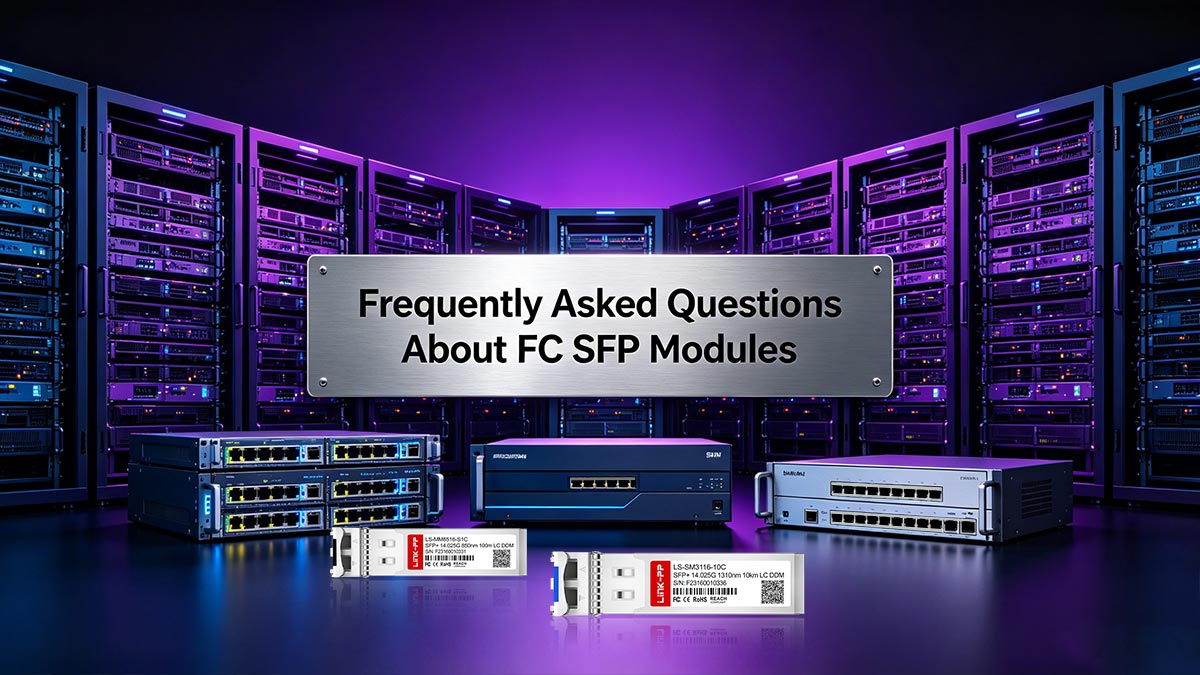
🔵 Frequently Asked Questions About FC SFP Modules
1. What Is an FC SFP Module Used For?
An FC SFP module is used for Fibre Channel storage networking in SAN environments. It provides the optical connection between SAN switches, server HBAs, and storage arrays.
2. Can an FC SFP Work in an Ethernet Port?
Sometimes, but only if the hardware supports Fibre Channel protocols. Even when the module physically fits, Ethernet-only devices may not recognize or support FC optics.
3. Are FC SFP and SFP+ the Same?
Not exactly.
SFP and SFP+ describe the physical transceiver format, while FC refers to the networking protocol. Many modern Fibre Channel optics use the SFP+ form factor for higher-speed SAN connections.
4. What Speeds Do FC SFP Modules Support?
Common Fibre Channel speeds include:
8G FC
16G FC
32G FC
64G FC
The supported speed depends on the optic, switch, HBA, and storage platform.
5. What Fiber Type Is Used for FC SFP Modules?
FC optics typically use either:
Multimode fiber (MMF) for short-distance links
Single-mode fiber (SMF) for longer-distance SAN connections
The required fiber type depends on the optic wavelength and deployment distance.
6. What Is the Difference Between Short-Wave and Long-Wave FC Optics?
Short-wave (SW) FC optics usually operate over multimode fiber for shorter distances, while long-wave (LW) optics are designed for single-mode fiber and longer transmission ranges.
7. Can You Mix Different FC Speeds?
Some Fibre Channel devices support backward compatibility, but mixing speeds may reduce performance or create negotiation issues. Always verify compatibility between the switch, HBA, and optic.
8. Why Does My FC SFP Module Show Unsupported Transceiver Errors?
Many enterprise SAN vendors validate optics through firmware or EEPROM coding. Unsupported or incorrectly coded transceivers may trigger warning messages or prevent links from initializing.
🔵 How to Choose the Right FC SFP Module
Choosing the right FC SFP module is not just about finding a transceiver that physically fits your switch or HBA. The correct optic must match your SAN architecture, transmission distance, Fibre Channel speed, and hardware compatibility requirements.
A poor transceiver choice can lead to unstable links, unsupported optic warnings, or unnecessary infrastructure costs. The best approach is to evaluate your deployment requirements step by step before purchasing.
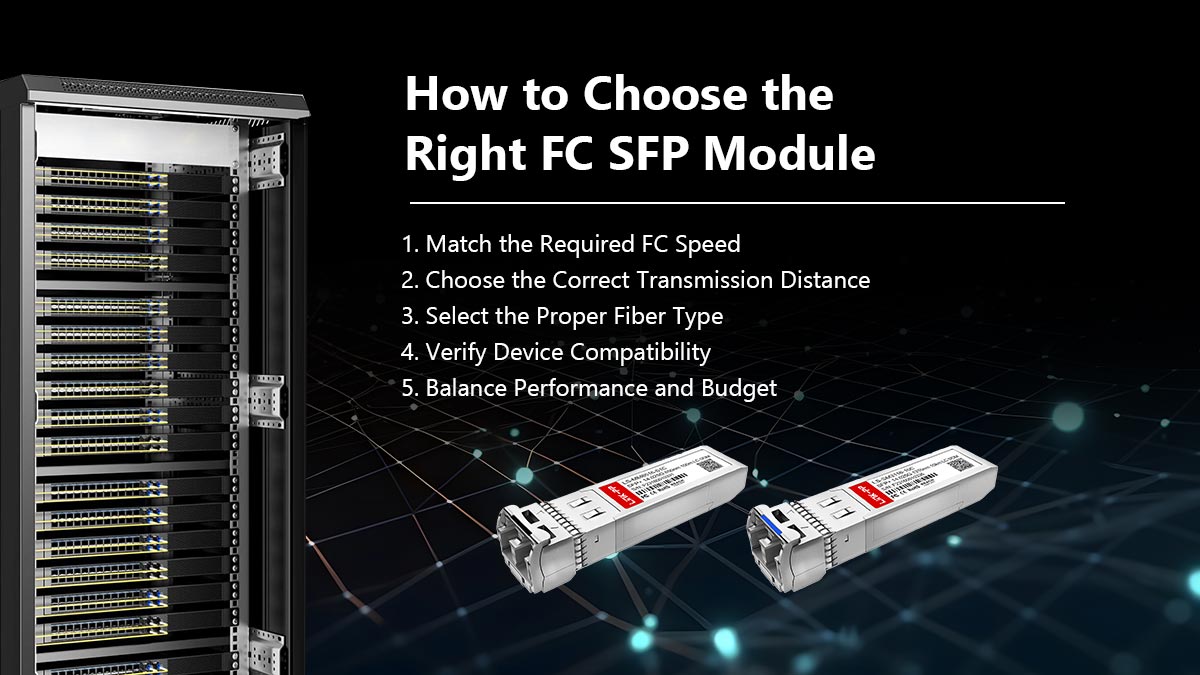
1. Match the Required FC Speed
Start by identifying the Fibre Channel speed supported by your SAN equipment.
Common FC generations include:
FC Speed | Typical Environment |
|---|---|
8G FC | Legacy SAN upgrades |
16G FC | Enterprise storage networks |
32G FC | Modern high-performance SANs |
64G FC | Advanced data center storage |
Always verify compatibility between:
SAN switch
Server HBA
Storage array
Installed FC optics
While some Fibre Channel devices support backward compatibility, mixing generations may reduce performance or create negotiation issues.
2. Choose the Correct Transmission Distance
The required link distance directly affects which optic type you should use.
In general:
Short-range SAN links typically use short-wave (SW) optics
Long-distance deployments usually require long-wave (LW) optics
Using higher-range optics than necessary may increase cost without improving performance.
3. Select the Proper Fiber Type
FC SFP modules must match the deployed fiber infrastructure.
Fiber Type | Best Use Case |
|---|---|
Multimode Fiber (MMF) | Short-distance data center links |
Single-Mode Fiber (SMF) | Long-range SAN connections |
Most enterprise data center SANs use multimode fiber for rack-to-rack connectivity, while larger campus or cross-building deployments often rely on single-mode infrastructure.
4. Verify Device Compatibility
Compatibility remains one of the most important purchasing factors.
Before buying, confirm:
Supported transceiver models
Vendor coding requirements
Switch firmware support
FC protocol support
Port type compatibility
Many enterprise SAN vendors validate optics through firmware, especially in platforms from Cisco, Brocade, IBM, HPE, and Dell EMC.
A module that physically fits may still fail if the device rejects unsupported optics.
5. Balance Performance and Budget
Not every SAN environment requires the newest or highest-speed FC optic.
For many organizations:
8G FC and 16G FC remain cost-effective for legacy infrastructure
32G FC is common in modern enterprise SAN deployments
64G FC is typically reserved for high-performance storage environments
Choosing the right balance between performance, compatibility, and future scalability can significantly reduce overall infrastructure costs.
Final Recommendation
The best FC SFP module is the one that correctly matches:
Your SAN speed
Fiber type
Transmission distance
Hardware platform
Budget requirements
Instead of focusing only on price, prioritize long-term compatibility and deployment stability.
If you are looking for compatible Fibre Channel optics for SAN switches, storage arrays, or enterprise data center deployments, the LINK-PP Official Store offers a wide range of FC SFP modules designed for reliable Fibre Channel connectivity across multiple network environments.



