


In modern data centers and high-speed enterprise networks, 100G connectivity has become the new baseline. Among the most widely adopted solutions is the QSFP28 transceiver, a compact form factor designed to deliver 100Gbps throughput using four parallel 25G lanes. At the core of its widespread adoption lies the concept of QSFP28 MSA (Multi-Source Agreement)—a standard intended to ensure interoperability across multiple vendors.
But here’s the critical reality:
while QSFP28 MSA defines mechanical dimensions, electrical interfaces, and basic optical behavior, it does not guarantee seamless compatibility in real-world deployments.
This gap between standardization and actual performance is exactly why many network engineers search for terms like:
What is MSA compliant SFP?
What does MSA compatible really mean?
Why do QSFP28 modules fail even if they follow MSA?
In practice, users often encounter unexpected issues such as:
Modules not being recognized by switches
Link failures due to firmware or FEC mismatches
Performance instability despite “MSA compliance”
These challenges highlight an important truth: QSFP28 MSA ensures a common baseline—but successful deployment depends on much more than the standard itself.
What You’ll Learn in This Guide
By reading this article, you will gain a clear, practical understanding of:
The true meaning of QSFP28 MSA and what it actually standardizes
The difference between MSA compliance and real compatibility
How QSFP28 compares to SFP and other transceiver types
Whether QSFP28 supports single-mode or multimode fiber
The most common real-world failure scenarios (based on user insights)
A step-by-step checklist to ensure reliable QSFP28 deployment
Whether you are planning a new 100G network, troubleshooting interoperability issues, or sourcing reliable optical modules, this guide will help you make informed, low-risk decisions.
Let’s start by breaking down the fundamentals: What exactly is QSFP28 MSA, and why does it matter?
📘 What Is QSFP28 MSA and Why It Matters
What Does QSFP28 Mean?
QSFP28 (Quad Small Form-factor Pluggable 28) is a high-speed optical transceiver standard designed for 100 Gigabit Ethernet (100G) applications. It achieves this by using:
4 independent lanes, each running at 25Gbps
Total aggregated bandwidth of 100Gbps
Compact, hot-pluggable form factor for switches and routers
QSFP28 modules are widely used in:
Data centers (spine-leaf architecture)
Cloud infrastructure
Enterprise core networks
What Is MSA (Multi-Source Agreement)?
MSA (Multi-Source Agreement) is an industry-driven specification developed by multiple manufacturers to standardize:
Physical dimensions (size, connector type)
Electrical interface (lane structure, signaling)
Management interface (I2C communication, diagnostics)
For QSFP28, the MSA ensures that modules from different vendors can:
✅ Fit into the same QSFP28 port
✅ Follow the same electrical signaling structure
✅ Provide standardized digital diagnostics (DDM)
Important: What QSFP28 MSA Does NOT Guarantee
This is where most confusion—and real-world problems—begin.
While QSFP28 MSA defines the baseline, it does NOT standardize:
❌ Vendor firmware behavior
❌ EEPROM encoding (vendor ID recognition)
❌ Forward Error Correction (FEC) compatibility
❌ Switch OS or ASIC-level interoperability
❌ Product quality or reliability
This explains a common real-world issue: Even if two QSFP28 modules are “MSA compliant,” they may not work properly in the same switch.
Why QSFP28 MSA Matters in Real Deployments
Understanding QSFP28 MSA is critical because it directly impacts:
1. Multi-Vendor Sourcing Flexibility
Enables procurement teams to avoid single-vendor lock-in
Supports cost optimization using third-party optics
2. Network Design Scalability
Ensures consistent form factor across 100G infrastructure
3. Risk Awareness in Compatibility
Helps engineers recognize that: “MSA compliant” does NOT mean plug-and-play
The “MSA Illusion Gap” (Key Insight)
A critical concept for engineers and buyers:
Expectation | Reality |
|---|---|
MSA = full compatibility | MSA = physical + baseline only |
All QSFP28 modules interoperate | Vendor tuning still required |
Standard ensures stability | Deployment quality determines stability |
Bottom Line
QSFP28 defines the 100G form factor and lane architecture
MSA defines the shared industry standard for that form factor
But real-world success depends on:
Vendor compatibility
Firmware alignment
Proper deployment practices
Next, we’ll go deeper into a critical question many users ask: What does “MSA compatible” really mean—and why does it often cause confusion?
📘 What Does “MSA Compatible” Really Mean?
“MSA compatible” means a transceiver follows the shared hardware and interface specifications defined by the Multi-Source Agreement (MSA).
In simple terms, an MSA-compatible QSFP28 module:
Fits into any QSFP28 port
Uses the same electrical lane structure (4×25G)
Supports standard digital diagnostics (DDM/DOM)
But here’s the key point: MSA compatibility guarantees physical interoperability—not operational compatibility.
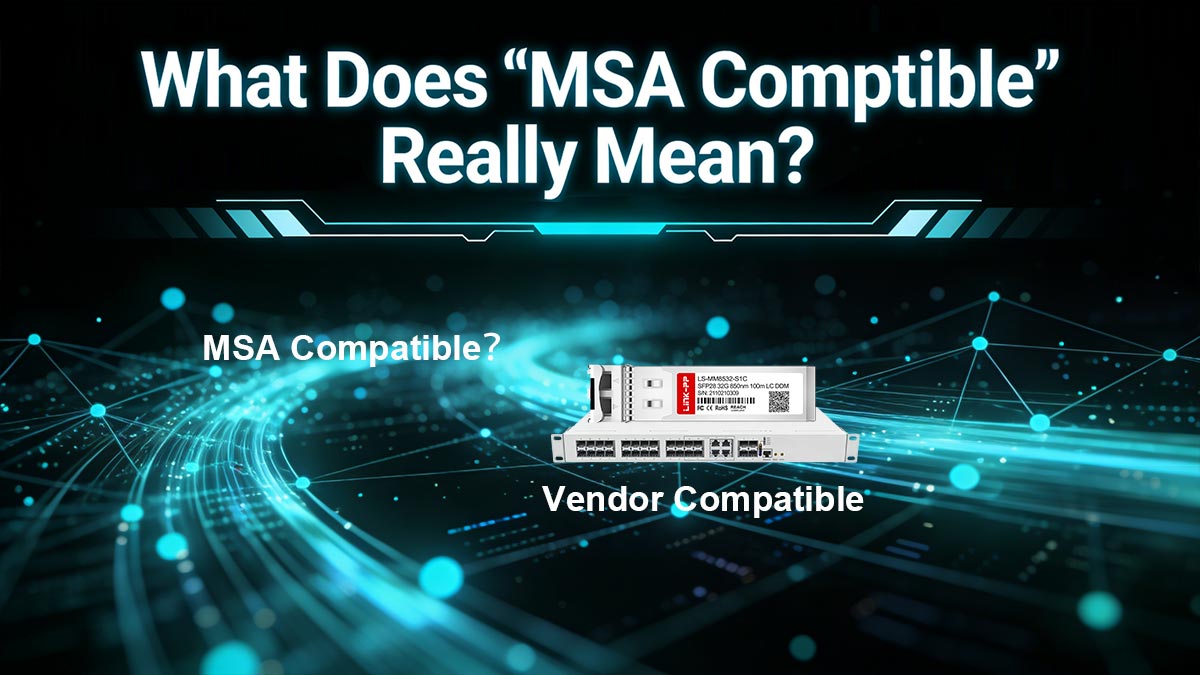
MSA Compatible vs. Vendor Compatible (Critical Difference)
This distinction is where most deployment issues originate.
Type | What It Means | Real-World Impact |
|---|---|---|
MSA Compatible | Follows industry hardware spec | Will physically fit and power on |
Vendor Compatible | Programmed/tested for a specific switch brand | Will actually work reliably |
Example:
A generic QSFP28 module may be MSA compliant
But without proper EEPROM coding, it may:
Not be recognized by the switch
Trigger compatibility warnings
Disable the port entirely
Why “MSA Compatible” Often Causes Confusion
Many vendors use “MSA compatible” in marketing to imply:
“Works with all devices”
In reality, based on both industry behavior and user feedback:
Some switches enforce vendor lock (whitelisting)
Others require:
Specific firmware versions
Matching FEC settings
Even when links come up:
Stability is not guaranteed
This leads to the common misconception: MSA = plug-and-play (which is NOT true).
The Hidden Layer: EEPROM & Firmware
Behind every QSFP28 module is a small memory chip (EEPROM) that stores:
Vendor name
Part number
Compatibility identifiers
Switches read this data during initialization.
If the module is not properly coded:
The switch may reject it
Or operate in a degraded mode
This is why two physically identical modules can behave completely differently.
Real-World Scenarios (Based on User Experience)
Engineers frequently report:
❌ “Module not supported” errors
❌ Link not coming up despite correct cabling
❌ Random link flapping under load
❌ Speed fallback (100G → 40G or lower)
Common root causes:
EEPROM mismatch
Firmware incompatibility
FEC misalignment
Poor optical quality (especially in low-cost modules)
When Does MSA Compatibility Actually Work Well?
MSA-compatible QSFP28 modules tend to work reliably when:
✔ Switches are open-platform (no vendor lock)
✔ Modules are pre-coded for the target brand
✔ Firmware versions are aligned
✔ Proper testing is performed before deployment
Practical Takeaway
MSA compatible = hardware-level standardization
Vendor compatibility = real-world usability
Always treat “MSA compatible” as a starting point—not a guarantee
Before purchasing or deploying 100G QSFP28 modules:
Verify compatibility with your specific switch model
Request vendor coding support if using third-party optics
Test modules in a lab environment
Avoid assuming cross-vendor interoperability
Next, let’s clarify another common question in network design: What is the difference between QSFP28 and SFP, and when should you use each?
📘 QSFP28 vs. SFP: Key Differences Explained
When designing or upgrading a network, one of the most common questions is: What is the difference between SFP and QSFP28—and which one should you use?
Although both are pluggable transceivers, they serve very different roles in modern network architecture.
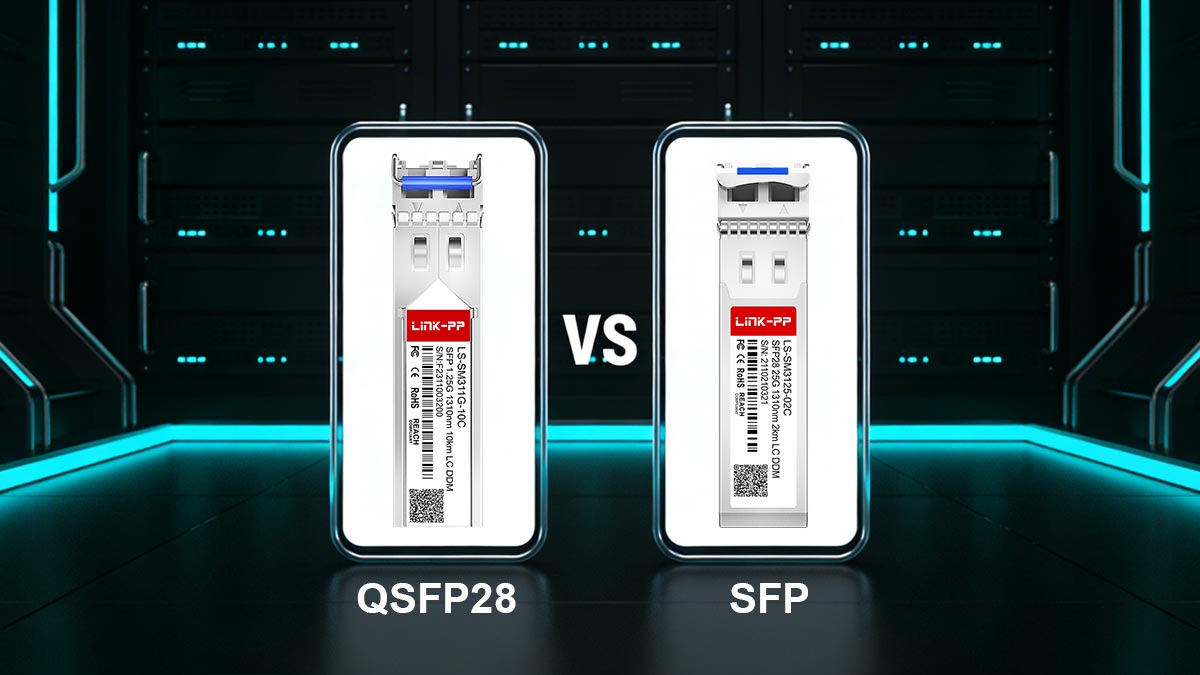
Core Technical Differences
Feature | SFP / SFP+ / SFP28 | QSFP28 |
|---|---|---|
Full Name | Small Form-factor Pluggable | Quad Small Form-factor Pluggable 28 |
Lane Structure | 1 lane | 4 lanes |
Typical Speed | 1G / 10G / 25G | 100G (4 × 25G) |
Connector Type | LC (duplex fiber) | MPO/MTP (multi-fiber) |
Port Density | Lower | Higher (4× bandwidth per port) |
Power Consumption | Lower | Higher |
Typical Use Case | Access / edge | Spine / core / aggregation |
Architecture Difference: Single Lane vs. Multi-Lane
The biggest technical distinction is how data is transmitted:
1 lane (up to 25Gbps)
QSFP28 uses:
4 parallel lanes, each 25Gbps
Combined into 100Gbps
This multi-lane design is what enables QSFP28 to deliver high bandwidth in a compact form factor.
Use Case Differences (Where Each Fits)
SFP / SFP28 — Access Layer
Best for:
Server connections
Enterprise edge networks
Short-distance links
Typical scenarios:
10G or 25G server uplinks
Access switches to aggregation
QSFP28 — Core & Data Center Spine
Best for:
High-capacity backbone links
Data center interconnects
Cloud-scale infrastructure
Typical scenarios:
Spine-to-leaf connections
Switch-to-switch 100G links
High-performance computing clusters
Breakout Capability (Important Advantage)
One major advantage of QSFP28: It can be broken out into multiple lower-speed links
For example:
1 × 100G QSFP28
➡️ can become4 × 25G SFP28 connections (via breakout cable)
This allows:
Flexible network design
Gradual upgrades from 25G to 100G
Compatibility Considerations
Despite some flexibility, these modules are NOT directly interchangeable:
❌ QSFP28 cannot fit into an SFP port
❌ SFP cannot fit into a QSFP28 port
Even with breakout:
Requires:
Switch support
Correct configuration
Cost vs. Performance Trade-Off
Factor | SFP | QSFP28 |
|---|---|---|
Cost per module | Lower | Higher |
Cost per Gbps | Higher | Lower |
Scalability | Limited | Excellent |
For large-scale deployments: QSFP28 offers better long-term efficiency despite higher upfront cost
Practical Decision Guide
Choose SFP/SFP28 if:
You need ≤25G per link
Budget is limited
Network is access-layer focused
Choose QSFP28 if:
You need 100G bandwidth
You’re building scalable infrastructure
You want breakout flexibility
SFP = single-lane, lower-speed, edge connectivity
QSFP28 = multi-lane, high-speed, core infrastructure
They are not competitors—they are complementary technologies used at different layers of the network.
Next, let’s answer another common deployment question: Is QSFP28 single mode or multimode—and how do you choose the right type?
📘 Is QSFP28 Single Mode or Multimode? (SR4 vs. LR4 Explained)
QSFP28 supports BOTH single-mode and multimode fiber—the difference depends on the specific module type (e.g., SR4, LR4, CWDM4).
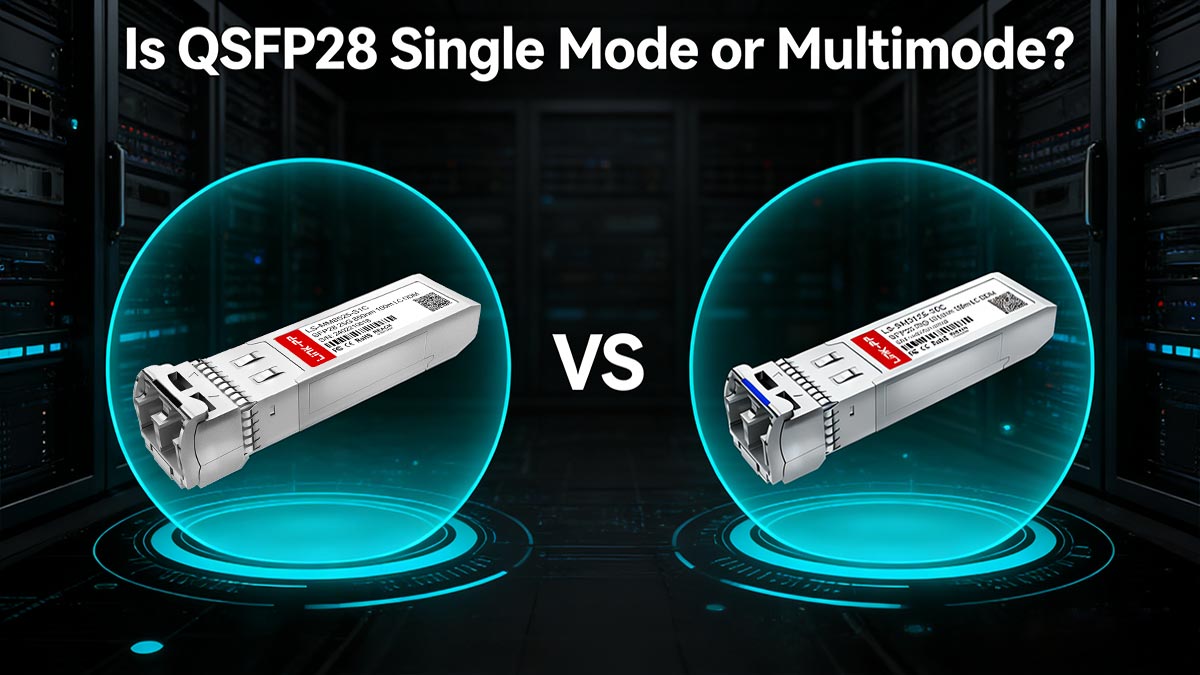
Understanding the Two Main Types: SR4 vs. LR4
🟢 QSFP28 SR4 (Multimode Fiber – MMF)
SR4 = Short Range (4 lanes over multimode fiber)
Key characteristics:
Fiber type: Multimode (OM3 / OM4)
Connector: MPO/MTP (12-fiber)
Typical distance:
~70m (OM3)
~100m (OM4)
Wavelength: 850nm
Best for:
Data center internal links
Short-distance, high-density environments
Cost-sensitive deployments
SR4 is widely used in leaf-spine architectures within the same rack or row
🔵 QSFP28 LR4 (Single Mode Fiber – SMF)
LR4 = Long Range (4 wavelengths multiplexed over single fiber pair)
Key characteristics:
Fiber type: Single-mode (OS2)
Connector: LC duplex
Typical distance:
Up to 10km
Wavelength: CWDM (coarse wavelength division multiplexing)
Best for:
Campus networks
Data center interconnect (DCI)
Long-distance backbone links
LR4 is ideal when distance exceeds multimode limits
SR4 vs. LR4: Side-by-Side Comparison
Feature | SR4 (Multimode) | LR4 (Single Mode) |
|---|---|---|
Fiber Type | MMF (OM3/OM4) | SMF (OS2) |
Connector | MPO/MTP | LC duplex |
Distance | ≤100m | ≤10km |
Cost (Module) | Lower | Higher |
Cost (Fiber) | Higher (MPO cabling) | Lower (simple LC fiber) |
Use Case | Inside data center | Long-distance links |
Common Mistakes in Real Deployments
Based on real-world experience, many issues come from misunderstanding SR4 vs LR4:
❌ Mixing fiber types
SR4 module + single-mode fiber → link failure
LR4 module + multimode fiber → no signal
❌ Connector mismatch
MPO (SR4) ≠ LC (LR4)
👉 Requires completely different cabling infrastructure
❌ Overpowered optics (short-distance LR4 use)
Using LR4 for very short links can cause:
Signal overload
Increased bit error rate
Cost vs. Distance Trade-Off
Choosing between SR4 and LR4 is not just technical—it’s economic:
Short distance (<100m): SR4 is more cost-effective overall
Long distance (>500m–10km): LR4 becomes the only practical option
How to Choose the Right QSFP28 Type
Use this quick decision framework:
Distance ≤100m → SR4 (multimode)
Distance ≥500m → LR4 (single mode)
Existing infrastructure:
MPO cabling → SR4
LC fiber → LR4
QSFP28 is not limited to one fiber type
Instead, it is a flexible platform supporting multiple optical standards
The real decision is: Short-distance + lower cost (SR4) vs. Long-distance + higher reach (LR4)
Next, we’ll explore a critical real-world issue: Why do MSA-compliant QSFP28 modules still fail in actual deployments?
📘 Why MSA-Compliant QSFP28 Modules Still Fail?
Despite being labeled “MSA compliant,” QSFP28 modules do not always work reliably in real networks. This is one of the most frustrating—and frequently searched—issues among engineers deploying 100G links.
The core reason is simple: MSA defines hardware standards, but real-world performance depends on many additional factors that are NOT standardized.
1. Vendor Lock and EEPROM Compatibility Issues
Many network switches (especially from major brands) implement vendor-specific validation mechanisms.
What happens:
The switch reads the module’s EEPROM data
If the vendor ID is not recognized:
❌ Port may be disabled
❌ Warning messages appear
❌ Features may be limited
Real-world impact: Even if a module is physically compatible: It may not be accepted by the system
2. Firmware and FEC Mismatch
Forward Error Correction (FEC) is critical for 100G links—but it is not fully standardized across vendors.
Common issues:
One device uses RS-FEC, another uses FC-FEC
Default settings differ between switches
Result:
❌ Link fails to establish
❌ High error rates
❌ Intermittent link flapping
This is a major cause of “it should work, but doesn’t” scenarios
3. Optical Layer Problems (Most Underestimated)
Even with correct modules, physical layer issues can break links.
Frequent causes:
Dirty MPO connectors (very common)
Fiber polarity mismatch
Incorrect fiber type (MMF vs. SMF)
Excessive optical power (short links with LR4)
Critical detail:
QSFP28 uses 4 lanes, If one lane fails, the entire 100G link goes down
4. Quality Variations in Third-Party Modules
Not all “MSA-compliant” modules are built equally.
Observed problems:
Higher failure rates in low-cost optics
Inconsistent manufacturing quality
Weak thermal design
Result:
❌ Early module failure
❌ Unstable performance under load
5. Thermal and Power Constraints
QSFP28 modules consume more power than lower-speed optics.
Risks:
Overheating in high-density switches
Insufficient airflow
Temperature-induced failures
Especially common with:
Copper (DAC) modules
6. Misconfiguration and Breakout Errors
QSFP28 supports breakout modes—but requires correct configuration.
Common mistakes:
Incorrect port mode (100G vs. 4×25G)
Unsupported breakout cables
Switch-side configuration mismatch
Result:
❌ No link
❌ Reduced speed
The Root Cause: Standard vs. Reality
Layer | MSA Covers | Real Failure Risk |
|---|---|---|
Physical fit | ✅ Yes | Rare |
Electrical interface | ✅ Yes | Low |
Firmware behavior | ❌ No | High |
Optical conditions | ❌ No | Very high |
Vendor compatibility | ❌ No | Critical |
How to Reduce Failure Risk
Based on real deployment experience:
✔ Before deployment:
Verify switch compatibility list
Use properly coded modules
Match FEC settings
✔ During installation:
Clean all fiber connectors (especially MPO)
Verify fiber type and polarity
✔ During testing:
Check optical power levels
Monitor error counters and link stability
MSA compliance ensures a starting point—not success
Most failures come from:
Compatibility gaps
Physical layer issues
Quality inconsistencies
To achieve reliable 100G performance, you must go beyond the standard and focus on end-to-end validation
Next, let’s move from problems to solutions: How can you ensure QSFP28 compatibility and avoid these issues in real deployments?
📘 How to Ensure QSFP28 Compatibility in Real Deployments
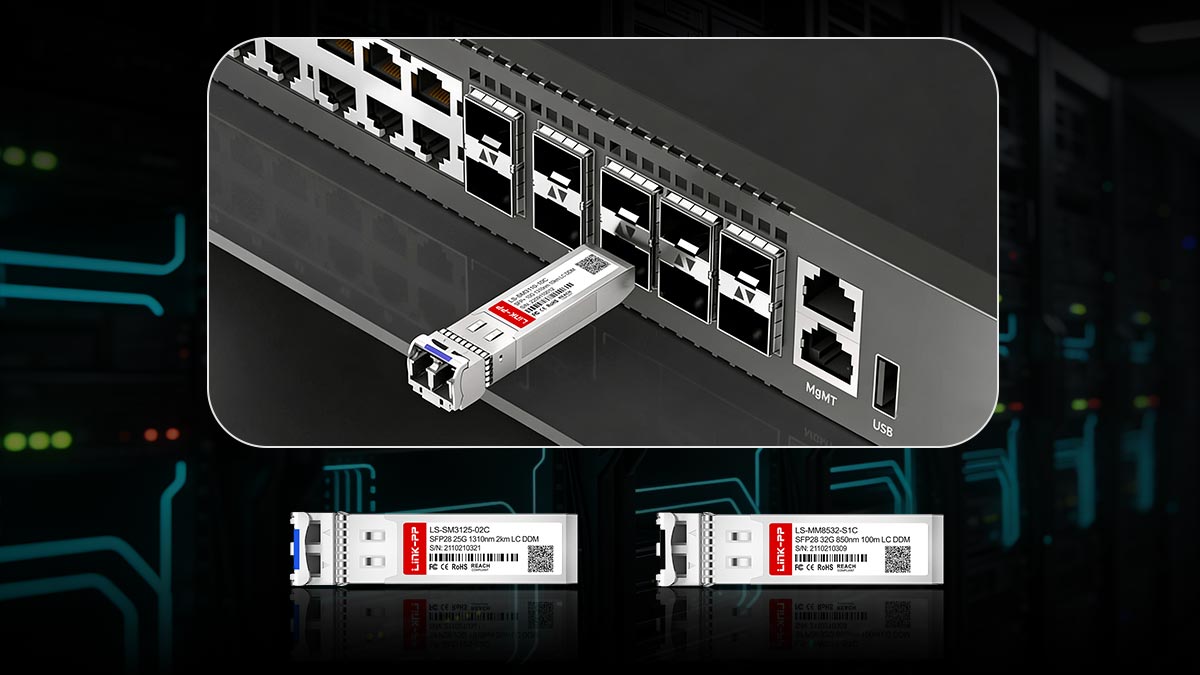
After understanding why MSA-compliant QSFP28 modules can still fail, the next step is building a reliable deployment workflow. In real-world networks, success comes from systematic validation—not assumptions.
Below is a practical, field-proven approach used by engineers to ensure compatibility and stability.
Step-by-Step Validation Workflow
1. ✅ Confirm Switch & Firmware Compatibility
Start with the most critical layer:
Check the switch hardware compatibility list (HCL)
Verify:
Supported QSFP28 module types (SR4, LR4, etc.)
Firmware / OS version requirements
Identify:
Vendor lock restrictions
Required EEPROM coding
Pro tip: Even within the same switch model, different firmware versions may change compatibility behavior.
2. 🔌 Match Optics Type to Use Case
Ensure alignment between module and infrastructure:
Distance:
≤100m → SR4 (MMF)
≥500m → LR4 (SMF)
Connector:
MPO (SR4) vs. LC (LR4)
Fiber type:
OM3/OM4 vs. OS2
Mismatched optics are one of the most common causes of link failure.
3. ⚙️ Align FEC and Port Configuration
Configure both ends of the link:
Match FEC mode:
RS-FEC vs. FC-FEC
Set correct port mode:
100G vs. breakout (4×25G)
Ensure auto-negotiation settings are consistent
Misaligned FEC is a hidden but critical failure point.
4. 🧼 Inspect and Clean the Optical Layer
Never skip physical inspection:
Clean all connectors (especially MPO)
Check:
Fiber polarity
Cable integrity
Use:
Fiber inspection microscope
Cleaning kits
A single dirty lane can bring down the entire 100G link.
5. 🧪 Perform Pre-Deployment Testing
Before going live:
Measure:
TX/RX optical power
Link loss (dB)
Monitor:
Error counters
Signal stability
Lab testing reduces production risk significantly.
QSFP28 Compatibility Checklist
Use this checklist before deployment:
Hardware & Optics
✔ QSFP28 module type matches distance and fiber
✔ Connector type (MPO/LC) matches cabling
✔ Module is coded for target switch (if required)
Switch & Configuration
✔ Switch firmware supports the module
✔ FEC settings match on both ends
✔ Port mode correctly configured
Physical Layer
✔ Fiber type (MMF/SMF) is correct
✔ Connectors are clean and undamaged
✔ Polarity is verified
Testing & Validation
✔ Optical power within safe range
✔ No CRC or bit errors
✔ Stable link under load
Vendor Selection Strategy (Critical for Stability)
Choosing the right supplier is just as important as technical validation.
1. Prioritize Compatibility Support
Look for vendors that provide:
Pre-coded modules for specific brands
Compatibility guarantees
Technical documentation
2. Balance Cost vs Reliability
Ultra-low-cost modules may:
Have higher failure rates
Lack proper testing
Premium modules:
Offer better consistency
Reduce long-term risk
The cheapest option often leads to higher operational cost
3. Evaluate Testing & Quality Control
Reliable vendors should provide:
Burn-in testing
Optical performance validation
Clear specification sheets
4. Check Support & RMA Process
From real-world feedback:
Fast replacement matters more than price
Poor RMA support can delay projects significantly
5. Best Practice: Avoid Single-Point Risk
Instead of relying on one supplier:
Validate 2–3 trusted vendors
Standardize testing procedures
Maintain backup inventory for critical links
To ensure QSFP28 compatibility in real deployments:
Do not rely on MSA compliance alone
Follow a structured validation workflow
Combine:
Technical alignment
Physical inspection
Vendor reliability
Successful 100G deployment is not just about choosing the right module—
it’s about validating the entire end-to-end link environment
Next, let’s bring everything together with a practical buying perspective: How to choose reliable QSFP28 modules (decision guide + checklist).
📘 Best Practices for Choosing Reliable QSFP28 Modules
Deploying a 100G network successfully begins with choosing the right QSFP28 modules. Even in 2026, engineers still encounter issues caused by low-quality or incompatible optics. Following best practices ensures both performance and long-term reliability.
🔹 1. Use a Structured Buying Framework
When selecting QSFP28 modules, evaluate options across three critical dimensions:
A. Performance vs. Cost
High-performance modules:
Typically more expensive
Offer lower failure rates, better thermal tolerance, and stronger vendor support
Budget modules:
Lower upfront cost
Higher risk of link instability, compatibility issues, or early failure
Rule of thumb: Consider cost per Gbps and long-term reliability, not just upfront price.
B. Testing & Certification
Always prioritize modules that provide:
Vendor-backed certification for major switch brands
Compliance validation with QSFP28 MSA standards (SR4, LR4, CWDM4)
Pre-deployment testing reports for optical power, BER, and FEC compatibility
Pro tip: Modules that have been tested in real-world deployments are much more reliable than unverified “MSA compatible” generic optics.
C. Vendor Reputation & Support
Reliable vendors reduce operational risk:
Provide pre-coded or brand-compatible modules
Offer fast RMA and technical support
Maintain consistent quality and burn-in testing
🔹 2. Integrate QA and Lab Testing Into Your Workflow
Even after choosing a reliable vendor:
Perform pre-installation tests:
TX/RX optical power verification
Link stability under load
FEC and breakout validation
Inspect all fiber connections (MPO/LC) and check polarity
Track performance using DDM/DOM metrics
This ensures your 100G network is robust before production deployment.
🔹 3. Source Trusted QSFP28 Modules
For engineers and IT managers looking for high-quality, MSA-compliant QSFP28 modules with proven reliability:
Check out the LINK-PP Official Store
Full range of QSFP28 SR4, LR4, and CWDM4 modules
Tested for cross-vendor compatibility
Technical support and warranty included
Buying from a trusted vendor simplifies deployment and reduces risk, allowing teams to focus on network expansion instead of troubleshooting.
🔹 4. Key Takeaways
Evaluate modules on performance, testing, and vendor reputation
Don’t rely solely on MSA compliance—real-world verification is critical
Use a structured buying framework to balance cost and reliability
Partner with a trusted supplier like LINK-PP to minimize deployment risks



