


In modern network infrastructure, Small Form-factor Pluggable Plus (SFP+) has become the standard interface for delivering 10 Gigabit Ethernet (10GbE) connectivity across switches, routers, and servers. Its compact, hot-pluggable design allows engineers to scale bandwidth, switch between media types, and upgrade networks without replacing core hardware.
However, despite its widespread adoption, SFP+ is also one of the most misunderstood components in networking.
Many users assume that if a module physically fits into an SFP+ port, it will automatically work. In reality, compatibility depends on a combination of hardware support, firmware restrictions, vendor coding, and media type selection. This is why issues like “SFP+ not working,” “no link light,” or “module not recognized” are among the most frequently searched and discussed topics.
What You’ll Learn in This Guide
To help you avoid costly mistakes and deployment failures, this guide focuses on real-world compatibility, not just specifications. By reading this article, you will:
Understand what SFP+ really is and how it differs from SFP and SFP28
Learn how SFP+ compatibility actually works across different devices and brands
Compare fiber, DAC, and RJ45 SFP+ modules for different use cases
Identify and fix the most common SFP+ issues quickly
Follow a practical checklist to choose the right SFP+ module with confidence
Why SFP+ Compatibility Matters More Than Specs
From a technical perspective, SFP+ is a standardized form factor. But in real deployments, it behaves more like a compatibility-driven ecosystem. Factors such as switch firmware, EEPROM coding, supported data rates, and even power consumption can determine whether a module works reliably—or fails entirely.
👉 In other words:
Choosing the right SFP+ module is not just about speed or distance—it’s about ensuring everything in your network works together seamlessly.
🔵 What Is Small Form-factor Pluggable Plus (SFP+)?
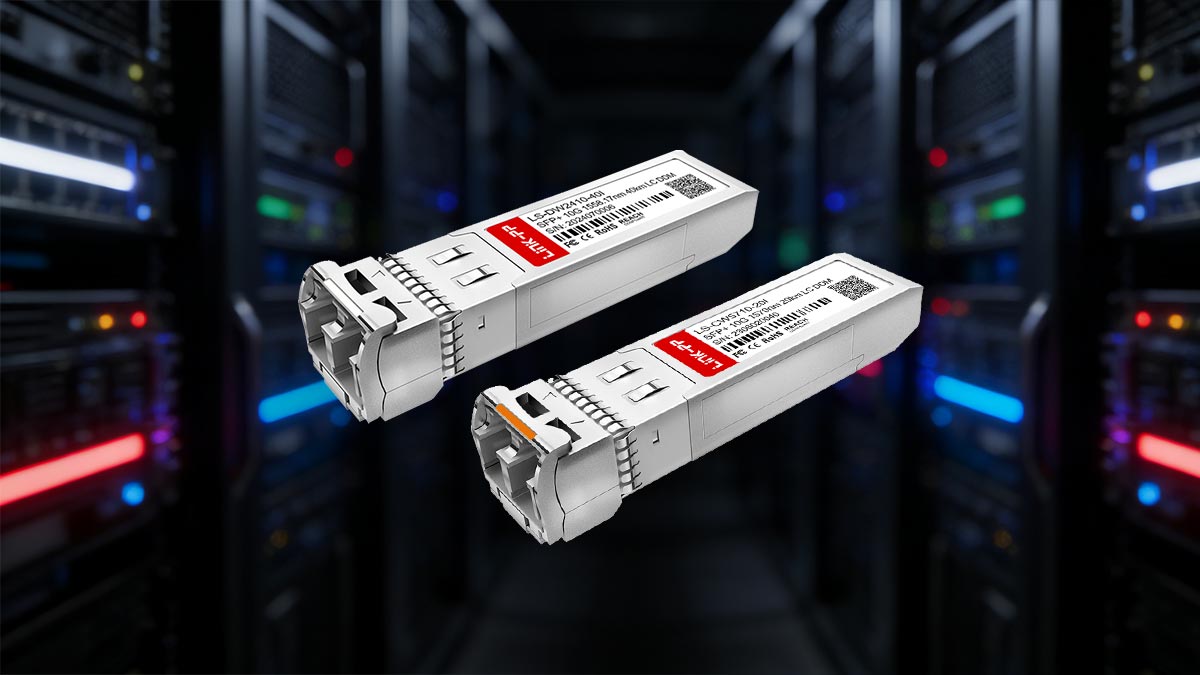
Small Form-factor Pluggable Plus (SFP+) is a compact, hot-swappable transceiver module used to enable 10 Gigabit Ethernet (10GbE) connections between network devices such as switches, routers, and servers.
SFP+ Definition in Plain Language
In simple terms, an SFP+ module acts as a bridge between your network equipment and the cable. Instead of building fixed ports into hardware, manufacturers use SFP+ slots so you can plug in the exact type of connection you need.
Think of SFP+ as a flexible adapter:
It lets one port support fiber, copper, or DAC cables
It can be swapped without powering down the device
It allows easy upgrades from 1G to 10G (when supported)
This flexibility is why SFP+ is widely used in data centers, enterprise networks, and high-performance environments.
The Role of SFP+ in 10GbE Networking
SFP+ is primarily designed for 10 Gigabit Ethernet (10GbE), making it a key component in modern high-speed networks.
Its role includes:
High-speed data transmission
Supports 10Gbps links for bandwidth-intensive applications like cloud computing, storage networks, and virtualizationNetwork scalability
Enables upgrading network speeds without replacing entire switches or routersFlexible media support
Works with multiple connection types:Fiber optics (e.g., SR, LR)
Direct Attach Copper (DAC)
Copper Ethernet (10GBASE-T RJ45)
In practice: SFP+ allows network engineers to design once and adapt later, simply by changing the module instead of the hardware.
Why SFP+ Looks Like SFP—but Works Differently
One of the biggest sources of confusion is that SFP+ and SFP share the same physical size and connector.
However, they are not the same internally.
Key Differences:
Electrical Interface
SFP: Designed for up to 1Gbps
SFP+: Designed for 10Gbps, using a higher-speed signaling interface
Signal Processing
SFP modules often include more onboard processing
SFP+ shifts more processing to the host device (switch/NIC), enabling higher speeds and lower latency
Compatibility Behavior
Some SFP+ ports support SFP modules (running at 1G)
SFP ports generally do not support SFP+ modules
Important takeaway: Physical compatibility does NOT guarantee functional compatibility.
Quick Summary
SFP+ is a 10GbE hot-pluggable transceiver standard
It provides flexibility, scalability, and media independence
It looks identical to SFP, but uses a faster and different electrical interface
🔵 SFP+ Compatibility Explained
When it comes to Small Form-factor Pluggable Plus (SFP+), compatibility is the single most important factor—and also the most misunderstood.
Many users assume: “If the module fits into the port, it should work.”
In reality, SFP+ compatibility depends on multiple layers of interaction, not just physical fit. Understanding these layers is essential to avoid no-link issues, wasted costs, and deployment failures.
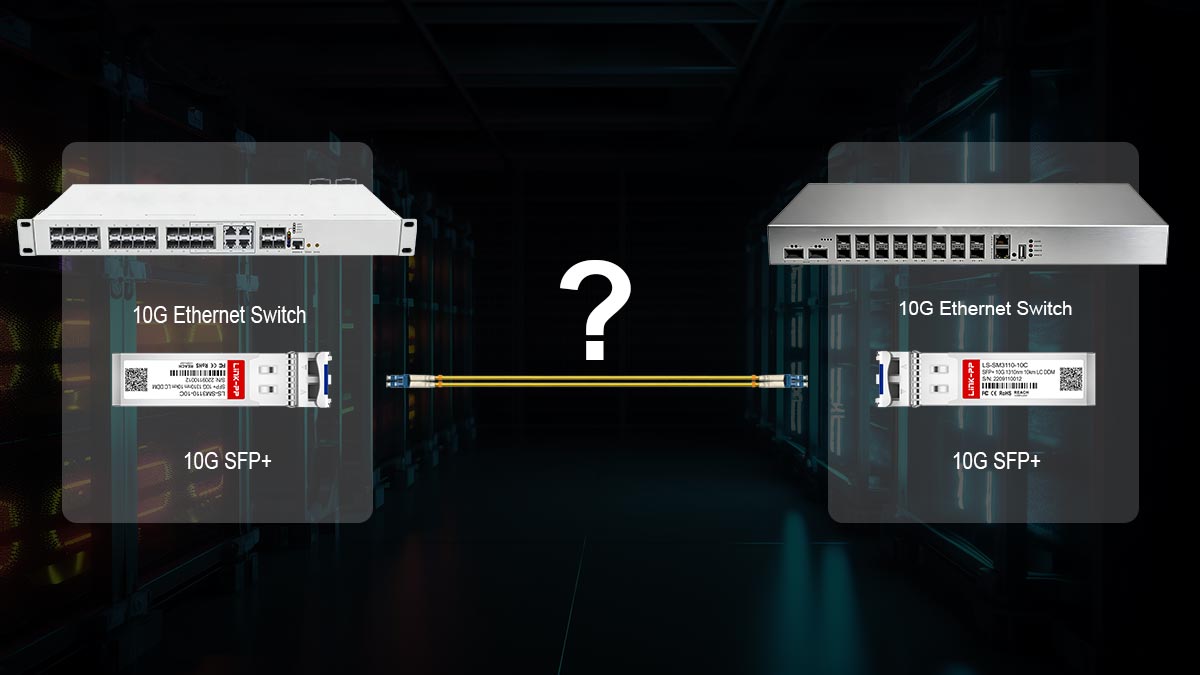
Why “Fits” Does NOT Mean “Works”
SFP+ modules are standardized in size, so they will physically insert into any SFP+ port. However, successful operation depends on whether the host device (switch, router, or NIC) can properly communicate with the module.
A working link requires alignment in:
Electrical signaling
Supported data rates (1G / 10G / multi-rate)
Firmware compatibility
Vendor identification (EEPROM coding)
If any of these don’t match, the result is often:
No link light
Module not detected
Link stuck at wrong speed
The 4 Key Factors That Determine SFP+ Compatibility
1. Host Device Compatibility (Switch / Router / NIC)
Not all SFP+ ports behave the same.
Some ports support only 10G
Some support 1G + 10G (dual-rate)
Some support multi-gig (rare, newer hardware)
Example issue: Plugging a 1G SFP into a 10G-only SFP+ port → ❌ No link
2. Vendor Coding (EEPROM Lock-In)
Each SFP+ module contains a small memory chip (EEPROM) that identifies:
Vendor name (e.g., Cisco, MikroTik, Ubiquiti)
Model and capabilities
Many network devices check this information and may:
✅ Accept compatible modules
⚠️ Show warnings
❌ Reject unsupported modules entirely
This is why:
“Generic modules” sometimes fail
“Vendor-compatible” modules are in high demand
3. Media Type Compatibility (Fiber, DAC, RJ45)
SFP+ ports support multiple connection types, but not always universally.
Fiber modules (SR/LR) → Most widely supported
DAC cables → Limited by cable length and device support
RJ45 (10GBASE-T) → High power consumption, not supported on all devices
Common mistake: Using an RJ45 SFP+ module in a switch that does not support copper transceivers
4. Speed Negotiation & Rate Matching
SFP+ modules are typically designed for fixed 10Gbps operation, unlike traditional Ethernet ports that auto-negotiate easily.
Some modules support 1G fallback
Others are strictly 10G only
Result: Speed mismatch = no link or unstable connection
Real-World Compatibility Scenarios
Understanding theory is useful—but real deployments often reveal hidden issues:
✔ Works:
Same-brand switch + vendor-coded SFP+ module⚠️ Works with warning:
Third-party module in a tolerant switch❌ Fails:
Cross-vendor setup with strict firmware enforcement❌ Fails:
10G-only port + 1G module
Before choosing an SFP+ module, always verify:
✔ Does your device support SFP+ (10G), not just SFP (1G)?
✔ Does the port support the required speed (1G / 10G)?
✔ Is the module coded for your device brand?
✔ Is the media type supported (fiber / DAC / RJ45)?
✔ Is the power/thermal budget sufficient (especially for RJ45)?
👉 SFP+ compatibility is not universal—it is conditional.
Success depends on aligning:
Device capability
Module type
Vendor compatibility
Network design
🔵 SFP vs. SFP+ vs. SFP28: What’s the Difference?
Choosing between SFP, SFP+, and SFP28 is one of the most common—and costly—decision points in network design. While they look almost identical, they differ significantly in speed, electrical interface, and real-world compatibility.
This section breaks down the differences clearly so you can select the right module with confidence and avoid common mistakes.
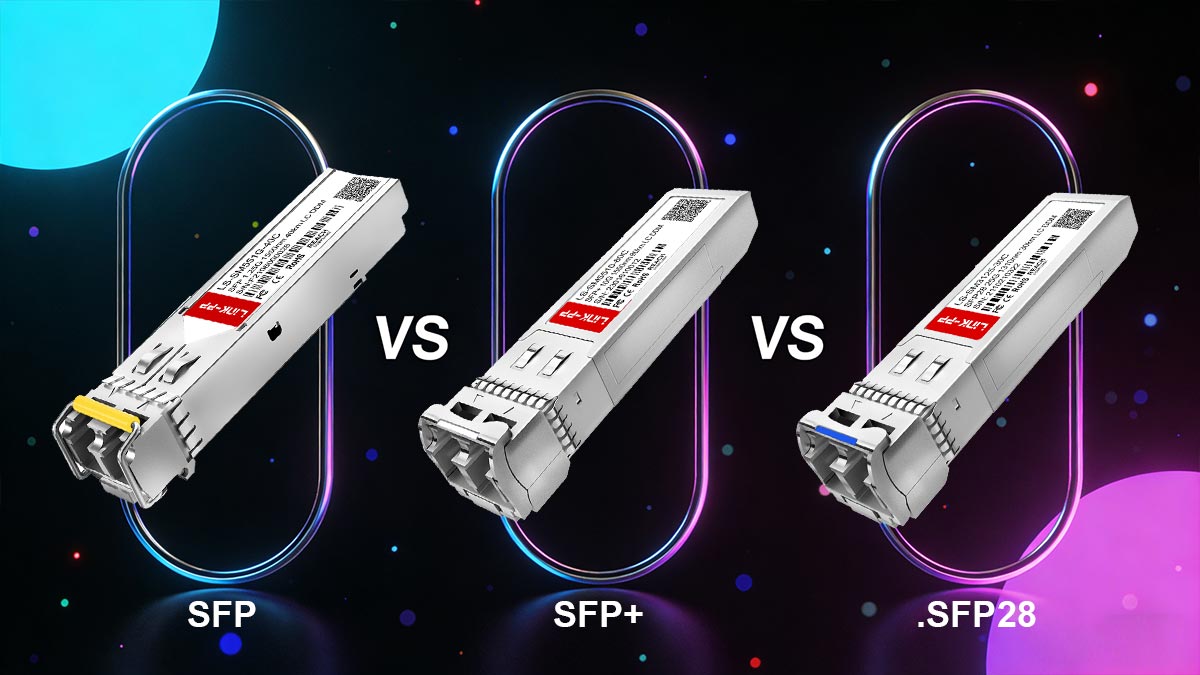
Quick Comparison: SFP vs. SFP+ vs. SFP28
Feature | SFP | SFP+ | SFP28 |
|---|---|---|---|
Max Speed | 1 Gbps | 10 Gbps | 25 Gbps |
Common Standards | 1000BASE-SX/LX | 10GBASE-SR/LR | 25GBASE-SR/LR |
Electrical Interface | Low-speed | Enhanced (10G) | Optimized (25G) |
Typical Use Case | Legacy / access networks | Data centers / enterprise | High-performance / cloud |
Backward Compatibility | — | Often supports SFP (1G)* | Often supports SFP+ (10G)* |
Physical Size | Same | Same | Same |
*Depends on device support (not guaranteed)
Speed and Performance Differences
The most obvious difference is data rate:
SFP (1G)
Designed for Gigabit Ethernet, suitable for basic networking and legacy systemsSFP+ (10G)
The mainstream choice for modern enterprise and data center networksSFP28 (25G)
Used in high-performance environments like cloud infrastructure and hyperscale data centers
Practical insight: Most current deployments standardize on SFP+ (10G) as the balance between cost and performance.
Electrical Interface: The Hidden Difference
Although all three modules share the same form factor, their internal electrical designs are very different.
SFP includes more onboard signal processing
SFP+ shifts processing to the host device, enabling higher speed and lower latency
SFP28 further optimizes signal integrity for 25G performance
Why this matters:
Even if a module fits physically, the host hardware must support the required signaling standard.
Backward Compatibility (What Actually Works)
This is where most confusion—and mistakes—happens.
General Rules:
✅ SFP modules can often work in SFP+ ports
(running at 1G, if the port supports dual-rate)⚠️ SFP+ modules in SFP ports → NOT supported
✅ SFP+ modules may work in SFP28 ports
(running at 10G, depending on hardware)⚠️ SFP28 ports do NOT always support lower speeds
Real-World Compatibility Reality
The keyword is: “depends”
Compatibility is determined by:
Switch/NIC hardware design
Firmware limitations
Vendor policies
Example:
One SFP+ port may support 1G fallback
Another (same speed) may reject it entirely
Common Buying Mistakes (and How to Avoid Them)
❌ Mistake 1: Assuming All SFP Ports Are the Same
Reality: SFP, SFP+, and SFP28 are not interchangeable
✔ Fix: Always check port type + supported speeds
❌ Mistake 2: Ignoring Downward Compatibility
Not all SFP+ ports support 1G modules
✔ Fix: Confirm dual-rate support (1G/10G)
❌ Mistake 3: Buying Based Only on Speed
Speed alone doesn’t guarantee compatibility
✔ Fix: Match:
Device
Module type
Media
Vendor support
❌ Mistake 4: Overpaying for Unnecessary Performance
Many networks don’t need 25G (SFP28)
✔ Fix: Choose based on:
Actual bandwidth needs
Budget
Future scalability
When Should You Use Each?
Choose SFP (1G)
→ Legacy systems, low bandwidth needsChoose SFP+ (10G)
→ Most enterprise and data center applications (best balance)Choose SFP28 (25G)
→ High-density, high-performance environments
👉 Same size doesn’t mean same capability.
SFP = 1G
SFP+ = 10G
SFP28 = 25G
But more importantly:
Compatibility depends on the host device—not just the module.
🔵 SFP+ Module Types: Fiber, DAC, and RJ45
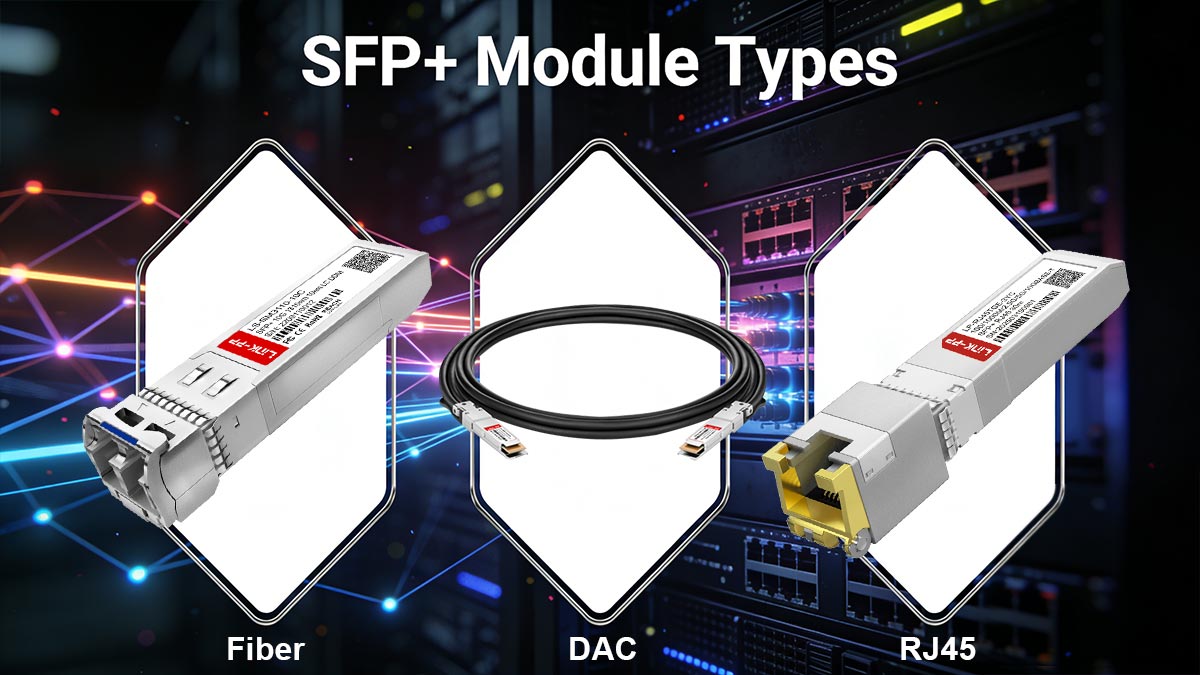
One of the key advantages of Small Form-factor Pluggable Plus (SFP+) is its flexibility in supporting multiple transmission media. However, this flexibility also creates confusion when choosing between fiber, DAC, and RJ45 modules.
Each SFP+ module type is designed for a specific use case, distance range, and performance requirement. Selecting the wrong type can lead to compatibility issues, unstable links, or unnecessary cost increases.
1. SFP+ Fiber Modules (SR and LR)
Fiber-based SFP+ modules are the most widely used in enterprise and data center environments, especially where long-distance and high-performance transmission are required.
🔹 SFP+ SR (Short Range)
Wavelength: 850nm
Fiber type: Multimode fiber (MMF)
Typical distance: up to ~300m (depends on fiber grade)
Use case:
Short-distance switch-to-switch connections
Rack-to-rack links inside data centers
Best for: high-density, short-range, low-cost 10G links
🔹 SFP+ LR (Long Range)
Wavelength: 1310nm
Fiber type: Single-mode fiber (SMF)
Typical distance: up to 10km
Use case:
Campus networks
Building-to-building connections
Telecom and enterprise backbone links
Best for: long-distance, stable, low-loss transmission
2. SFP+ Direct Attach Copper (DAC)
DAC cables are a cost-effective and low-latency alternative to fiber modules. They consist of a fixed copper cable with SFP+ connectors permanently attached on both ends.
Key Characteristics:
Speed: 10Gbps
Distance: typically 1–7 meters (passive), up to ~10m (active DAC)
Very low power consumption
Minimal latency compared to optical modules
Advantages:
Lowest cost per 10G link
Plug-and-play simplicity
No optical transceivers needed
Limitations:
Short distance only
Cable is not detachable from modules
Limited flexibility in structured cabling environments
Best for: rack-to-rack connections inside the same cabinet or adjacent racks
3. SFP+ Copper / RJ45 Modules (10GBASE-T)
RJ45 SFP+ modules enable 10GbE connectivity over standard copper Ethernet cables (Cat6a/Cat7).
Key Characteristics:
Standard: 10GBASE-T
Cable type: RJ45 copper Ethernet
Typical distance:
Up to 30m (Cat6)
Up to 100m (Cat6a/Cat7)
Advantages:
Uses existing Ethernet cabling
Easy migration from 1G to 10G
No fiber infrastructure required
Limitations:
Higher power consumption
More heat generation
Higher latency compared to fiber and DAC
Not supported by all SFP+ ports
Best for: office networks, retrofit upgrades, and environments without fiber infrastructure
4. When to Choose Each SFP+ Type
Choosing the correct module depends on distance, environment, cost, and performance requirements.
✔ Choose 10GBASE-SR (Fiber) if:
Devices are within the same rack or nearby racks
You need scalable data center architecture
Low latency and high density are priorities
✔ Choose 10GBASE-LR (Fiber) if:
You need long-distance transmission (up to 10km)
You are building campus or backbone networks
Stability and signal integrity are critical
✔ Choose DAC if:
Connections are short (≤10m)
You want the lowest cost per 10G link
You are connecting servers and switches within racks
✔ Choose RJ45 SFP+ if:
You already have copper cabling infrastructure
You need up to 100m reach
You are upgrading from 1G Ethernet without rewiring
There is no “best” SFP+ module—only the right one for the use case.
Fiber = flexibility + distance
DAC = low cost + low latency
RJ45 = convenience + legacy infrastructure compatibility
🔵 Common SFP+ Problems and How to Fix Them
Even though Small Form-factor Pluggable Plus (SFP+) is designed for plug-and-play deployment, real-world usage often tells a different story. Many users encounter issues such as no link, module detection failure, speed mismatch, or overheating—most of which are not caused by hardware failure, but by compatibility or configuration mismatches.
This section breaks down the most common SFP+ problems and provides practical troubleshooting steps used in real network environments.
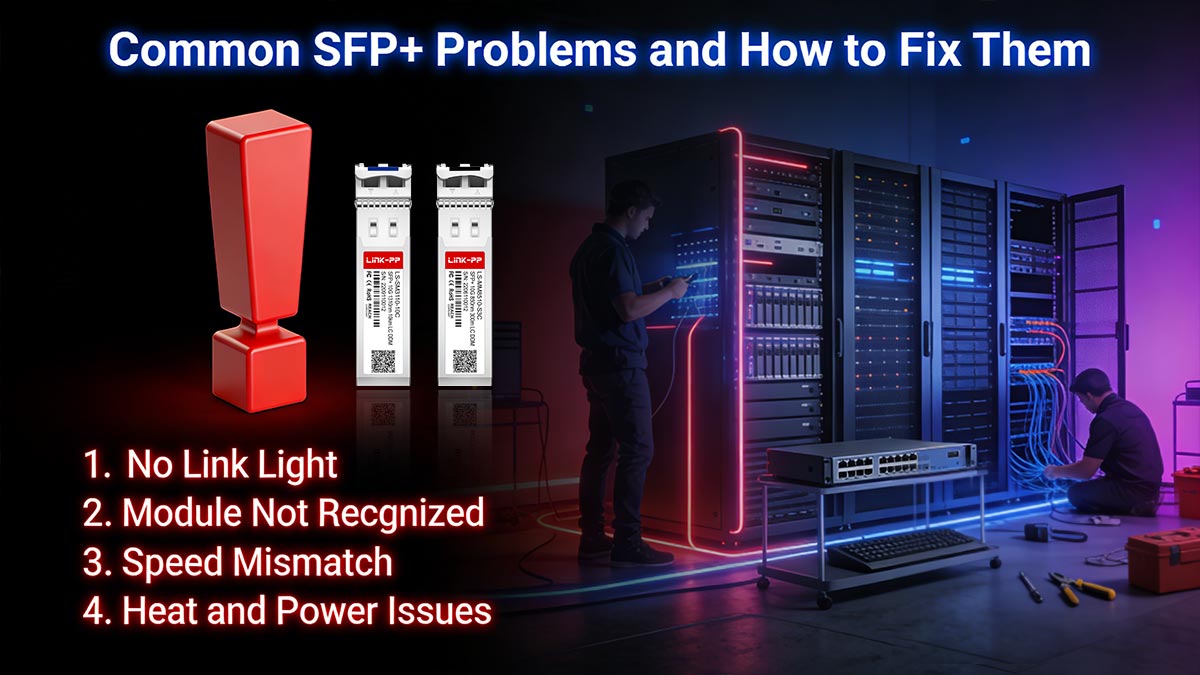
❌ 1. No Link Light (Most Common Issue)
A “no link light” condition means the SFP+ module is powered but no active connection is established between devices.
Common Causes:
Incorrect fiber type (MMF vs. SMF mismatch)
Wrong wavelength pairing (SR vs. LR mismatch)
DAC cable not supported by the device
Port disabled or administratively shut down
Dirty or damaged fiber connectors
How to Fix:
Verify both ends use the same module type (e.g., SR ↔ SR)
Ensure correct fiber polarity (Tx/Rx swapped correctly)
Check switch port status (enable interface)
Clean fiber connectors using proper tools
Replace DAC or module if necessary
Key insight: Most “no link” issues are layer 1 physical mismatch problems, not hardware failure.
❌ 2. Module Not Recognized
This occurs when the device does not detect the SFP+ module at all.
Common Causes:
Vendor-coded module blocked by firmware
Incompatible EEPROM identification
Unsupported transceiver type
Dirty or improperly seated module
How to Fix:
Reinsert the module firmly into the port
Check device logs for “unsupported transceiver”
Use a vendor-compatible or coded module
Update switch/router firmware if applicable
Test module in another known-compatible device
Key insight: This is often a software/firmware restriction issue, not a physical defect.
❌ 3. Speed Mismatch (1G vs 10G Issues)
SFP+ ports are designed primarily for 10Gbps operation, but not all devices support multi-rate negotiation.
Common Causes:
1G SFP inserted into 10G-only port
SFP+ module forced to wrong speed
Auto-negotiation not supported
Mixed-speed network design
How to Fix:
Confirm port supports required speed (1G / 10G / multi-rate)
Manually set interface speed if supported
Replace incompatible 1G/10G modules
Ensure both ends of the link match speed capability
Key insight: SFP+ is not always auto-negotiating like RJ45 Ethernet, so manual validation is often required.
❌ 4. Heat and Power Issues (Especially RJ45 SFP+)
RJ45 SFP+ (10GBASE-T) modules consume significantly more power than fiber or DAC.
Common Causes:
High power draw (up to several watts per module)
Poor airflow in dense switch environments
Unsupported high-power module in low-power port
Continuous 10G copper transmission load
How to Fix:
Improve switch ventilation or airflow design
Limit use of RJ45 SFP+ modules in high-density setups
Switch to fiber or DAC for high-performance links
Check power budget of switch SFP+ cage
Key insight: RJ45 SFP+ modules are convenient but thermally expensive.
🧰 Quick SFP+ Troubleshooting Checklist
Before replacing hardware, run through this checklist:
✔ Is the module type supported by the device?
✔ Are both ends using matching transceivers (SR/LR/DAC)?
✔ Is the correct fiber type used (MMF vs. SMF)?
✔ Is the port enabled and configured correctly?
✔ Is the module vendor-compatible or coded properly?
✔ Is the link speed supported on both ends?
✔ Is the module overheating or exceeding power limits?
👉 Most SFP+ problems are not hardware failures—they are compatibility or configuration mismatches.
By systematically checking:
Physical layer (cable/module type)
Compatibility layer (vendor + firmware)
Configuration layer (speed + port settings)
You can resolve the majority of issues without replacing equipment.
🔵 SFP+ Compatibility FAQ
This FAQ section addresses the most common real-world questions about Small Form-factor Pluggable Plus (SFP+) compatibility, based on actual deployment issues, search trends, and user troubleshooting patterns. The goal is to help you quickly resolve uncertainty and avoid purchasing mistakes.
SFP+ compatibility is not universal—it is conditional and device-dependent.
Most issues come from:
Vendor coding
Speed mismatch
Media type incompatibility
Firmware restrictions
❓ 1. Are all SFP+ modules compatible with all switches?
No.
Even though SFP+ modules share a standardized physical form factor, compatibility depends on:
Switch or router hardware design
Firmware restrictions (vendor coding)
Supported speeds (1G / 10G / multi-rate)
Module type (fiber, DAC, RJ45)
Physical fit does not guarantee functional compatibility.
❓ 2. Can I use an SFP module in an SFP+ port?
Often yes—but not always.
In many devices, an SFP+ port can support 1G SFP modules, but only if:
The port supports downshift to 1G
The firmware allows lower-speed operation
However, some SFP+ ports are 10G-only, meaning:
❌ 1G SFP modules will not work
Always check device documentation before assuming compatibility.
❓ 3. Can I use an SFP+ module in an SFP port?
Generally no.
SFP ports are designed for 1G (Gigabit Ethernet), while SFP+ modules are designed for 10G signaling.
Even though the modules look identical:
Electrical interfaces are different
SFP ports typically cannot process 10G signals
Result: ❌ No link or module failure
❓ 4. Why is my SFP+ module not recognized?
This is one of the most common issues in real deployments.
Common reasons:
Vendor-coded module blocked by firmware
Unsupported transceiver type
Dirty or improperly seated connector
Incompatible EEPROM identification
Solution:
Reinsert module
Check system logs for “unsupported transceiver”
Use a compatible or coded module
Update device firmware if needed
❓ 5. Why does my SFP+ link work at 1G but not 10G?
This usually happens due to speed mismatch or port limitation.
Possible causes:
One end supports only 1G operation
Auto-negotiation disabled or unsupported
SFP module is 1G-only
DAC or fiber module not rated for 10G
Fix:
Verify both ends support 10G
Replace 1G-only modules
Ensure correct SFP+ (10G-rated) optics are used
❓ 6. Are third-party SFP+ modules safe to use?
Yes—if they are properly coded and tested.
However, compatibility depends on:
Device vendor policy (some enforce strict coding)
EEPROM configuration
Quality of the module
Best practice:
Choose compatible-coded modules for your switch brand
Avoid unverified low-quality transceivers in production environments
❓ 7. Why do SFP+ modules get hot?
Heat is normal—especially for RJ45 (10GBASE-T) SFP+ modules.
Reasons:
High power consumption (significantly higher than fiber/DAC)
Dense port environments
Continuous 10G transmission load
Solution:
Improve airflow
Use fiber or DAC instead of RJ45 where possible
Check switch power budget limits
❓ 8. What is the most reliable SFP+ option?
There is no universal “best” option—it depends on the scenario:
Fiber (SR/LR): Best for stability and distance
DAC: Best for short-range, low-cost, low-latency links
RJ45: Best for convenience and existing copper infrastructure
❓ 9. Why do identical SFP+ modules work in one device but not another?
This is typically due to:
Vendor firmware restrictions
Different speed support per port
Hidden compatibility tables in switches
Key insight: Even identical hardware can behave differently depending on the host device.
🔵 How to Choose the Right Small Form-factor Pluggable Plus Module
Choosing the right Small Form-factor Pluggable Plus (SFP+) module is not just a technical decision—it is a compatibility and deployment strategy decision. As we’ve seen throughout this guide, most SFP+ issues do not come from speed limitations, but from mismatched hardware, incorrect module types, or overlooked compatibility rules.
This final section brings everything together into a practical decision framework you can use before purchasing or deploying any SFP+ module.
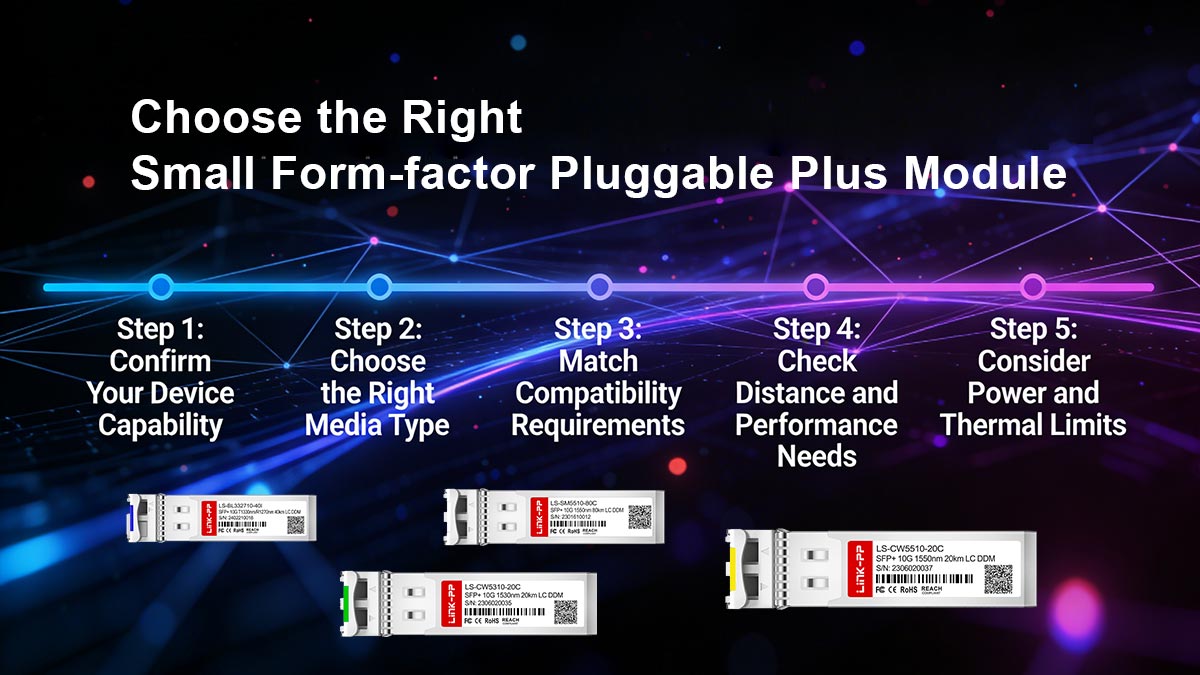
Step 1: Confirm Your Device Capability
Before selecting any module, verify your network equipment supports SFP+ correctly.
Check:
Does the device support 10GbE (SFP+)?
Are the ports 1G/10G dual-rate or 10G-only?
Does the firmware allow third-party or coded modules?
Why this matters: Even the best module will fail if the host device does not support it properly.
Step 2: Choose the Right Media Type
Select based on your physical and network environment:
Fiber (SR / LR) → Best for performance, distance, and stability
DAC (Direct Attach Copper) → Best for short-range, low-cost, low-latency links
RJ45 (10GBASE-T) → Best for existing copper infrastructure and easy upgrades
Rule of thumb:
If performance matters → fiber
If cost matters → DAC
If convenience matters → RJ45
Step 3: Match Compatibility Requirements
This is the most critical step for avoiding failures.
Verify:
Vendor compatibility (Cisco, MikroTik, Ubiquiti, etc.)
EEPROM coding requirements
Supported speed (1G / 10G / multi-rate)
Switch firmware restrictions
Key insight: SFP+ compatibility is determined by the host system—not just the module itself.
Step 4: Check Distance and Performance Needs
Different SFP+ types are designed for different ranges:
SR → short range (data centers, rack-to-rack)
LR → long range (campus, building-to-building)
DAC → ultra-short range (inside racks)
RJ45 → up to 100m over copper cabling
Step 5: Consider Power and Thermal Limits
Especially important for high-density deployments:
RJ45 SFP+ modules consume significantly more power
Heat buildup can affect switch stability
Dense racks require careful airflow planning
SFP+ Selection Summary Checklist
Before you buy or deploy, confirm:
✔ Device supports SFP+ (10GbE)
✔ Port speed compatibility (1G / 10G / dual-rate)
✔ Correct module type (SR / LR / DAC / RJ45)
✔ Vendor compatibility or coding support
✔ Cable type matches infrastructure (fiber or copper)
✔ Distance requirement is within specification
✔ Power and thermal limits are acceptable
👉 The “right” SFP+ module is not universal—it is context-specific.
A successful deployment depends on aligning:
Hardware compatibility
Media type selection
Network environment
Vendor and firmware rules
When these factors are aligned, SFP+ delivers exactly what it is designed for:
fast, flexible, and scalable 10GbE connectivity.
If you are selecting SFP+ modules for enterprise or data center deployment, always prioritize:
Proven compatibility
Stable performance
Tested vendor interoperability
For reliable and application-ready options, you can explore the LINK-PP Oficial Store, where SFP+ modules are designed for broad compatibility and practical network deployment scenarios.



