


In modern network infrastructure, compatible transceivers have become a critical component for building scalable, cost-efficient, and high-performance Ethernet and fiber optic systems. Whether you are deploying data center switches, enterprise routers, or industrial networking equipment, the ability to choose the right SFP, SFP+, or QSFP module directly impacts network stability and long-term operational cost.
However, real-world deployment is not always straightforward. Many IT engineers and network buyers discover that a transceiver labeled as “compatible” does not always work seamlessly across different switch brands or firmware versions. Issues such as “unsupported transceiver” errors, link failures, or intermittent connectivity are commonly reported in enterprise and SMB environments. These problems are rarely caused by the optical module itself, but instead by vendor-specific validation rules, EEPROM coding, and firmware restrictions embedded in switch hardware.
This is why understanding switch compatibility for transceivers is no longer optional—it is essential. While the SFP Multi-Source Agreement (MSA) defines a standardized physical and electrical interface, actual interoperability is often influenced by how switch manufacturers implement compatibility checks. As a result, two modules with identical specifications may behave very differently depending on the network device they are inserted into.
In this guide, we will break down exactly how compatible transceivers work, why compatibility issues occur, and how to confidently select the right module for your network. You will learn practical decision-making steps used by network engineers to avoid costly compatibility mistakes, reduce downtime, and ensure stable long-term performance across different switching platforms.
✅ What Are Compatible Transceivers?
Compatible transceivers refer to optical or copper network modules (such as SFP, SFP+, QSFP, and related form factors) that are designed to function in network devices from multiple vendors without being manufactured by the original equipment manufacturer (OEM). These modules follow industry standards to ensure physical and electrical interoperability, while often being programmed or “coded” to match specific switch brands.
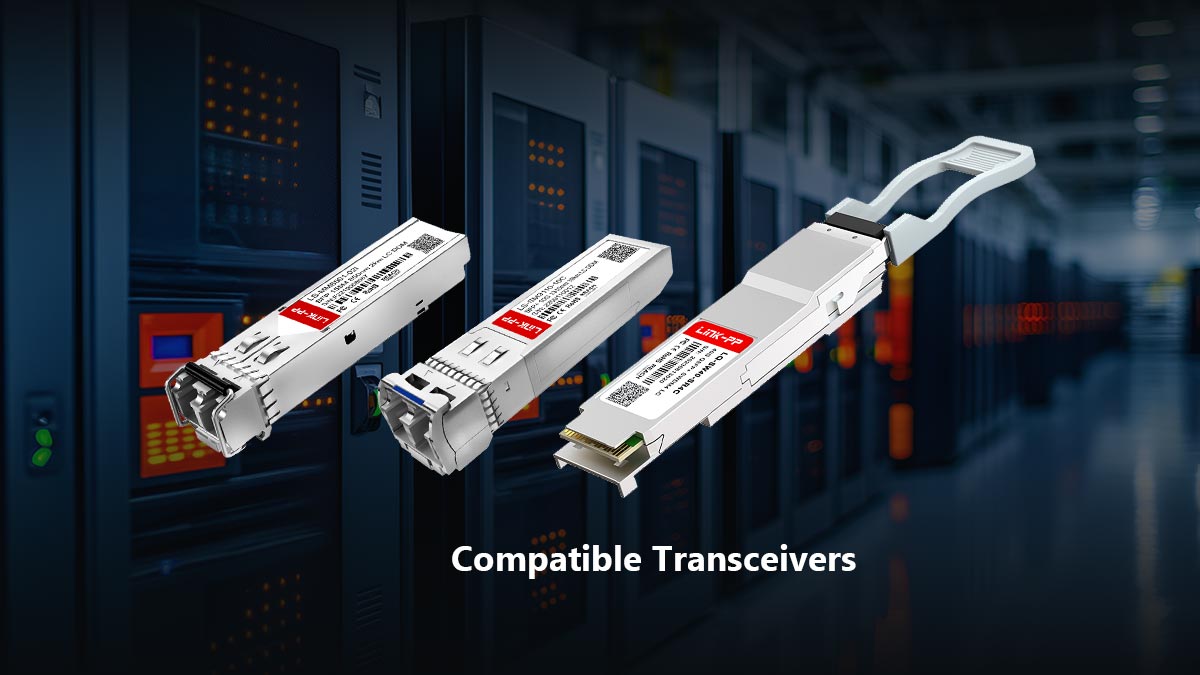
Definition of Compatible SFP/SFP+/QSFP Modules
A compatible transceiver is a third-party or alternative-source optical module that adheres to the Multi-Source Agreement (MSA) standards. This ensures that key physical attributes—such as size, pin layout, and electrical signaling—remain consistent across vendors.
In practical terms, compatible modules are designed to:
Fit into standard SFP/SFP+/QSFP ports
Support defined transmission speeds (1G, 10G, 25G, etc.)
Operate within standardized optical parameters (wavelength, distance, power levels)
However, beyond these baseline specifications, compatibility also depends on whether the module is correctly recognized by the switch firmware.
Difference Between OEM, Original, and Third-Party Optics
To understand compatible transceivers clearly, it is important to distinguish between three common categories:
1. OEM SFP Modules
These are modules produced or certified by the same brand as the networking equipment (e.g., Cisco, Juniper, or Arista). They are fully validated and guaranteed to work within that vendor’s ecosystem.
2. Original or Branded Third-Party Licensed Optics
These are manufactured by authorized partners and may carry official certification or licensing agreements. They are typically more flexible than strict OEM modules but still maintain a level of vendor approval.
3. Third-Party Compatible Transceivers
These are produced by independent manufacturers and are not tied to a single switch vendor. They are often programmed with specific EEPROM codes to emulate OEM behavior and ensure broader compatibility across different platforms.
The key difference lies not in the physical hardware quality alone, but in how the module is identified and accepted by the switch system.
Why “Compatible” Does NOT Mean Universal
One of the most common misconceptions in networking is that “compatible” automatically means “works everywhere.” In reality, compatibility is conditional.
Even if two transceivers share identical specifications, their behavior may differ depending on:
Switch vendor firmware restrictions
EEPROM vendor coding (e.g., Cisco-coded vs. generic)
Software validation policies in enterprise devices
Firmware updates that tighten compatibility rules
This means a module may work perfectly in a MikroTik or unmanaged switch but be rejected by a Cisco enterprise switch with strict validation enabled.
In short:
“Compatible” means technically standardized—but not universally accepted.
Understanding this distinction is essential for avoiding deployment failures, reducing troubleshooting time, and ensuring stable network performance in mixed-vendor environments.
✅ How Compatible Transceivers Actually Work
To understand why compatible transceivers sometimes work perfectly and sometimes fail unexpectedly, it is necessary to look beyond the physical hardware and focus on the standards, identification data, and firmware validation mechanisms used inside modern network switches.
Although all SFP/SFP+/QSFP modules may look identical externally, their behavior is governed by a combination of MSA standards, EEPROM data programming, and switch-side firmware rules.
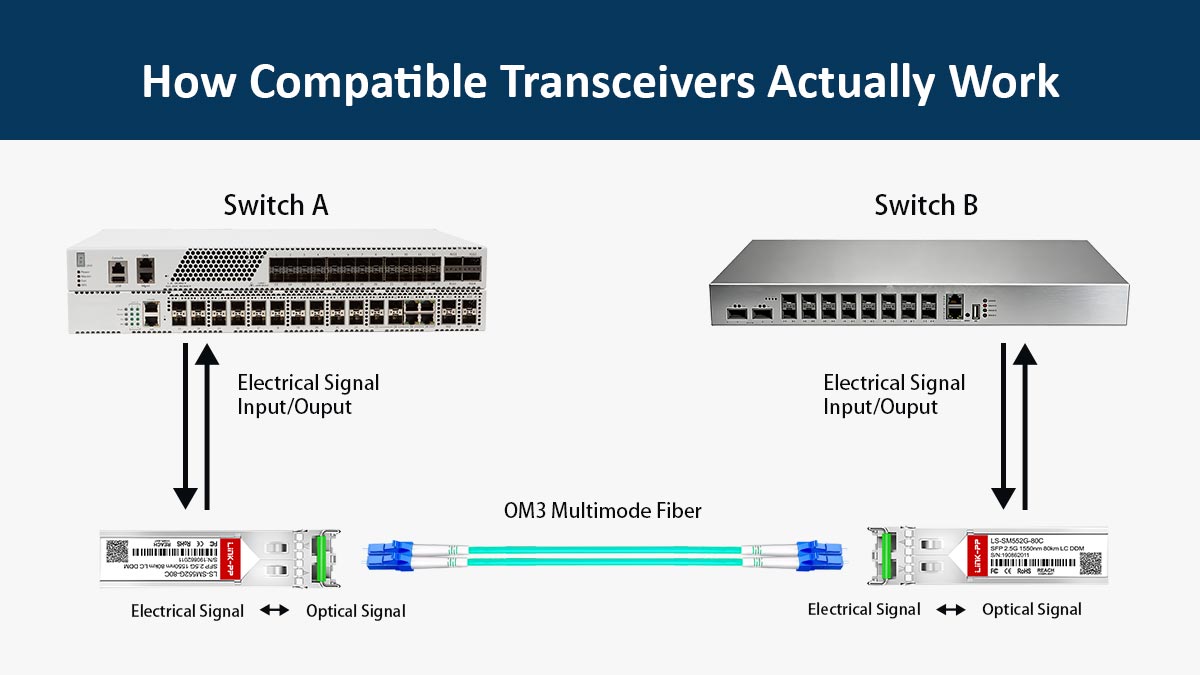
MSA (Multi-Source Agreement) Standard Explanation
The foundation of all modern optical transceivers is the Multi-Source Agreement (MSA). This is an industry-wide specification that defines how transceivers should be designed so that products from different manufacturers can physically and electrically interoperate.
The MSA standard ensures consistency in:
Module size and form factor (SFP, SFP+, QSFP, etc.)
Electrical pin layout and signaling
Power consumption limits
Basic data transmission requirements
Because of MSA compliance, any transceiver can physically fit into any MSA-compliant port. However, MSA only guarantees basic interoperability, not guaranteed recognition by every switch vendor.
EEPROM Coding and Vendor Identification
Inside every transceiver is a small memory chip called EEPROM (Electrically Erasable Programmable Read-Only Memory). This chip stores critical identification and configuration data that the switch reads upon insertion.
EEPROM typically includes:
Vendor name and ID
Part number and serial number
Supported speed and wavelength
Transmission distance classification
Compliance and certification flags
When a transceiver is inserted, the switch reads this EEPROM data and determines whether the module is allowed to operate. This is where “compatible” optics differ from OEM modules.
Many third-party transceivers are programmed (coded) to mimic OEM EEPROM data, such as Cisco or Juniper identifiers, to increase acceptance across vendor systems.
Why Switches Validate Transceivers
Modern switches do not simply “accept any optical signal.” Instead, they perform a validation check when a module is installed.
This validation process ensures:
The module is safe for the hardware (power and thermal limits)
The module matches supported speed and protocol
The module complies with vendor policy rules
The module is not explicitly blocked by firmware
If a module fails validation, the switch may:
Disable the port
Display an “unsupported transceiver” error
Limit functionality or prevent link establishment
From a vendor perspective, this validation helps maintain system stability and support integrity. From a user perspective, it is often the main source of compatibility frustration.
Role of Firmware in Compatibility Decisions
Firmware plays a critical role in determining whether a compatible transceiver will function correctly. Even if a module is fully MSA-compliant and properly coded, the switch firmware can still override acceptance rules.
Firmware may:
Block unknown or unapproved EEPROM IDs
Enforce strict OEM-only policies
Change compatibility behavior after updates
Enable or disable third-party support features
This is why a transceiver that works perfectly today may stop working after a firmware upgrade, or why the same module behaves differently across switch models from the same vendor.
In essence:
Hardware defines possibility, but firmware defines permission.
Understanding this interaction is key to predicting real-world compatibility and avoiding unexpected network disruptions.
✅ Are Compatible Transceivers Cross-Compatible?
One of the most common questions in networking is whether compatible transceivers can be used across different switch brands. The short answer is: sometimes—but not always.
While industry standards make cross-compatibility technically possible, real-world results depend heavily on firmware policies, vendor restrictions, and module coding.
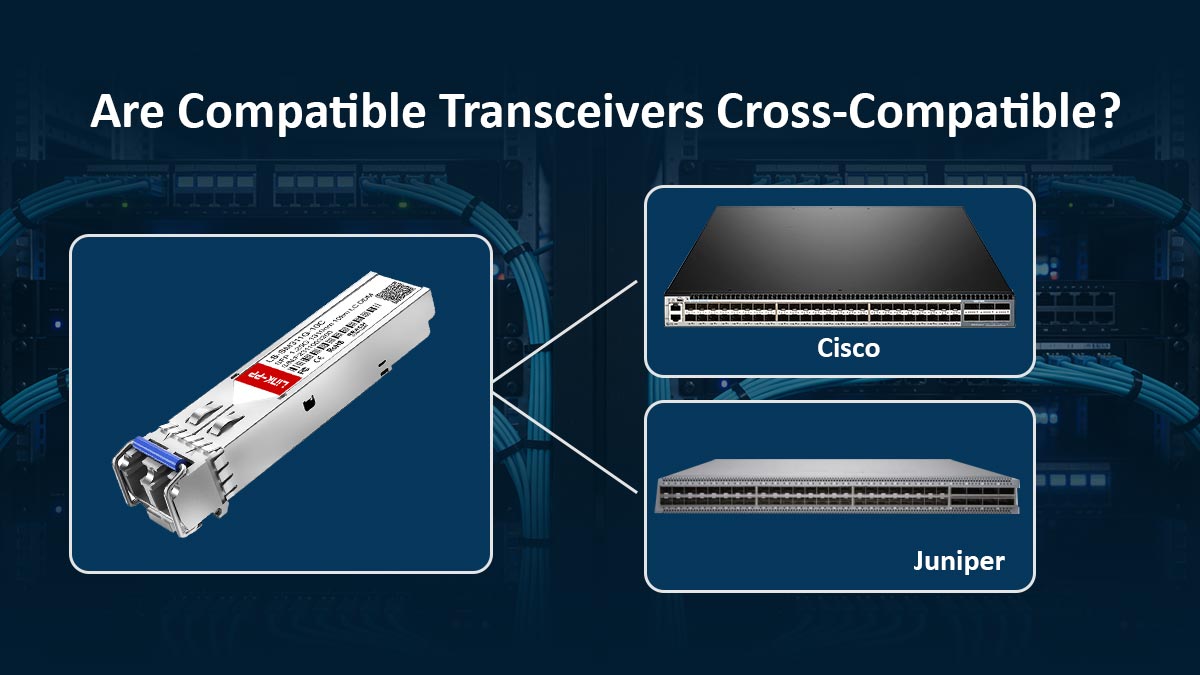
Cross-Brand Usage (Cisco, Juniper, MikroTik, HP)
In practice, compatibility varies significantly between vendors:
Enterprise vendors (e.g., Cisco, Juniper, Arista)
Often implement strict validation rules. Transceivers must either be OEM or properly coded to match the vendor’s expected EEPROM data.Open or flexible platforms (e.g., MikroTik, some HPE/Aruba models)
Typically allow a wider range of third-party compatible transceivers without strict enforcement.
This leads to a common real-world scenario:
A module works perfectly in a MikroTik switch
The same module is rejected in a Cisco switch
👉 The difference is not hardware capability—it is vendor policy enforcement.
Electrical vs. Firmware Compatibility Differences
To fully understand cross-compatibility, it’s important to separate two layers:
1. Electrical Compatibility (Standardized)
Thanks to MSA standards:
Modules share the same physical interface
Signal transmission follows the same electrical rules
Basic communication is technically possible
✔️ This means most transceivers are electrically compatible by design
2. Firmware Compatibility (Vendor-Controlled)
This is where real limitations occur:
Switch reads EEPROM data
Firmware checks vendor ID and compliance
Policy determines acceptance or rejection
❌ This layer introduces artificial compatibility barriers
Why “Same Form Factor” Is Not Enough
A major misconception is:
“If it fits, it should work.”
In reality, form factor compatibility (SFP, SFP+, QSFP) only guarantees:
Physical fit
Electrical interface alignment
It does NOT guarantee:
Firmware acceptance
Vendor approval
Stable operation
For example:
Two SFP+ modules may both support 10G
But only one is accepted due to EEPROM coding
Real-World Interoperability Limitations
Based on field experience and user feedback, the most common limitations include:
⚠️ Vendor Lock-In
Some switches reject all non-OEM modules
Others allow only “approved” coded optics
⚠️ Firmware Sensitivity
Compatibility may change after updates
Older firmware may allow modules that newer firmware blocks
⚠️ Inconsistent Behavior Across Models
Even within the same brand, different switch models behave differently
⚠️ Mixed-Vendor Network Challenges
Using different transceiver brands at each end of a fiber link can sometimes cause:
link instability
signal mismatch
diagnostic inconsistencies
Cross-compatibility is possible—but not guaranteed.
To ensure success:
Choose SFP transceivers coded for your specific switch vendor
Verify compatibility lists when available
Avoid assuming that “MSA-compliant” means universally supported
Understanding these limitations helps network engineers design more reliable systems and avoid costly compatibility issues during deployment.
✅ Common SFP Compatibility Problems and Errors
Even when using compatible SFP Modules, real-world deployments often encounter issues that can disrupt network performance or prevent links from establishing altogether. These problems are typically not caused by defective hardware, but by mismatches between module coding, switch firmware, and operational limits.
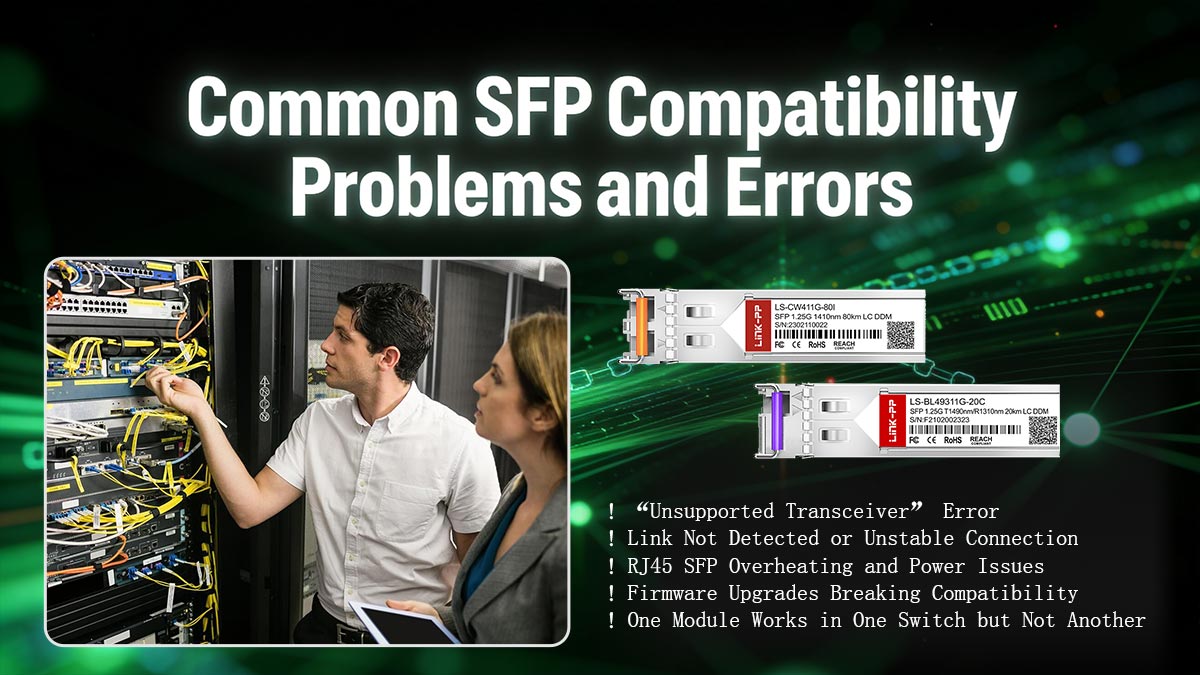
Below are the most common compatibility problems and what they actually mean.
⚠️ “Unsupported Transceiver” Error
This is the most frequently reported issue in enterprise networking environments.
What happens:
The switch detects the module
But refuses to enable the port
Root cause:
EEPROM vendor ID does not match expected values
Firmware enforces OEM-only or approved vendor policies
Typical symptoms:
Error message in CLI or system logs
Port remains disabled or in err-disabled state
Key insight:
The module is usually functional—but blocked by firmware validation rules
🔌 Link Not Detected or Unstable Connection
In some cases, the module is accepted, but the link does not establish properly or becomes unstable.
Possible causes:
Mismatch in wavelength (e.g., 850nm vs. 1310nm)
Incorrect fiber type (multimode vs. singlemode)
Distance limitations exceeded
Poor-quality or weak signal output
Symptoms:
No link light
Intermittent connectivity
Packet loss or frequent disconnections
This type of issue is often optical configuration-related, not firmware-related.
🔥 RJ45 SFP Overheating and Power Issues
Copper-based SFP (RJ45) modules are known to cause more compatibility problems than fiber modules.
Why this happens:
Higher power consumption (often 2–3x fiber modules)
Increased heat generation in high-density switch environments
Some switches cannot supply sufficient power per port
Common results:
Port shutdown due to thermal protection
Link instability or random drops
Reduced lifespan of the module
Practical rule:
RJ45 SFP modules are convenient—but less stable in demanding environments
🔄 Firmware Upgrades Breaking Compatibility
A transceiver that works perfectly today may stop working after a firmware update.
Why it happens:
Vendors update validation rules
New firmware blocks previously accepted EEPROM IDs
Security or compliance restrictions are tightened
Symptoms:
Previously working ports go down after upgrade
New “unsupported module” warnings appear
👉 This is a major risk in enterprise environments where firmware updates are routine.
🔁 One Module Works in One Switch but Not Another
This is one of the most confusing real-world scenarios.
Example:
Same SFP module:
Works in Switch A
Fails in Switch B
Root causes:
Different firmware versions
Different vendor validation policies
Variations in hardware tolerance
Important takeaway:
Compatibility is device-specific, not just module-specific
Summary of Common Issues
Problem | Most Likely Cause |
|---|---|
Unsupported transceiver | EEPROM / firmware restriction |
No link | Optical mismatch or configuration |
Unstable connection | Signal quality or compatibility edge case |
RJ45 overheating | Power and thermal limitations |
Works inconsistently | Firmware and vendor differences |
Understanding these issues allows network engineers to quickly diagnose problems and avoid unnecessary replacements, saving both time and operational cost during deployment.
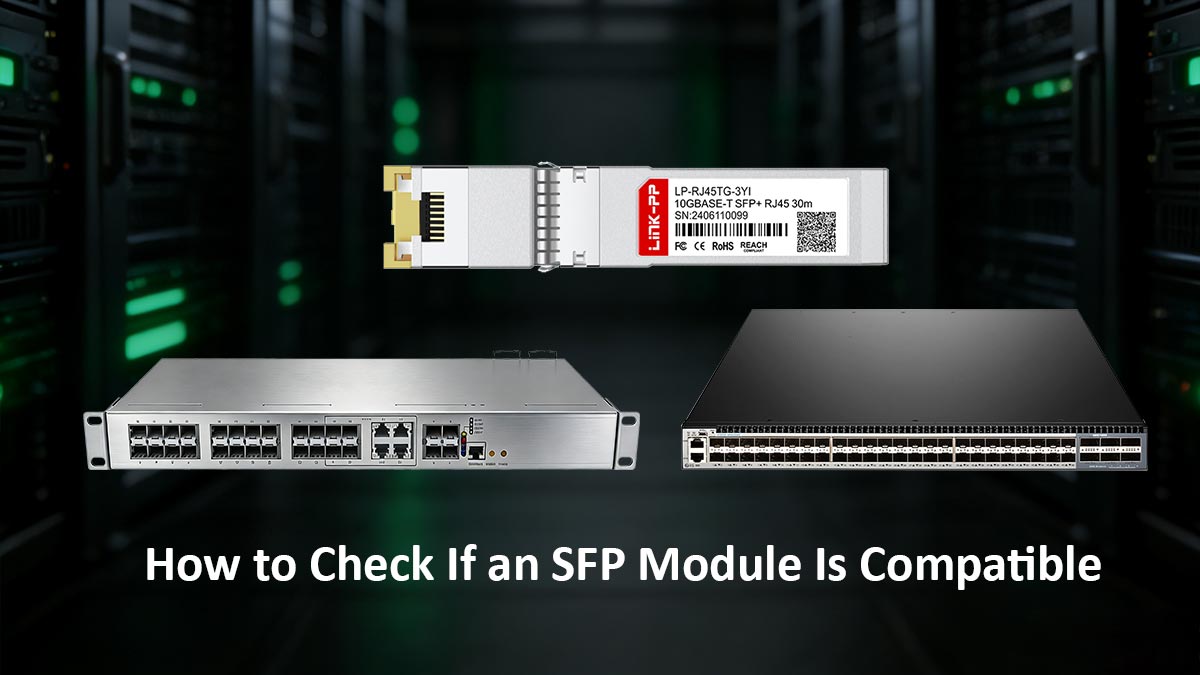
✅ How to Check If an SFP Module Is Compatible
Ensuring compatibility before deploying an SFP module is critical to avoiding network downtime, wasted costs, and troubleshooting complexity. While no single method guarantees 100% success across all environments, combining specification checks, vendor validation, and practical testing provides a reliable approach used by network engineers.
📋 Switch Compatibility List Method
The most reliable starting point is the official compatibility list provided by the switch manufacturer.
How it works:
Vendors publish a list of approved transceivers for each switch model
These lists include supported:
Advantages:
Highest compatibility assurance
Fully supported by vendor warranties
Limitations:
Often restricted to OEM modules
May not include third-party compatible options
Best practice:
Use the compatibility list as a baseline reference, even if you plan to use third-party modules.
⚙️ Matching Speed, Wavelength, and Distance
Technical parameter matching is essential for link establishment.
Key parameters to verify:
Speed:
Ensure both the switch port and module support the same data rate (e.g., 1G vs 10G)Wavelength:
Must match on both ends of the fiber link (e.g., 850nm for multimode, 1310nm for singlemode)Transmission Distance:
Confirm the module is rated for the required fiber length (e.g., SR, LR, ER)Fiber Type:
Match multimode (MMF) vs. singlemode (SMF)
Even fully “compatible” modules will fail if these parameters are mismatched.
🧠 Checking Vendor Coding (Cisco-Coded vs Generic)
One of the most important—but often overlooked—steps is verifying EEPROM vendor coding.
Types of coding:
Vendor-coded (e.g., Cisco-coded, Juniper-coded)
Programmed to match specific switch requirementsGeneric coding
Works on open platforms but may be rejected by strict enterprise switches
Why it matters:
Many switches check vendor ID during initialization
Incorrect or missing coding can trigger rejection
Recommendation:
Always select modules coded specifically for your target switch brand, especially in enterprise environments.
Practical Pre-Purchase Checklist
Before buying any compatible transceiver, use this checklist to reduce risk:
✔️ Confirm switch model and port type (SFP / SFP+ / QSFP)
✔️ Check supported speed (1G / 10G / 25G, etc.)
✔️ Match wavelength and fiber type (MMF vs SMF)
✔️ Verify transmission distance requirements
✔️ Ensure correct vendor coding (if required)
✔️ Review supplier compatibility claims and documentation
✔️ Check for firmware-related restrictions
This checklist reflects real-world decision workflows used by network engineers.
🧪 Testing in Real Network Environments
Even with all checks completed, real-world testing remains the final validation step.
Why testing is necessary:
Firmware behavior can vary
Hidden compatibility issues may not be documented
Environmental factors (temperature, signal quality) can affect performance
Recommended approach:
Test a small batch before large-scale deployment
Monitor:
link stability
error rates
temperature levels
Validate performance under actual traffic load
Compatibility is not just about specifications—it’s about validation.
By combining:
official compatibility references
technical parameter matching
proper vendor coding
and real-world testing
you can significantly reduce the risk of compatibility issues and ensure stable, long-term network performance.
✅ Compatible Transceivers vs. OEM Modules (Cost vs. Risk)
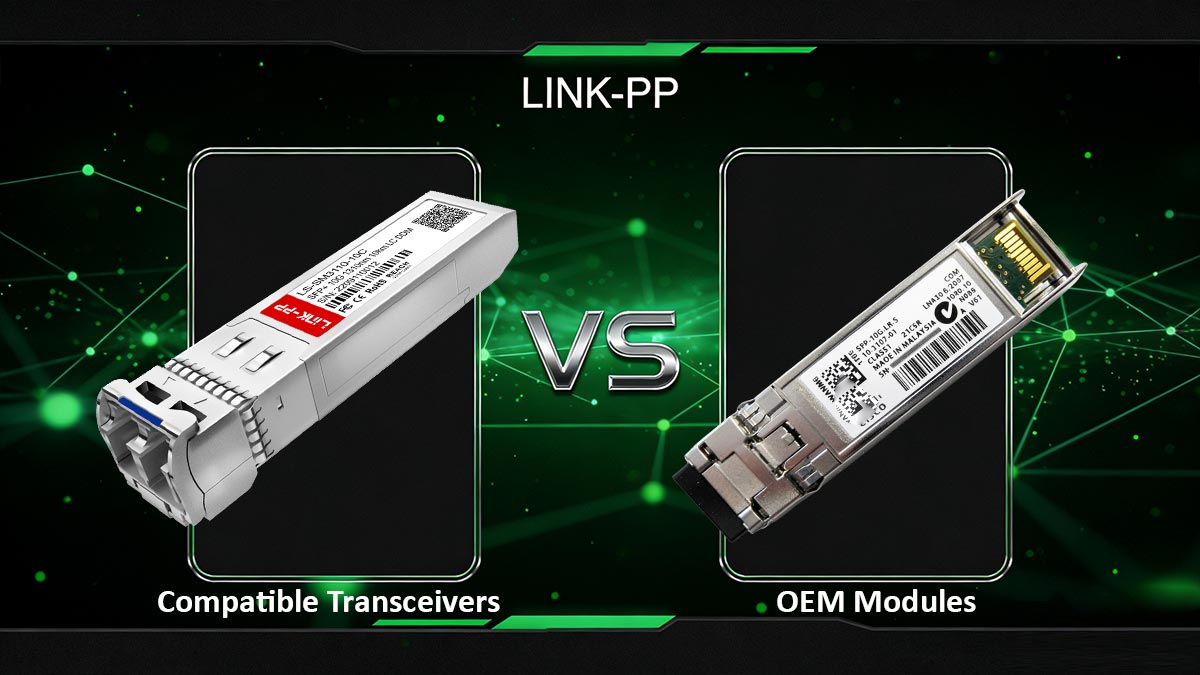
Choosing between compatible transceivers and OEM modules is one of the most important decisions in network design. While both options can deliver similar performance at the hardware level, they differ significantly in cost, risk exposure, and operational flexibility.
Understanding these trade-offs helps organizations optimize both budget efficiency and network reliability.
💰 Price Differences and ROI Considerations
One of the biggest advantages of compatible transceivers is cost savings.
Typical pricing comparison:
OEM modules: High cost (often 2–5× higher)
Compatible modules: Significantly lower cost
Why the difference exists:
OEM pricing includes brand premium and support guarantees
Compatible vendors focus on standardized production and broader market use
ROI perspective:
In large-scale deployments (data centers, enterprise networks), using compatible modules can result in substantial CAPEX savings
Lower cost enables:
easier network scaling
faster hardware replacement cycles
reduced inventory costs
Key takeaway:
Compatible transceivers offer higher cost efficiency, especially in high-volume deployments.
⚙️ Reliability Comparison in Enterprise vs. SMB Networks
Reliability is often perceived as the main concern when choosing non-OEM optics.
In SMB / open network environments:
Compatible transceivers generally perform reliably
Minimal firmware restrictions
Lower risk of rejection
In enterprise / mission-critical environments:
OEM modules provide:
guaranteed compatibility
consistent firmware behavior
predictable performance under strict policies
However, modern high-quality compatible transceivers:
Follow strict MSA standards
Use advanced coding techniques
Deliver performance comparable to OEM in many cases
Reality check:
Reliability differences today are less about hardware quality and more about firmware acceptance.
🛡️ Warranty and Vendor Support Implications
Support and warranty are critical factors, especially for enterprise IT teams.
OEM modules:
Full vendor support
Covered under switch warranty policies
Easier troubleshooting with official vendors
Compatible transceivers:
Supported by third-party manufacturers
May not be covered by switch vendor warranties
Some vendors may refuse support if non-OEM optics are used
Important consideration:
In regulated or SLA-driven environments, official support may outweigh cost savings
⚖️ When OEM Is Necessary vs. When Compatible Is Safe
Choosing the right option depends on your specific network requirements.
Use OEM Transceivers When:
Operating in mission-critical environments (finance, telecom, healthcare)
Strict vendor compliance is required
Full warranty and official support are mandatory
Firmware restrictions are known to be strict
Use Compatible Transceivers When:
Budget optimization is a priority
Deploying in SMB, lab, or scalable data center environments
Using flexible platforms (e.g., less restrictive firmware systems)
Working with trusted compatible vendors offering proper coding
The choice is not about performance—it’s about risk tolerance.
OEM = Maximum compatibility, higher cost, lower risk
Compatible = Lower cost, flexible deployment, manageable risk (if properly selected)
By aligning your choice with your network criticality, budget, and vendor environment, you can achieve the optimal balance between cost efficiency and operational stability.
✅ Conclusion — Choosing Safe Compatible Transceivers
As network environments become more complex and cost-sensitive, compatible transceivers have evolved into a practical and reliable alternative to OEM optics—when selected and deployed correctly. The key to success is not just understanding specifications, but applying a structured decision framework that balances compatibility, cost, and risk.
🧠 Decision Summary Framework
To confidently choose the right compatible transceiver, follow this simplified decision logic:
Define your environment
Enterprise (strict firmware) vs. SMB (flexible systems)
Check compatibility requirements
Vendor restrictions
EEPROM coding needs
Match technical specifications
Speed, wavelength, distance, fiber type
Evaluate risk tolerance
Mission-critical → OEM preferred
Scalable / cost-sensitive → compatible viable
Validate before deployment
Test in real environment
Monitor performance
In short:
Compatibility = Specifications + Firmware Acceptance + Proper Validation
Risk Reduction Checklist
Before finalizing your purchase, use this checklist to minimize compatibility issues:
✔️ Confirm switch model and firmware behavior
✔️ Match SFP type (SFP / SFP+ / QSFP) and speed
✔️ Verify wavelength and transmission distance
✔️ Select correct vendor coding (e.g., Cisco-compatible)
✔️ Avoid overusing RJ45 SFPs in high-density setups
✔️ Test modules before large-scale deployment
✔️ Review supplier reliability and support
🧩 Final Recommendation Logic for Buyers
If your priority is zero risk and full vendor support → choose OEM
If your priority is cost efficiency with controlled risk → choose high-quality compatible transceivers
If you operate in mixed-vendor environments → prioritize properly coded, well-tested modules
The most effective strategy used by modern IT teams is:
Hybrid deployment — OEM for critical links, compatible modules for scalable infrastructure
🚀 Source Reliable Compatible Transceivers
Choosing the right supplier is just as important as choosing the right module. High-quality compatible transceivers depend on accurate coding, strict testing, and consistent manufacturing standards.
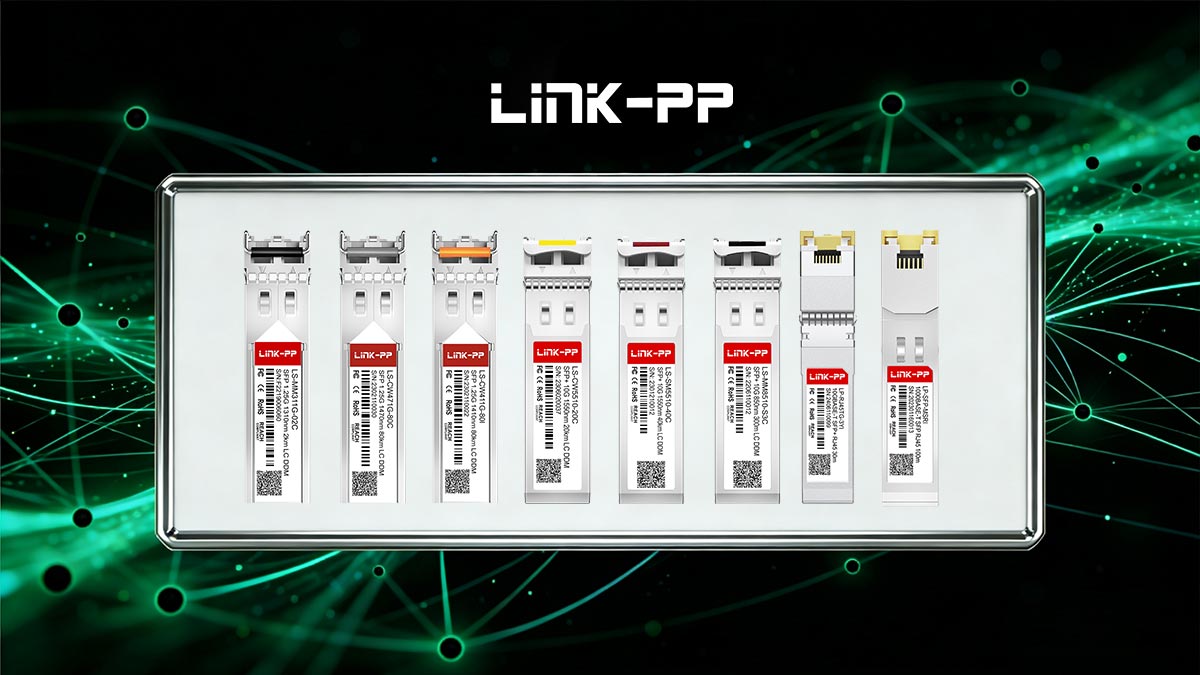
If you are looking for reliable, cost-effective, and fully tested compatible transceivers, explore the LINK-PP Official Store—where modules are engineered for multi-vendor compatibility and stable long-term performance across enterprise and SMB networks.
In 2026, the question is no longer “OEM or compatible?”
The real question is:
“How do you deploy compatible transceivers safely and intelligently?”
By following the frameworks and best practices outlined in this guide, you can confidently build a network that is both cost-efficient and operationally reliable.



