


In modern Ethernet and fiber-optic networks, the Gigabit SFP plays a critical role in enabling flexible, high-performance connectivity between switches, routers, servers, and media converters. As network infrastructures continue to evolve toward higher bandwidth and modular design, SFP (Small Form-factor Pluggable) technology remains one of the most widely adopted and cost-efficient solutions for 1Gbps data transmission.
A Gigabit SFP transceiver is a hot-swappable optical or copper module designed to support 1000BASE-SX, 1000BASE-LX/LH, and 1000BASE-T standards, allowing seamless integration across both fiber and Ethernet environments. Despite its widespread use, many engineers and IT buyers still face challenges around compatibility, port matching, and setup configuration, especially when deploying mixed vendor equipment or upgrading legacy networks.
This guide is designed to help you fully understand how Gigabit SFP transceivers work, how to choose the correct type for your application, and how to avoid common deployment issues that can lead to link failures or performance bottlenecks. You will also learn how to evaluate compatibility between SFP and SFP+ ports, and how to ensure stable operation in real-world networking environments.
By the end of this article, you will be able to confidently select and deploy the right Gigabit SFP module for your network, improving both reliability and long-term scalability.
🟧 What Is a Gigabit SFP Transceiver?
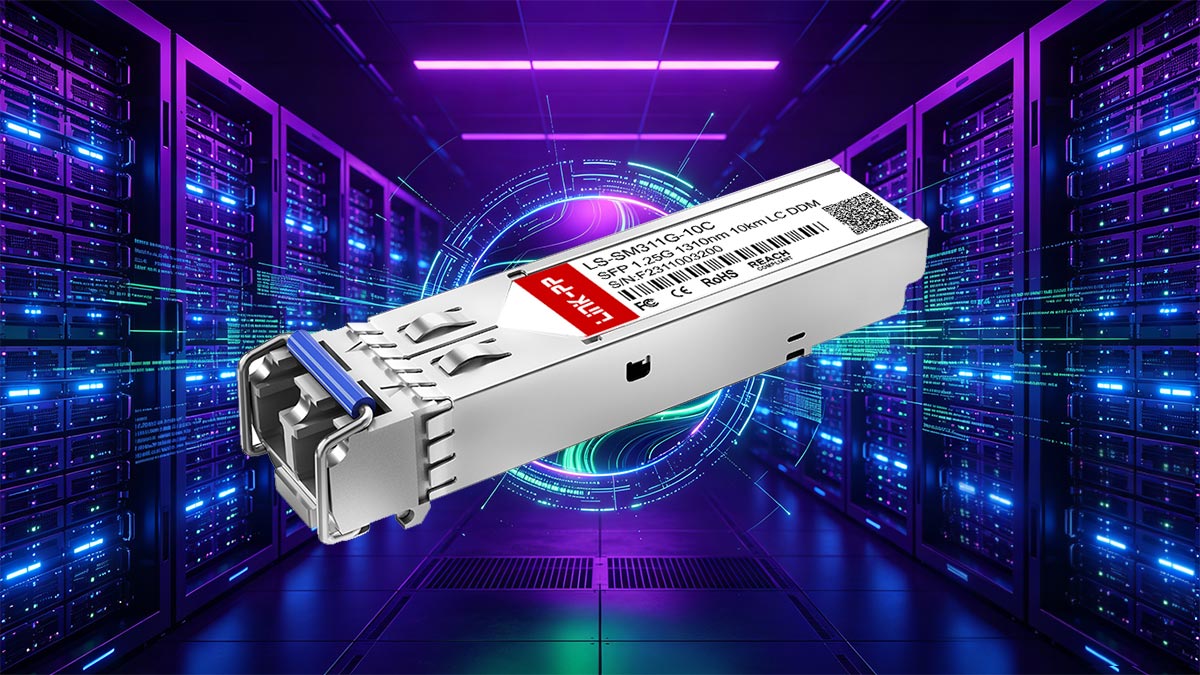
A Gigabit SFP transceiver (Small Form-factor Pluggable) is a compact, hot-swappable network interface module used to transmit and receive data at 1 Gigabit per second (1Gbps) over fiber optic cables or copper Ethernet connections. It serves as a bridge between networking equipment—such as switches, routers, firewalls, and servers—and the physical transmission medium.
At its core, a Gigabit SFP transceiver converts electrical signals from networking devices into optical signals (for fiber links) or electrical signals optimized for copper transmission (for RJ45-based modules). This conversion allows data to travel efficiently over different media types and distances while maintaining stable, high-speed connectivity.
One of the key advantages of SFP technology is its modular flexibility. Instead of being limited to a fixed port type, network devices can support multiple connection types simply by changing the SFP module. For example, a single switch can support short-range multimode fiber using 1000BASE-SX, long-range single-mode fiber using 1000BASE-LX, or standard Ethernet copper connections using 1000BASE-T—all through interchangeable SFP modules.
Where Gigabit SFP Transceivers Are Used
Gigabit SFP transceivers are widely deployed in both enterprise and service provider networks due to their flexibility and reliability. Common use cases include:
Enterprise network switches: Connecting access and core switches across floors or buildings
Data centers: High-density server and switch interconnects
Telecom networks: Aggregation and backhaul links in metro Ethernet systems
ISP infrastructure: Last-mile and distribution network connections
Security and surveillance systems: Linking IP cameras and control centers over long distances
Because of their plug-and-play nature, Gigabit SFP modules are also popular in environments where network scalability and maintenance efficiency are critical. Administrators can quickly replace or upgrade modules without powering down equipment, minimizing downtime and simplifying network expansion.
In short, the Gigabit SFP transceiver is a foundational building block of modern Ethernet infrastructure, combining speed, flexibility, and modular design to support a wide range of networking scenarios.
🟧 Gigabit SFP Types and Standards
Gigabit SFP transceivers are available in several standardized types defined by IEEE 802.3 Ethernet specifications. Each type is designed for specific transmission media, distances, and network environments. Choosing the correct standard is essential for ensuring compatibility, stable link performance, and optimal cost efficiency.
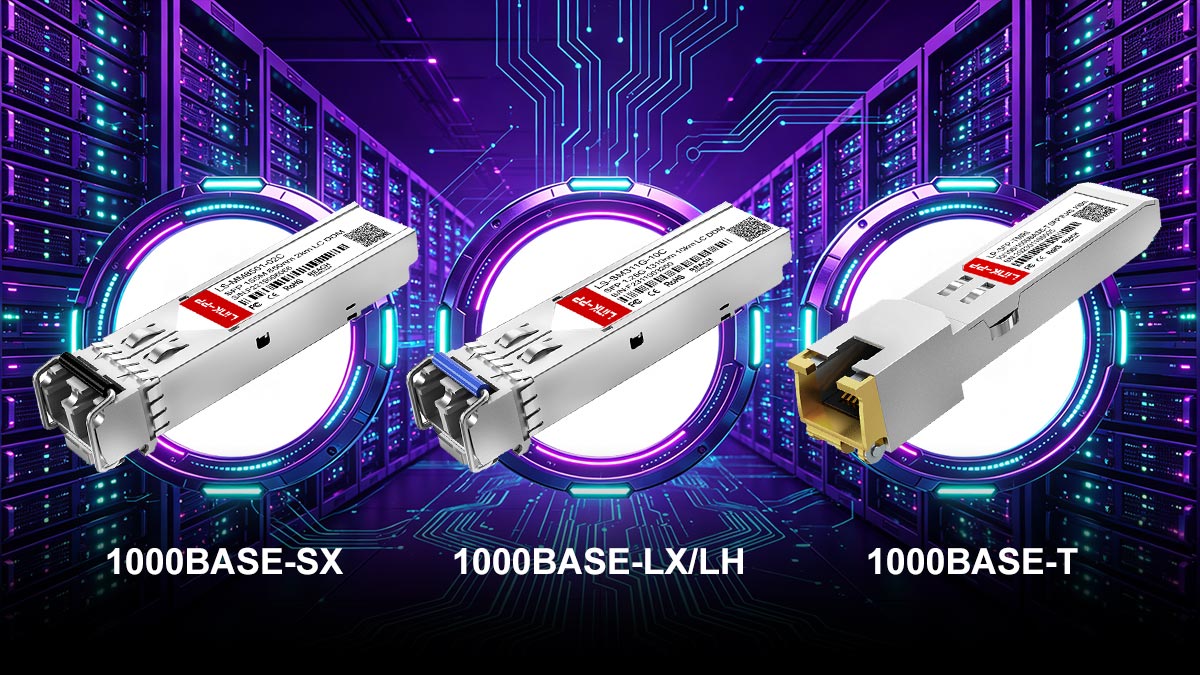
Gigabit SFP Type Comparison Table
SFP Type | 1000BASE‑SX | 1000BASE‑LX | 1000BASE‑LH | 1000BASE‑T |
|---|---|---|---|---|
Standard | IEEE 802.3z | IEEE 802.3z | Industry variant (Long Haul) | IEEE 802.3ab |
Medium | Multimode Fiber (MMF) | Single-mode Fiber (SMF) | Single-mode Fiber (SMF) | Copper (Cat5e/Cat6) |
Wavelength | 850 nm | 1310 nm | 1310 nm | Electrical signal |
Connector | LC Duplex | LC Duplex | LC Duplex | RJ45 |
Typical Distance | 220m–550m | Up to 10 km | Up to 10 km+ | Up to 100 m |
Common Use Case | Data centers, intra‑building links | Campus networks, inter‑building links | Metro networks, extended reach links | Office LAN, access switches, legacy systems |
1000BASE-SX: Short-Range Multimode Fiber
1000BASE-SX is one of the most commonly used Gigabit SFP standards for short-distance fiber connections. It operates over multimode fiber (MMF) using an 850nm wavelength.
Typical distance: Up to 220m–550m (depending on fiber grade, such as OM1–OM4)
Connector type: LC duplex
Use case: Data centers, enterprise LANs, intra-building links
1000BASE-SX is ideal for high-speed connections within the same building or rack-to-rack environments where long-distance transmission is not required.
1000BASE-LX/LH: Long-Range Single-Mode Fiber
1000BASE-LX (Long Wavelength) and 1000BASE-LH (Long Haul) are designed for longer-distance communication using single-mode fiber (SMF) at a 1310nm wavelength.
Typical distance: Up to 10 km (standard), sometimes more with high-quality optics
Connector type: LC duplex
Use case: Campus networks, metro Ethernet, inter-building connections
This type is widely used when network links must span across different buildings or large campus environments.
1000BASE-T: Copper RJ45 SFP
Unlike optical modules, 1000BASE-T SFP transceivers support transmission over standard Category 5e/6 copper Ethernet cables using an RJ45 interface.
Typical distance: Up to 100 meters
Connector type: RJ45
Use case: Workstations, access layer switches, legacy copper infrastructure
1000BASE-T SFPs are especially useful when fiber cabling is not available or when connecting to existing copper-based networks.
Copper vs. Fiber Gigabit SFP Modules
The key difference between copper and fiber SFP modules lies in the transmission medium and deployment flexibility:
Copper SFP (1000BASE-T): Easier to deploy, lower cost cabling, but limited distance and higher power consumption
Fiber SFP (SX/LX): Longer reach, higher performance, immunity to electromagnetic interference (EMI), but requires fiber infrastructure
In modern network design, fiber SFPs are preferred for backbone and uplink connections, while copper SFPs are often used at the access layer or in hybrid environments.
Summary of Typical Distances
1000BASE-SX: 220m–550m (multimode fiber)
1000BASE-LX/LH: Up to 10km (single-mode fiber)
1000BASE-T: Up to 100m (copper Ethernet cable)
Understanding these differences is essential when planning network architecture, as selecting the wrong SFP type is one of the most common causes of link failure and compatibility issues in real-world deployments.
🟧 Gigabit SFP vs. 10 Gigabit SFP+: Can You Use 1Gb SFP in a 10Gb Port?
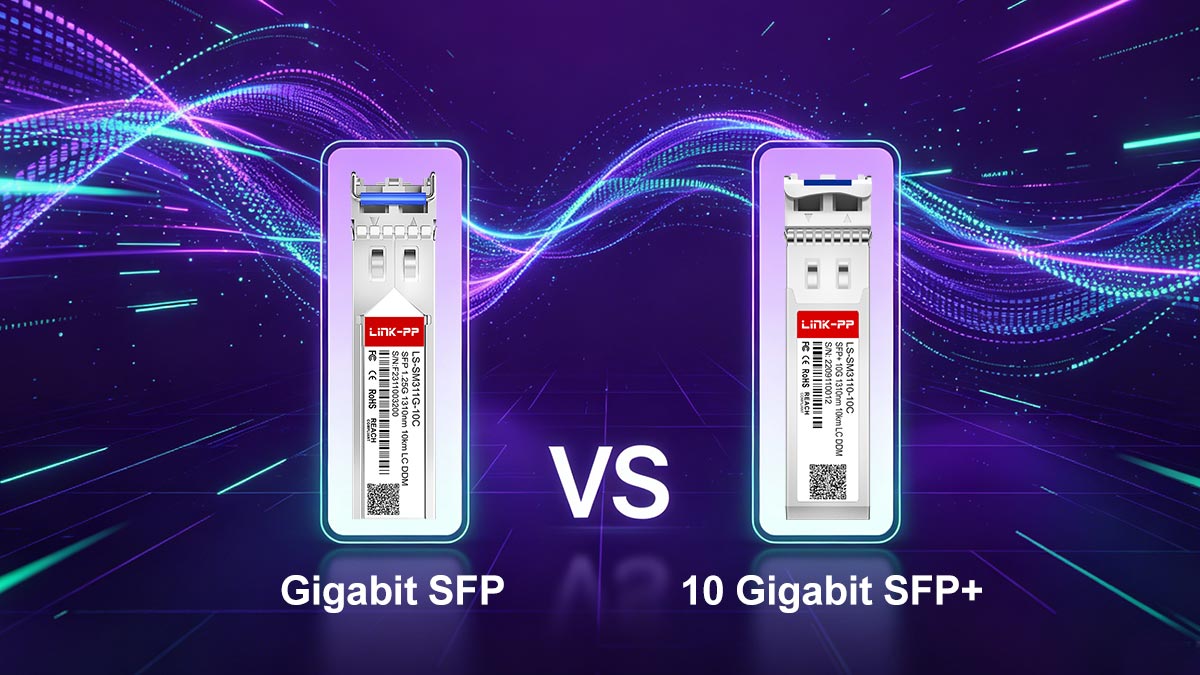
One of the most frequently searched and misunderstood topics in networking is whether a 1Gb SFP transceiver can be used in a 10Gb SFP+ port. The short answer is: sometimes yes, but it depends entirely on the hardware design and configuration of the device.
Understanding the relationship between SFP (1G) and SFP+ (10G) is essential for avoiding link failures, compatibility errors, and unexpected performance issues in real-world deployments.
Backward Compatibility: When It Works
In many modern network devices, SFP+ ports are backward compatible with 1G SFP modules. This means a 10G-capable port can often accept and operate a 1G transceiver if the device supports rate negotiation or manual speed configuration.
In these cases:
The port must explicitly support 1G mode operation
The switch or router must allow speed configuration (1G/10G auto or forced mode)
The inserted module must be a valid 1G SFP (not 10G-only optics)
This flexibility is common in enterprise-grade switches and data center equipment designed for mixed-speed environments.
When It Does NOT Work
Despite physical compatibility (same form factor), there are many situations where a 1G SFP will not function in an SFP+ port:
❌ The SFP+ port is 10G-only (no 1G fallback support)
❌ The device firmware restricts unsupported optics (vendor locking or coding rules)
❌ The port is fixed at 10G-only speed with no auto-negotiation option
❌ The module type is not recognized due to EEPROM coding restrictions
In these cases, inserting a 1G SFP will typically result in a link down state or unsupported transceiver warning.
Device Limitations and Vendor Restrictions
Another important factor is vendor-specific compatibility policies. Many major networking vendors implement strict rules that only allow certified or coded transceivers.
This leads to common real-world scenarios such as:
The module is physically detected but disabled by firmware
The port shows “unsupported optics” or “invalid module” errors
Third-party SFPs working on one switch but failing on another
Because of this, compatibility is not just about speed—it also depends on coding, firmware validation, and vendor ecosystem rules.
Most Common Mixing-Speed Mistakes
From real-world deployments and community feedback, especially in networking forums and Reddit discussions, the following mistakes are extremely common:
Assuming all SFP+ ports support 1G modules
Mixing 1G and 10G optics without checking port mode configuration
Using 10G SFP+ modules expecting them to downshift to 1G (most cannot)
Ignoring vendor compatibility lists and EEPROM coding requirements
Not matching both ends of the link to the same speed and standard
These mistakes often lead to “no link” issues, even when the hardware appears physically compatible.
Key Takeaway
While SFP and SFP+ modules share the same physical interface, they do not always share the same operational behavior. The ability to use a 1G SFP in a 10G port depends on:
Device hardware design
Port speed configuration capability
Vendor compatibility restrictions
Understanding these constraints is critical for preventing deployment failures and ensuring stable network performance in mixed-speed environments.
🟧 How to Choose the Right Gigabit SFP Module
Selecting the right Gigabit SFP transceiver is critical for ensuring stable network performance, avoiding compatibility issues, and optimizing long-term infrastructure costs. In real-world deployments, most connectivity failures are not caused by defective modules, but by incorrect selection of port type, fiber specification, or vendor compatibility settings.
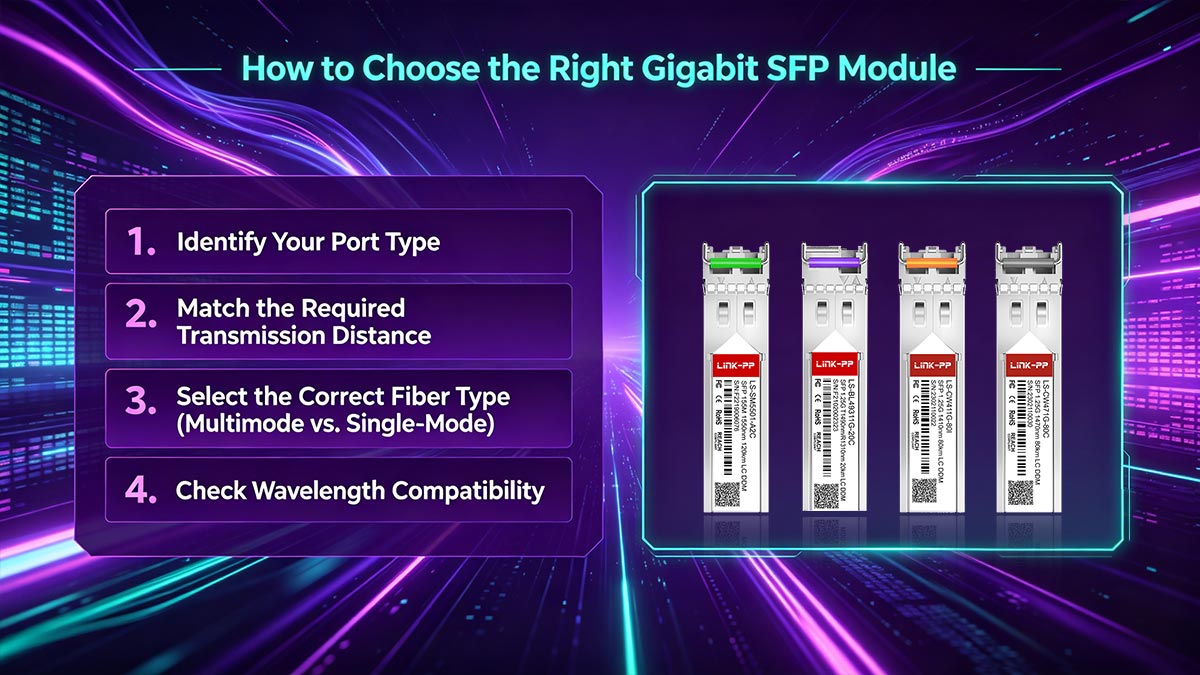
To choose the correct module, you need to evaluate several technical parameters step by step.
1. Identify Your Port Type (SFP vs SFP+)
The first step is to confirm what type of port your device supports:
SFP (1G port): Designed for Gigabit Ethernet modules only
SFP+ (10G port): May support 1G or 10G depending on hardware design
This determines whether you need a native 1G module or a backward-compatible configuration. Always check your device datasheet before purchasing.
2. Match the Required Transmission Distance
Distance is one of the most important selection criteria:
Short range (≤ 550m): 1000BASE-SX (multimode fiber)
Medium to long range (up to 10 km): 1000BASE-LX/LH (single-mode fiber)
Short copper runs (≤ 100m): 1000BASE-T (RJ45 copper)
Choosing a module with insufficient range will result in unstable links, while over-specifying may increase unnecessary cost.
3. Select the Correct Fiber Type (Multimode vs. Single-Mode)
Fiber compatibility must always match between both ends of the link:
Multimode fiber (MMF): Used with 1000BASE-SX, ideal for short-distance indoor connections
Single-mode fiber (SMF): Used with 1000BASE-LX/LH, suitable for long-distance and campus networks
A mismatch between fiber type and SFP standard is one of the most common causes of “link down” issues.
4. Check Wavelength Compatibility
Each SFP type operates at a specific wavelength:
850 nm: 1000BASE-SX (multimode)
1310 nm: 1000BASE-LX/LH (single-mode)
Electrical signal: 1000BASE-T (copper RJ45)
Both ends of a fiber link must use matching wavelengths unless using specialized BiDi (bidirectional) modules.
5. Confirm Connector Type
Most Gigabit SFP modules use standardized connectors, but verification is still important:
LC duplex: Standard for most fiber SFP modules
RJ45: Used for copper SFP modules
SC/ST (rare in SFP form factor): Typically found in legacy systems
Incorrect connector selection can physically prevent installation or cause immediate link failure.
6. Understand Brand Coding and Compatibility
One of the most overlooked factors is vendor coding (EEPROM compatibility).
Many switch vendors (Cisco, Juniper, HPE, etc.) may:
Require vendor-coded transceivers
Block third-party modules
Display “unsupported transceiver” warnings
To avoid issues, choose either:
OEM-certified modules (highest compatibility)
Or tested third-party compatible SFP Modules with proper coding support
In modern procurement, “compatible but tested” modules are widely used to balance cost and performance.
7. Balance Cost vs. Performance Requirements
Finally, consider the overall deployment goal:
Enterprise backbone networks: prioritize reliability and fiber-based SFPs
Access layer networks: copper SFPs may be more cost-effective
Data centers: focus on density, heat performance, and interchangeability
The best Gigabit SFP module is not always the cheapest—it is the one that matches your environment, distance, and equipment constraints.
Key Takeaway
Choosing the right Gigabit SFP transceiver requires balancing hardware compatibility, optical standards, distance requirements, and vendor coding rules. A structured selection process significantly reduces deployment failures and ensures long-term network stability.
🟧 Common Gigabit SFP Compatibility Problems and Fixes
In real-world deployments, Gigabit SFP transceiver issues are rarely caused by hardware failure. Instead, most problems come from compatibility mismatches, incorrect configuration, or vendor restrictions. Understanding these common issues can significantly reduce troubleshooting time and prevent unnecessary module replacements.
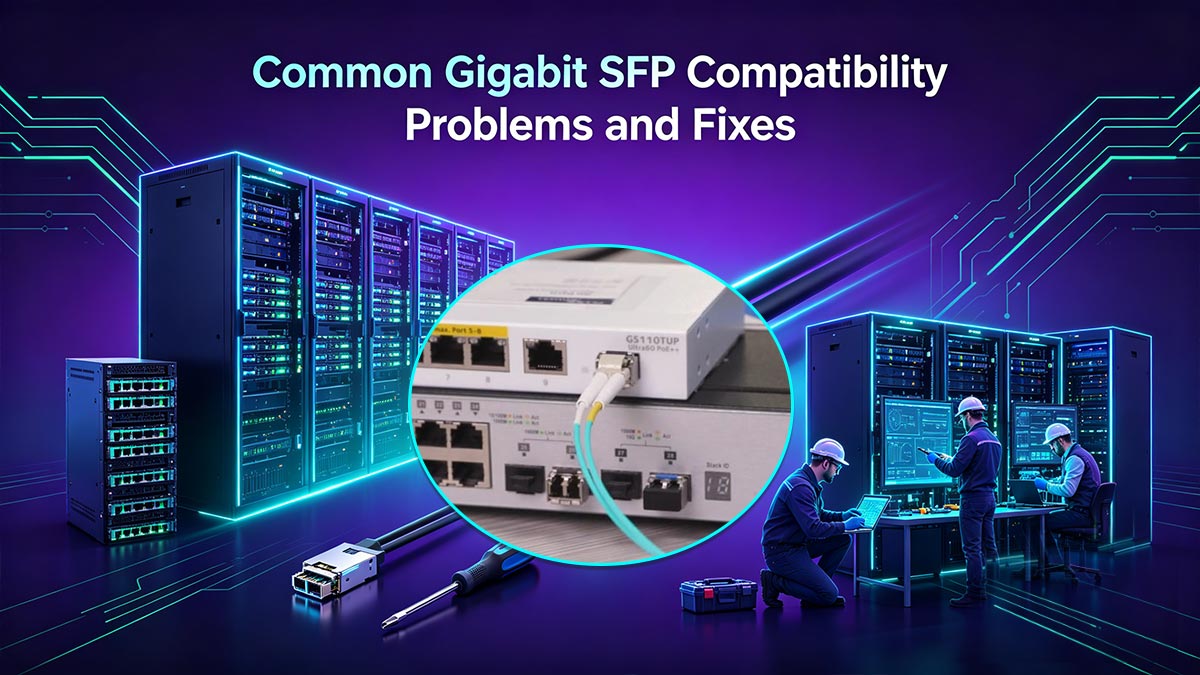
Below are the most frequent Gigabit SFP problems and their practical fixes.
▶ Link Down (No Connection Established)
Problem:
The SFP module is inserted, but the link status remains down.
Common causes:
Fiber cables not properly connected or reversed (Tx/Rx mismatch)
Wrong SFP type (e.g., SX used with single-mode fiber)
No light signal due to incompatible wavelength
Dirty or damaged fiber connectors
Fix:
Verify fiber polarity (Tx ↔ Rx alignment)
Clean connectors using proper fiber cleaning tools
Ensure both ends use the same standard (e.g., 1000BASE-SX ↔ SX)
Replace damaged patch cables if needed
▶ Unsupported Transceiver Error
Problem:
The switch or router displays messages like “unsupported transceiver” or “invalid module”.
Common causes:
Vendor-coded restriction (Cisco, HP, Juniper, etc.)
Third-party SFP not recognized by firmware
EEPROM coding mismatch
Fix:
Use vendor-approved or properly coded compatible modules
Enable third-party optics support (if device allows)
Ensure firmware supports multi-vendor transceivers
This is one of the most common issues in enterprise environments with strict OEM policies.
▶ Speed Mismatch (1G vs 10G Conflicts)
Problem:
A 1Gb SFP does not work in a 10Gb SFP+ port or link fails to come up.
Common causes:
SFP+ port does not support 1G fallback mode
Port forced to 10G-only operation
Auto-negotiation disabled or unsupported
Fix:
Check if the port supports dual-rate (1G/10G) operation
Manually set interface speed to 1G if supported
Use a native 10G module if the port is fixed at 10G
▶ Duplex or Media Mismatch
Problem:
Link is unstable, slow, or intermittently dropping.
Common causes:
Copper SFP (1000BASE-T) connected with incorrect duplex settings
Fiber mismatch between single-mode and multimode
Auto-negotiation conflicts on copper links
Fix:
Ensure both ends use full-duplex mode
Match fiber type (SMF vs. MMF) correctly
Enable auto-negotiation for copper-based SFP modules
▶ Fiber Type or Wavelength Mismatch
Problem:
No link even though both modules appear operational.
Common causes:
1G SX used with single-mode fiber
1G LX used on multimode without proper conditioning
Different wavelengths on both ends
Fix:
Match SFP type exactly on both ends
Verify wavelength compatibility (850nm ↔ 1310nm mismatch causes failure)
Use proper mode-conditioning patch cords if required
▶ Vendor Locking and Firmware Restrictions
Problem:
Module works on one device but fails on another.
Common causes:
Strict OEM firmware validation
Different vendor coding standards
Device blacklist for third-party optics
Fix:
Use certified compatible transceivers tested for your platform
Update firmware if vendor has added broader compatibility support
Choose suppliers that provide pre-coded SFP modules for specific brands
Key Takeaway
Most Gigabit SFP issues are not random—they are predictable compatibility problems involving speed, fiber type, vendor coding, or configuration errors. By systematically checking each factor, network engineers can quickly isolate and resolve issues, ensuring stable and reliable optical or copper connectivity.
🟧 FAQ About Gigabit SFP Transceivers

Q1. Can I use a 1G SFP in an SFP+ port?
Yes, but only if the SFP+ port supports 1G backward compatibility.
Many enterprise switches allow SFP+ ports to operate at 1Gbps, but some are fixed at 10G only.
Key checks:
Does the device support dual-rate (1G/10G)?
Can the port speed be manually set to 1G?
Does the vendor allow third-party or mixed-speed optics?
If any of these are not supported, the 1G SFP will not work.
Q2. Why is my SFP module not working?
A non-working SFP module is usually caused by a compatibility or configuration issue rather than hardware failure.
Most common reasons:
Incorrect fiber type (single-mode vs multimode mismatch)
Speed mismatch between ports (1G vs. 10G)
Unsupported or vendor-locked transceiver
Dirty or improperly connected fiber cables
Wrong wavelength pairing between modules
Q3. What is the difference between 1000BASE-SX, LX, and T?
These are different Gigabit Ethernet standards:
1000BASE-SX: Short-range multimode fiber (up to ~550m)
1000BASE-LX/LH: Long-range single-mode fiber (up to ~10km)
1000BASE-T: Copper Ethernet (RJ45, up to 100m)
Each type is not interchangeable without matching the correct media and standards.
Q4. Can I mix different SFP brands in one network?
Yes, but compatibility depends on the device.
Some switches accept third-party compatible SFPs
Others require vendor-coded modules
Mixing brands works only if optical standards (speed, wavelength, fiber type) match
Always check your device’s compatibility policy before deployment.
Q5. What does “link down” mean on an SFP port?
“Link down” means the physical or optical connection is not established.
Possible causes include:
Fiber not properly connected or reversed
Incompatible SFP types on each end
Speed or duplex mismatch
Faulty or unrecognized module
Q6. Do SFP modules support auto-negotiation?
Fiber SFPs (SX/LX): Do not use traditional Ethernet auto-negotiation
Copper SFPs (1000BASE-T): Usually support auto-negotiation
This is why configuration consistency on both ends is critical.
Q7. Can I use a 10G SFP+ module in a 1G SFP port?
No.
A 10G SFP+ module is not backward compatible with 1G-only SFP ports due to different electrical and protocol requirements.
Most Gigabit SFP transceiver issues come from compatibility assumptions rather than hardware defects. By understanding port capabilities, fiber standards, and vendor restrictions, you can eliminate most deployment problems before they occur.
🟧 Conclusion: Which Gigabit SFP Transceiver Should You Buy?
Choosing the right Gigabit SFP transceiver ultimately comes down to understanding your network environment, compatibility requirements, and long-term scalability needs. While all SFP modules serve the same fundamental purpose—enabling 1Gbps data transmission—the correct selection depends on a structured decision path rather than a one-size-fits-all approach.
If your network is based on short-distance connections within a building or rack, a 1000BASE-SX multimode fiber SFP is typically the most cost-effective and reliable choice. For longer distances across campuses or between buildings, a 1000BASE-LX/LH single-mode fiber module provides the required reach and stability. In environments where fiber is not available or copper cabling is preferred, a 1000BASE-T RJ45 SFP offers a practical alternative for up to 100 meters.
However, beyond distance and media type, the most critical factor is compatibility. You must ensure that:
Your device supports the required SFP type and speed
The port can operate at 1G or is compatible with SFP/SFP+ dual-rate modes
The module matches the correct fiber type, wavelength, and connector standard
Vendor coding restrictions are considered if using third-party optics
In real-world deployments, most issues do not come from the transceiver itself, but from mismatched expectations between port capability and module configuration. A careful selection process helps eliminate link failures, reduces troubleshooting time, and ensures stable long-term performance.
Final Recommendation
Instead of focusing only on price or brand, prioritize compatibility, transmission requirements, and verified performance. A well-matched Gigabit SFP transceiver will always deliver better reliability than an over-specified or incompatible alternative.
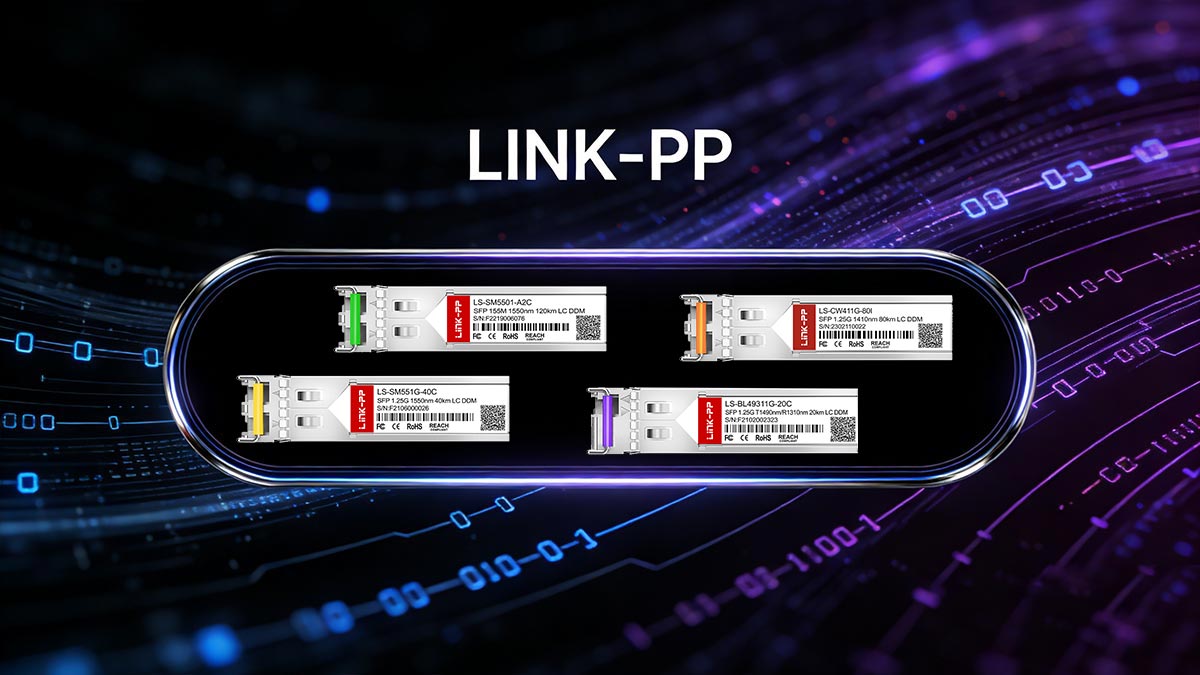
If you are looking for reliable, fully tested Gigabit SFP transceivers with strong compatibility across major switch platforms, you can explore professionally validated solutions from trusted suppliers like the LINK-PP Official Store, designed for stable performance in enterprise and telecom environments.



